If the input mode is activated,
each digit is marked and can
be changed via access with
the UP and DOWN arrow
keys.
For selection amongst a
number of options, the
DOWN key will access and
highlight the selection item in
ascending/up order (e.g.
selection of either German or
English from the available
language options).
Upon entry or change of
various data, the highlighted
digit can be accessed and
changed in ascending/up
direction.
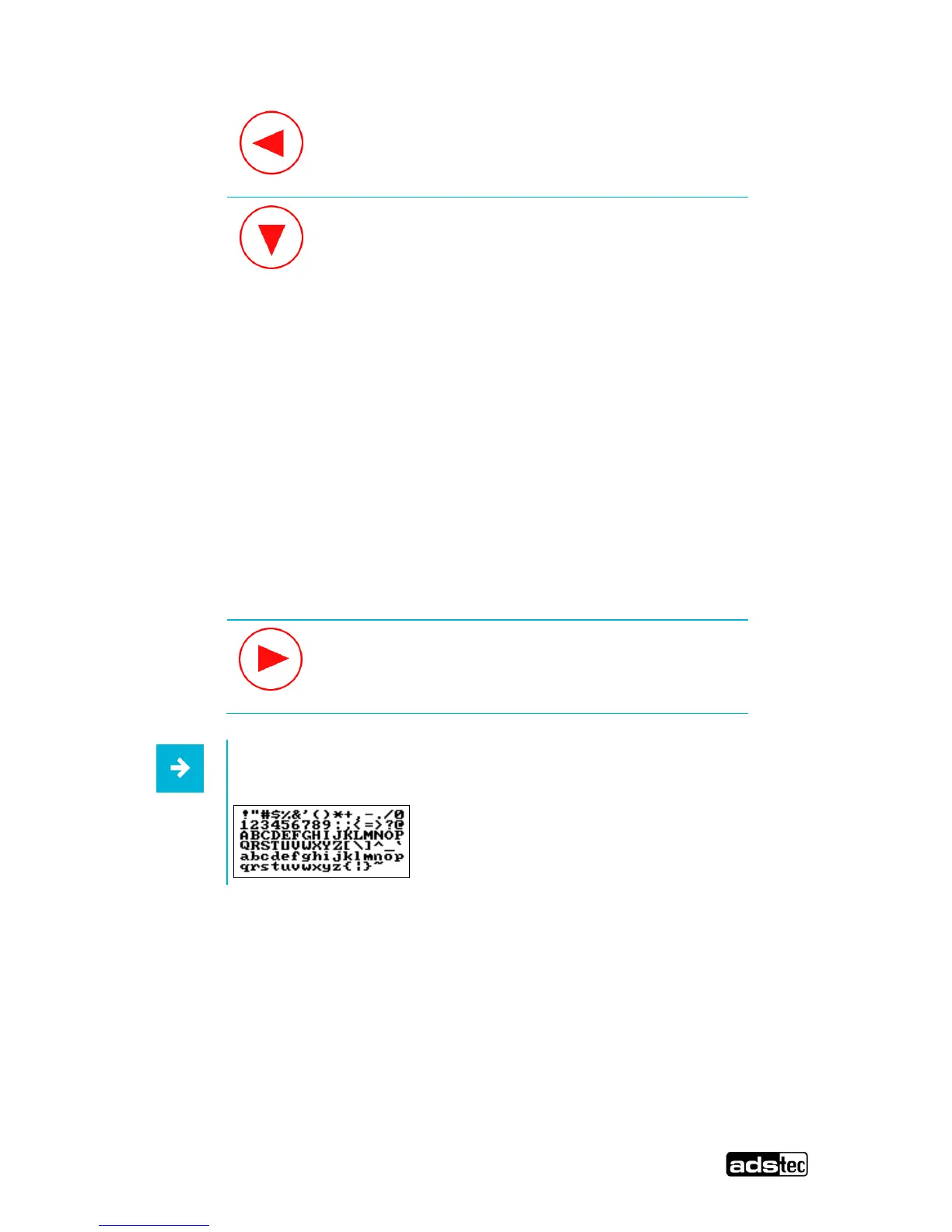
The succession of the
characters is provided in the
ASCII code. However, a
space character is assigned
for simplification of first-time
operation of the DOWN
navigation direction option. If
the key is pressed a second
time, the system proceeds
with ASCII character strings.
If the input mode is activated,
each digit is marked and can
be changed via access with
the UP and DOWN arrow
keys.



 To Next Page