Nero SoundTrax Working with Nero SoundTrax • 19
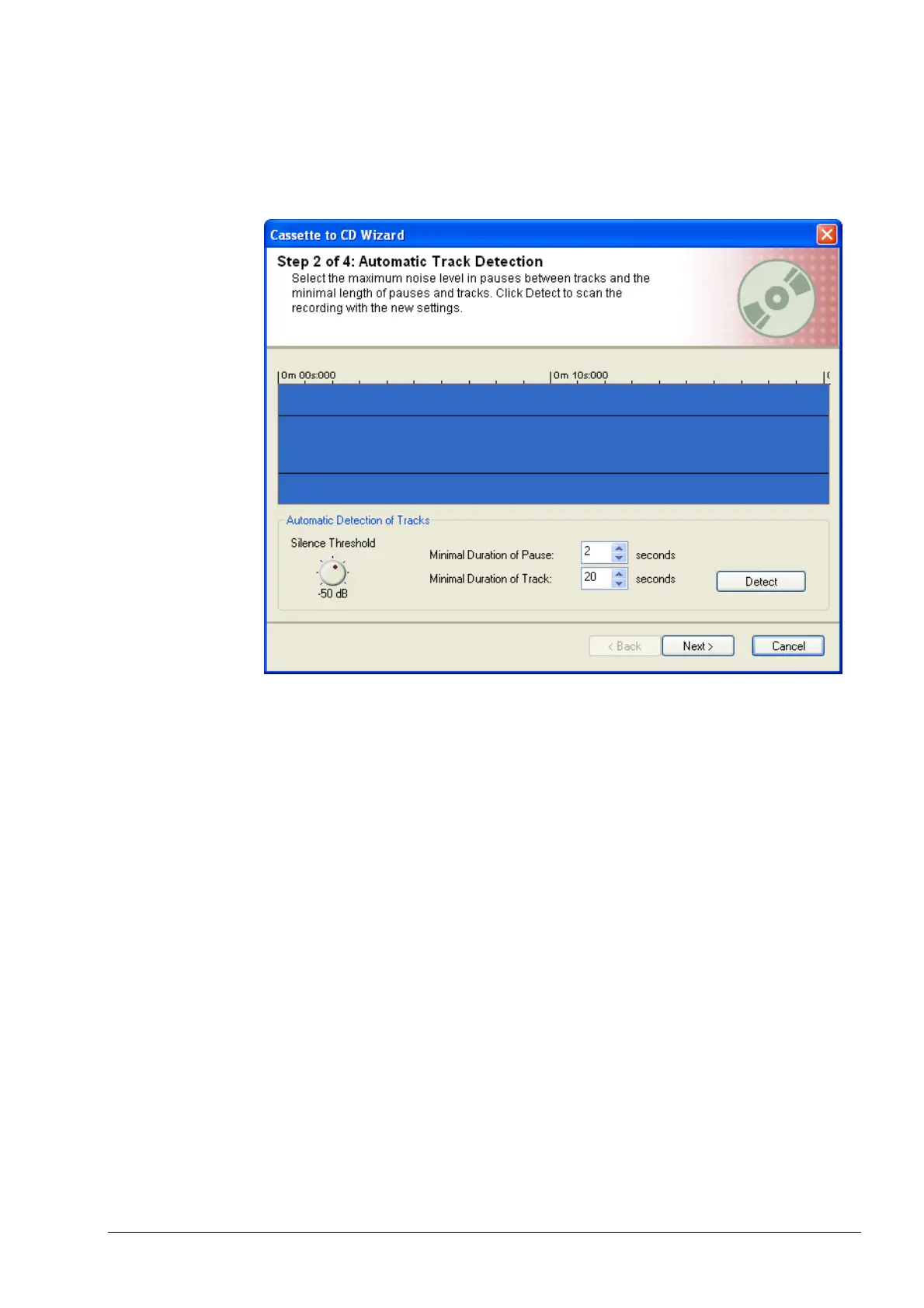
3. Choose the maximum noise level in the pauses between the tracks, by turning
the 'Silence Threshold' to the required number of decibels. Choose the
minimum duration of pauses between the tracks and tracks themselves by
entering a value in the corresponding field. Then click on the 'Detect' button to
divide the recording into different tracks using the settings you have selected.


 To Next Page