PYRO A/V LINK 51
Capturing DV video
To capture DV video:
1. Connect your camcorder to the IEEE 1394
capture card. Turn it on and set it to Play
(or VTR / VCR) mode. Check your device
manual for specic instructions.
2. Open a new project.
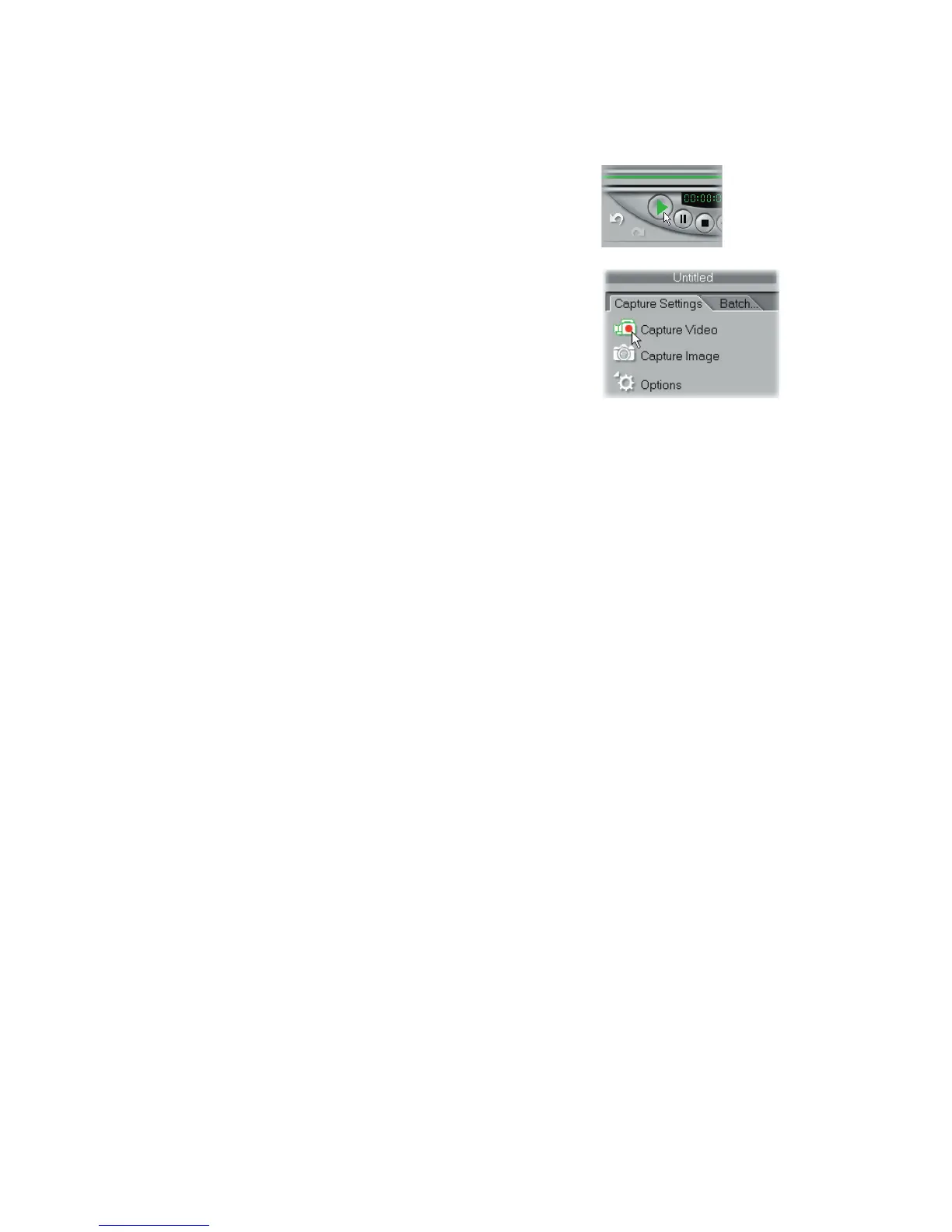
3. In the Capture Step, click Play in Navi-
gator.
4. When you get to the part of the video you
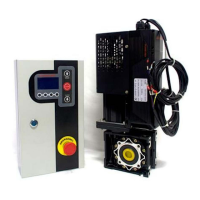
want to record, click Capture Video on the
Capture Settings Tab in the Options Panel.
5. Click Capture Video again or press [Esc] to
stop capturing.


 To Next Page