PYRO A/V LINK 7
PYRO A/V Link Hardware Description
Front Panel:
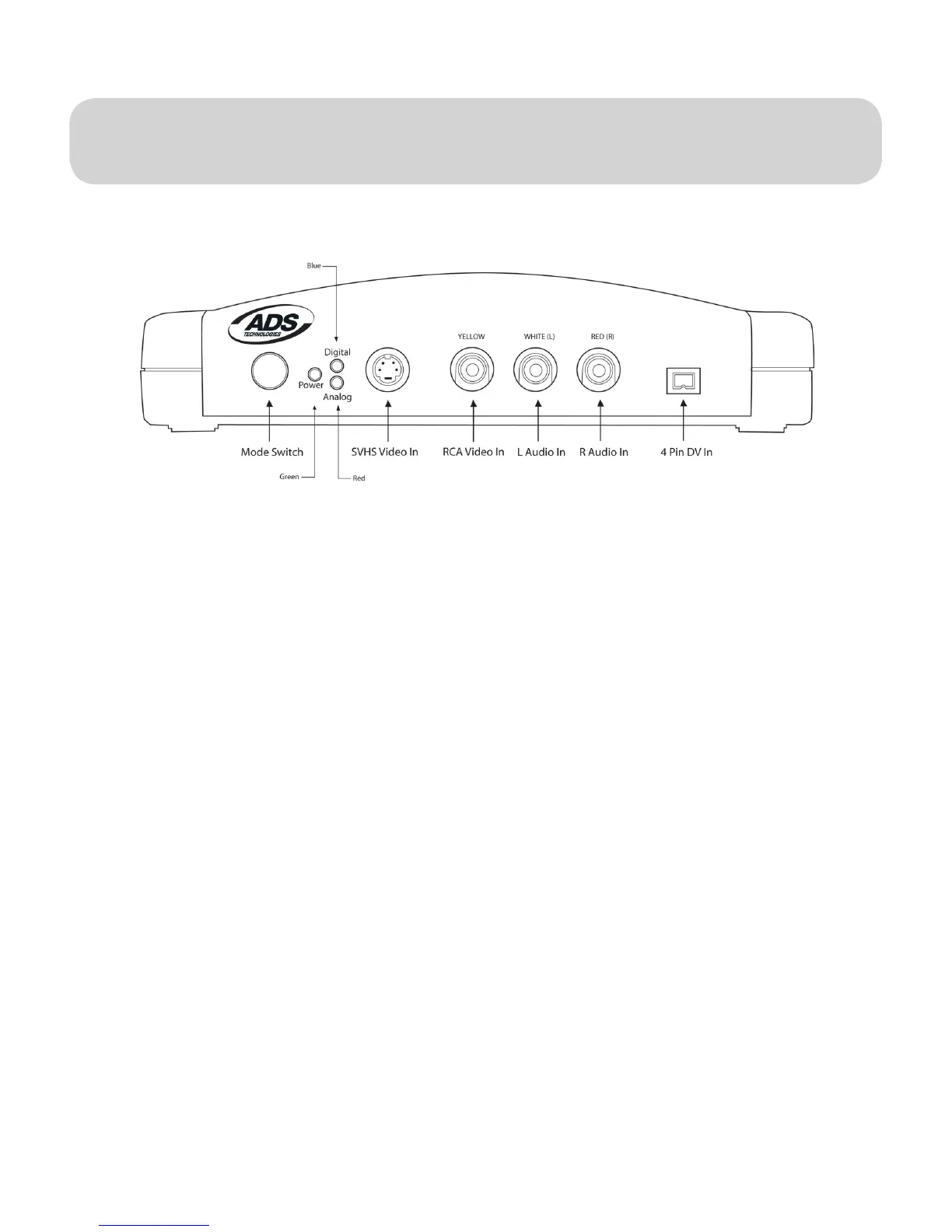
The front of the PYRO A/V Link is for all of the audio and video INPUT
Connectors, LED displays and Mode Switch.
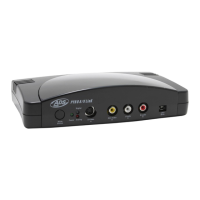
PYRO A/V Link
Front Image
Mode Button – Switches from DV capture or Analog Output.
The Blue LED will be on whenever video is being captured as DV whether the
source is an analog video tape or your DV camcorder. The RED Analog LED will
turn on when you are exporting DV to a VCR or other analog device.
LED:
Green: Power
Blue: DV Capture
Red: Analog Export
Connectors:
S-VHS Input
Composite(RCA) Input
Right and Left Audio(RCA) Input
4 Pin DV Input


 To Next Page