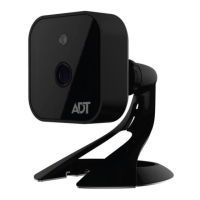
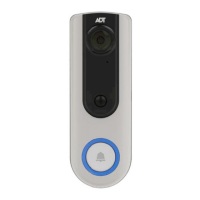
DBC835 Wireless Doorbell Camera Installation
Chapter 3: ADT Pulse Enrollment
10
Pu
11.
The
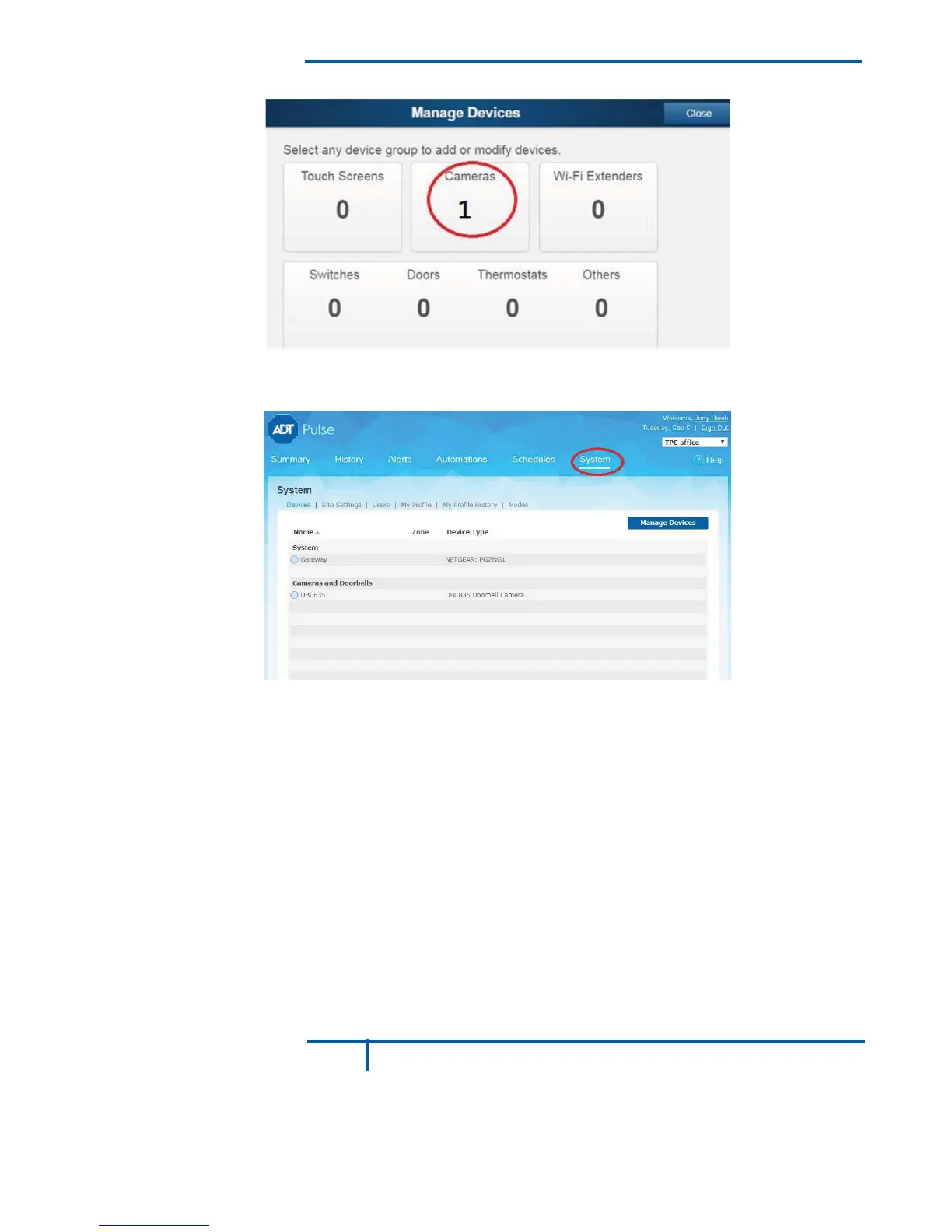
Manage Devices
screen is displayed. Click Close.
Figure 11: Manage Devices Screen
12.
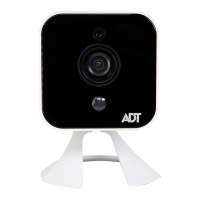
Click "System" page to check if the device is enrolled already.
Figure 12: System Screen
13.
Move the camera to where the doorbell button is located and check
the LED to see if the camera still has WiFi connectivity.
Note: If the WiFi cannot reach the front doorbell camera, you will see
the power LED kept blinking red. Then a repeater is required or move
the CloudLink/TSS to the center of the house.


 To Next Page