EasyManua.ls Logo

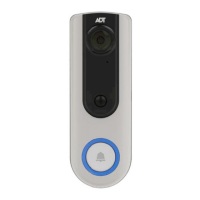
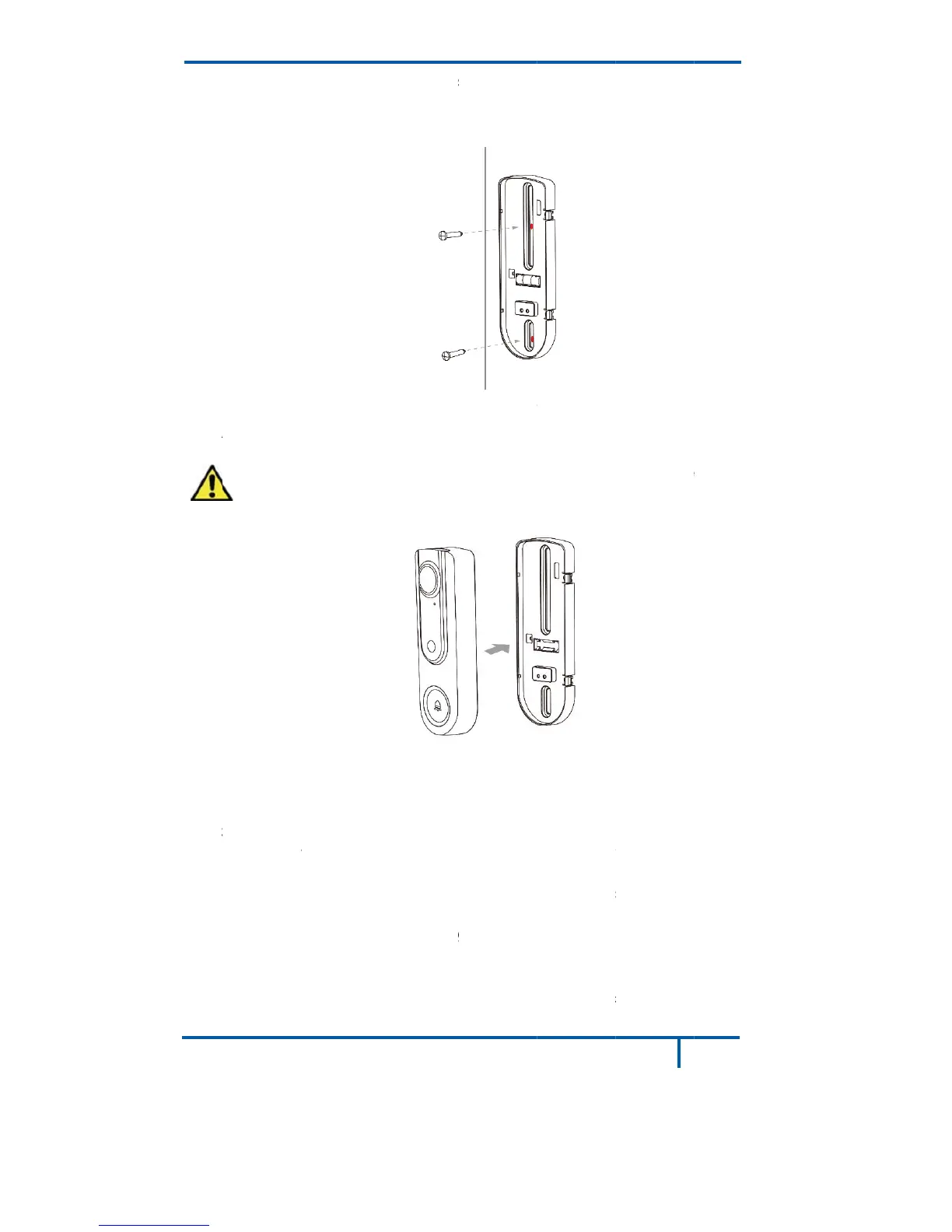
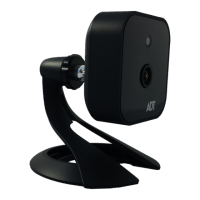
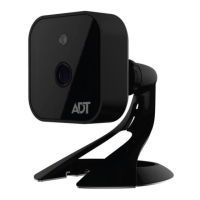
ADT Pulse DBC835 - Installing the Screws; Attaching the Camera to the Bracket

ADT Pulse DBC835
16 pages
Print Icon
To Next Page IconTo Next Page
To Previous Page IconTo Previous Page
Loading...
D
B
5.
6.
A
d
7. T
8.
C
A
s
e
N
t
y
N
n
o
N
a
B
C835 Wir
e
Secure th
e
Note: Ins
e
A
ttach the
d
oorbell ca
m
Caution:
attach t
h
F
urn on the
C
heck if th
e
C wires a
r
e
conds.
ote 1: Ple
a
y
pe could
b
ote 2: Co
m
o
t working
N
ote 3: Ch
e
a
WiFi rep
e
e
less Doorb
e
bracket
w
e
rt the anc
h
Fig
d
oorbell c
a
m
era is fir
m
To avoid
h
e camera
F
igure 18:
A
breaker c
e
chime is
w
r
e not con
n
a
se check
b
e manag
e
m
patibility
I
properly,
e
ck WiFi s
e
ate
r
or m
o
ell Camer
a
w
ith screw
s
h
ors if nec
ure 17: In
s
a
mera to t
h
m
ly fixed
a
damaging
to the mo
u
A
ttaching
t
ircuit.
w
orking n
o
n
ected pro
p
if the sou
n
e
d in ADT
p
I
ssue of di
g
please ch
a
ignal and i
o
ve the Cl
o
Chapter 4
:
a
Installatio
n
s
. Please
s
e
ssary.
s
talling the
h
e mountin
a
nd workin
g
the rubbe
r
u
nting bra
c
t
he Came
r
o
rmally aft
e
p
erly, the
r
n
d of chim
e
p
ulse enr
o
g
ital chim
e
a
nge to
An
f the pow
e
o
udLink/T
S
:
Hardwar
e
n
s
ee Figur
e
e
Screws
g bracket.
g
properly
.
r of the po
c
ket horiz
o
r
a to the B
r
e
r pushing
r
ed LED
w
e
r works a
s
o
llment pro
e
models
a
n
alog Chi
m
e
r LED bli
n
S
S to the
c
e
Installati
o
e
17.
Make sur
e
.
g
o pin, pl
e
o
ntally.
r
acket
the Ring
b
w
ill blink ev
e
s
usual. T
h
cess.
a
nd if the c
m
er.
n
ks red, pl
e
c
enter of th
o
n
13
e
the
e
ase
b
utton. If
e
ry 5
h
e chime
himer is
e
ase add
e house.

Related product manuals