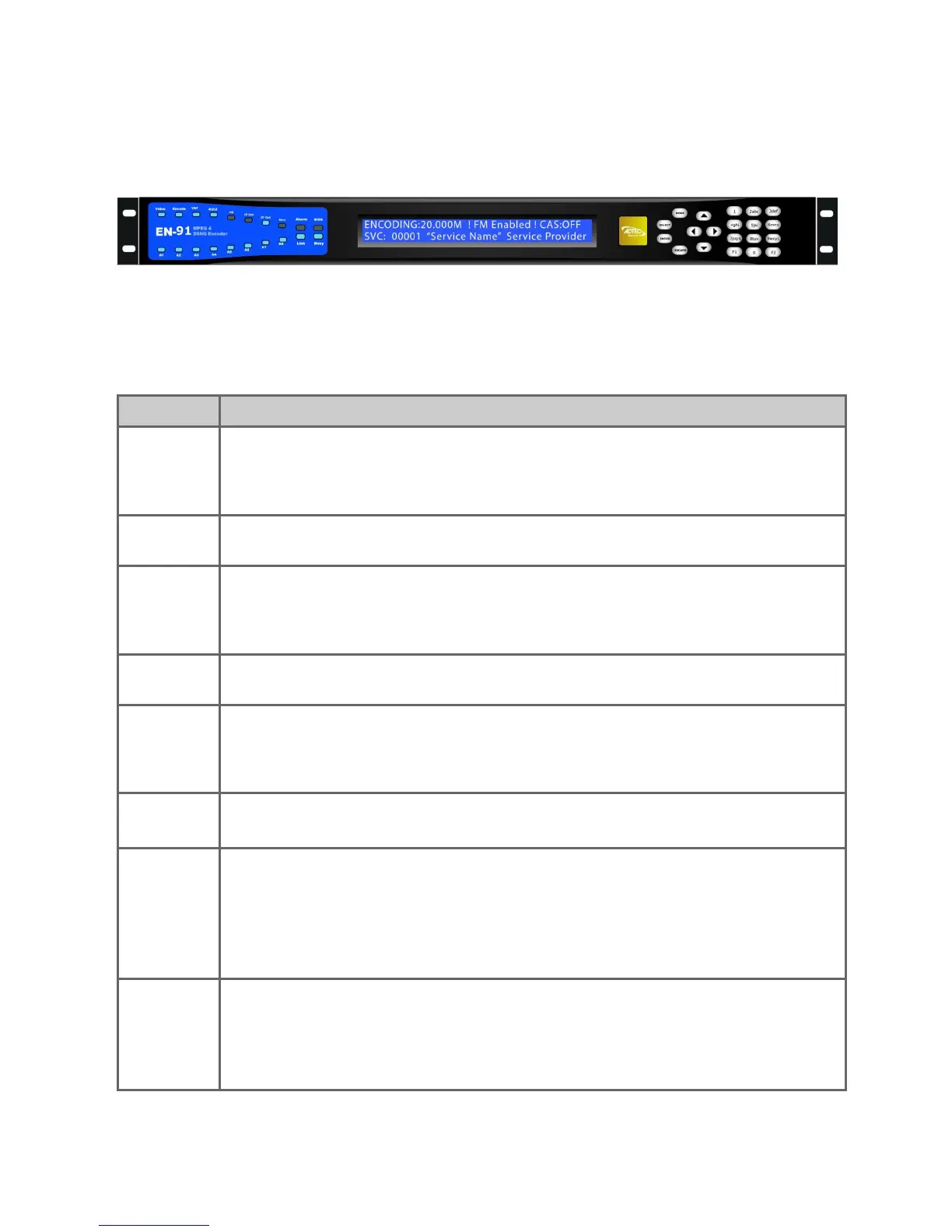
Front Panel
Transport LED Indicators
Indicator Function
Video Off - If modulator is installed, an off led indicates that no video is detected on
the selected input or that ASI Receive mode is enabled.
On - Video is detected on the selected input.
Blink - No video is detected and fault mode is active.
Encode Off - Device is not encoding. Idle State
On - Device is encoding.
VAF Off - Video autofill is off.
On - Video autofill is on.
Note: Turning video autofill on enables the encoder to calculate and use the
max video bitrate for the current TMR setting.
4:2:2 Off - Encoding chroma type 4:2:0.
On - Encoding chroma type 4:2:2.
HD Off - Encoding standard definition.
On - Encoding high definition.
Note: This product offers optional HD encoding. Check to make sure HD key is
enabled if you experience issues with HD encoding.
IP Out Off - Transport of IP via Ethernet or GigE is idle.
On - Transport of IP via Ethernet or GigE is active.
RF Out Off - Modulator is not transmitting.
On - Modulator is transmitting.
Blink - Modulator is running in test mode.
Note: Making changes to specific modulator parameters can cause the
modulator to stop transmitting and you will need to re-enable it. This is by
design to prevent transmission with an incorrect power setting.
Bars Off - B/T/ID options are disabled.
On - B/T/ID are enabled.
Note: This product comes with the ability to generate bars/tones and service
ID via OSD on video loss. This can be configured only via the web UI on the
Video Tab.



 To Next Page