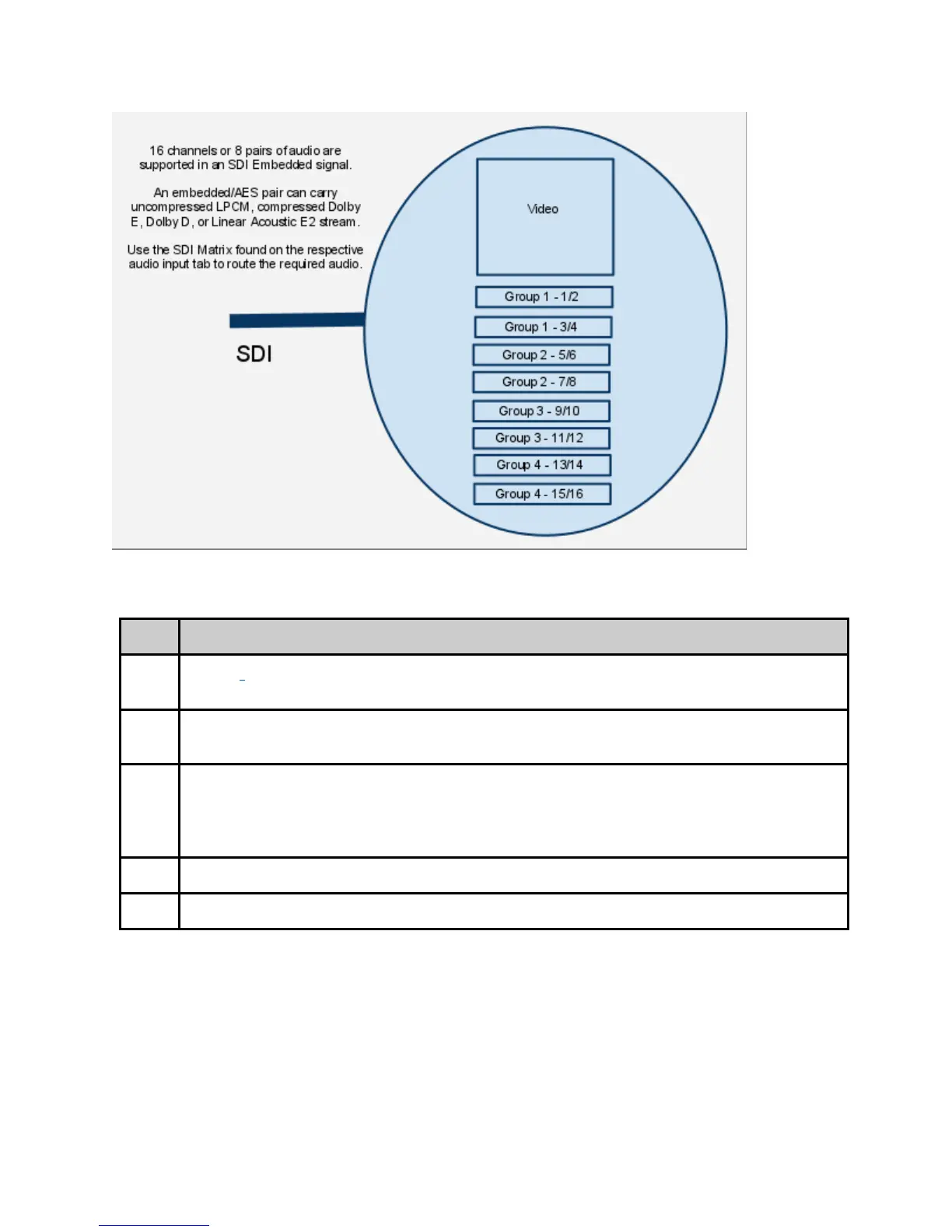
To enable Audio passthru for Audio 1:
Step Action
1 On the Audio -> Audio 1 in the Web GUI Control Application, configure the "Audio
Mode" for <PASSTHRU>.
2 Configure the “Audio Input” for the desired input <AES> or <SDI>.
note: If using SDI, select the proper audio pair from the SDI audio matrix.
3 Select the type of audio from the “Type” drop down. <Dolby Digital>, <Dolby E>,
or <Linear PCM / E2>.
note: If Dolby E or Dolby Digital is valid at the input, the bit depth and bit rate are
automatically determined after clicking Apply.
4 On the “PID” tab, type in the desired Audio PID for “Audio 1”.
5 Adjust other audio PID’s if necessary.
Common Passthru Problems:
Dolby E Line Placement and/or Dolby E Continuity Count Errors:
Dolby E audio compression technology is designed so that 1 Dolby E audio frame
corresponds to 1 Video frame. This 1:1 ratio of video and audio timing was designed to
assist in Video editing and seamless cuts without losing audio data. Due to the crucial and



 To Next Page