EasyManua.ls Logo

Advanced Instruments 3250 - Service Manual

Advanced Instruments 3250
81 pages
Print Icon
To Next Page IconTo Next Page
Loading...
3255SM Rev24 041017
Advanced
®
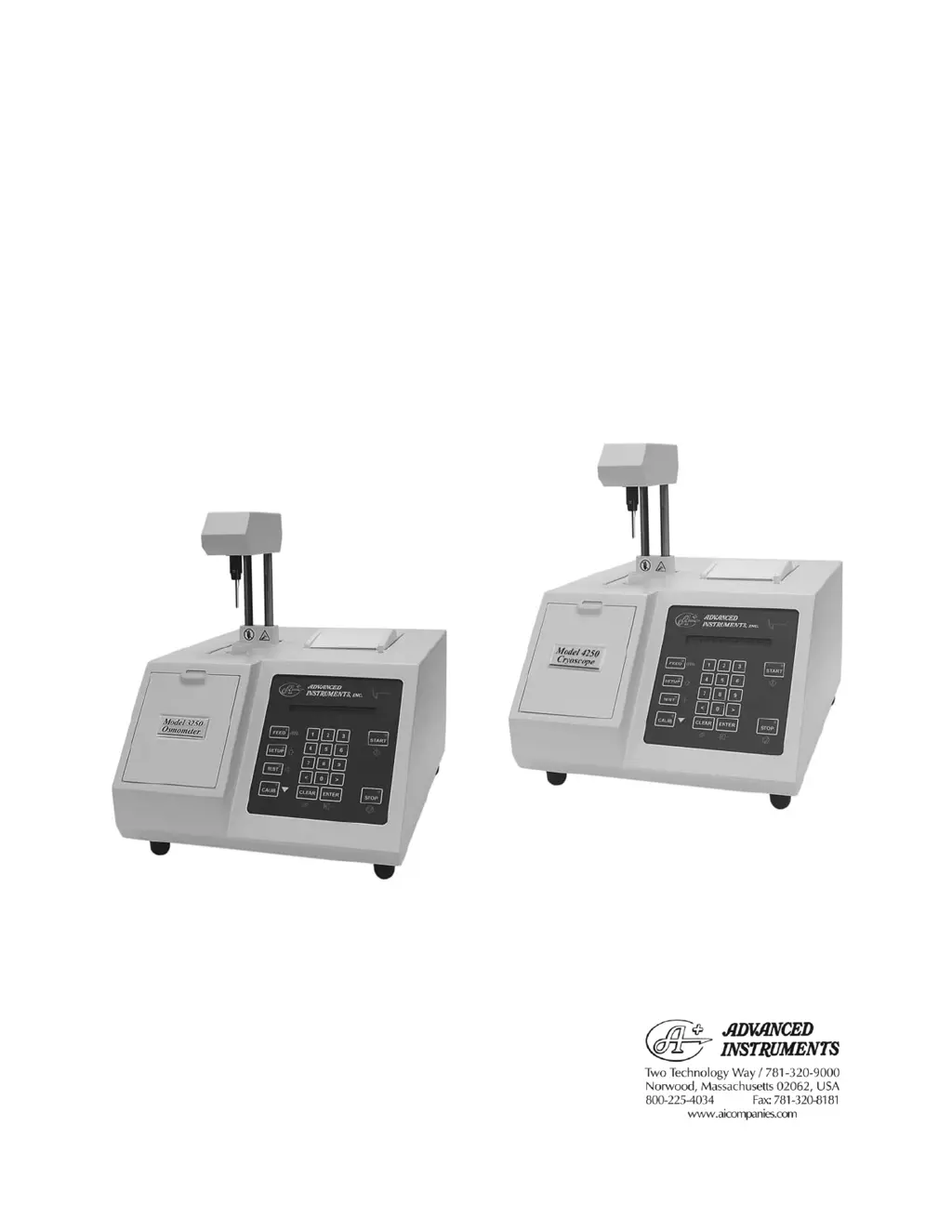
Osmometer Model 3250
Advanced
®
Cryoscope Model 4250
Service Manual

Other manuals for Advanced Instruments 3250

Questions and Answers

Summary

Introduction

Specifications

Detailed technical specifications for Model 3250 Osmometer.

Cryoscope Specifications

Detailed technical specifications for Model 4250 Cryoscope.

General Description and Purpose

Explains the function of Osmometers and Cryoscopes.

Service Assistance

Contact information and procedure for obtaining service.

Safety and Regulatory Information

Important safety precautions and regulatory compliance details.

General Cautions

General operating and handling cautions for the instrument.

Service & Maintenance Cautions

Specific cautions related to performing service and maintenance.

Hazardous Material Cautions

Precautions for handling biohazardous materials.

Regulatory Notices

Compliance statements with various national and international standards.

FCC Requirements

Details on FCC compliance and interference guidelines.

General Overview

Internal Components (Serial Suffix A-C)

Identifies key internal components of the instrument.

Internal Components (Serial Suffix D and Higher)

Identifies key internal components for later models.

Calibration

Calibration Procedure

Step-by-step guide to calibrate the instrument.

Circuit Description

Power Supply

Description of the instrument's power supply systems.

Front End Components

Details on the sample measurement and cooling components.

Processor Board Description

Explanation of the processor board's architecture and functions.

Application Board Description

Explanation of the application board's circuitry and functions.

Serial (RS-232) Port Interface

Details on the RS-232 communication port and its pin assignments.

Printer Description

Information about the internal printer assembly and interface.

Design Changes

Revision History

Lists major changes made at different serial suffix revisions.

Replacement Parts

Common Parts

Lists common replacement parts for both models.

Serial Suffix A-C Specific Parts

Lists replacement parts specific to earlier serial suffixes.

Supplies & Accessories

Ordering Information

Information on how to order parts and supplies.

Maintenance

Cleaning and Maintenance

Procedures for cleaning the instrument and its components.

Removing Covers

Instructions for safely removing instrument covers.

Well Cleaning Procedure

Detailed steps for cleaning the Osmometer/Cryoscope well.

Printer Cleaning and Lubrication

Guide for cleaning and lubricating the printer mechanism.

Probe & Stir;Freeze Wire Alignment

Steps for aligning critical probes and stir/freeze wires.

Troubleshooting

Introduction to Troubleshooting

General guidance on identifying and resolving instrument issues.

Freeze Buzz Amplitude Check

Procedure to check and adjust freeze amplitude settings.

Stir Driver Noise Diagnosis

Steps to identify and resolve stir driver noise issues.

Head Sensor Adjustment

How to adjust the head position sensors for proper operation.

Head Up;Down Test

Procedure to test the head movement mechanism.

Power On Diagnostics

Overview of initial instrument checks and error messages.

A;D Tests

Detailed tests for probes and cooling system using A/D readings.

Sample Bin Setting

Guide to setting and verifying sample bin numbers.

Block Bin Setting

Guide to setting and verifying block bin numbers.

Stir Amplitude Adjustment

How to set and adjust the stir wire amplitude.

Display;Printer Test

Procedure to test the instrument's display and printer functions.

Beeper Test

Test to verify the functionality of the instrument's beeper.

Keypad Test

Procedure to test all keys on the instrument's keypad.

Barcode Test

Test to verify the barcode scanner functionality.

Reset Serial Number

Instructions for resetting the instrument's serial number.

Troubleshooting Table

Comprehensive table of symptoms, explanations, and solutions.

Instrument Software Updates

Performing FLASH Firmware Update

Steps for updating the instrument's firmware.

Method Without Opening Cover

Procedure for updating firmware without removing the cover.

Option Switch Settings

Configuration options for processor board switches.

Replacement Instructions

Schematics

Appendix A Symbol Definitions

Symbol Definitions List

A comprehensive list and explanation of product symbols.

Appendix B Product Disposal and Recycling

Product Disposal and Recycling Guidelines

Guidance on environmentally responsible disposal of the product.

Appendix C Service Log

Service Log Entry

A log to record instrument service history and details.

Advanced Instruments 3250 Specifications

General IconGeneral
BrandAdvanced Instruments
Model3250
CategoryMeasuring Instruments
LanguageEnglish

Related product manuals