21
2.9. Water Meters / Totalizers
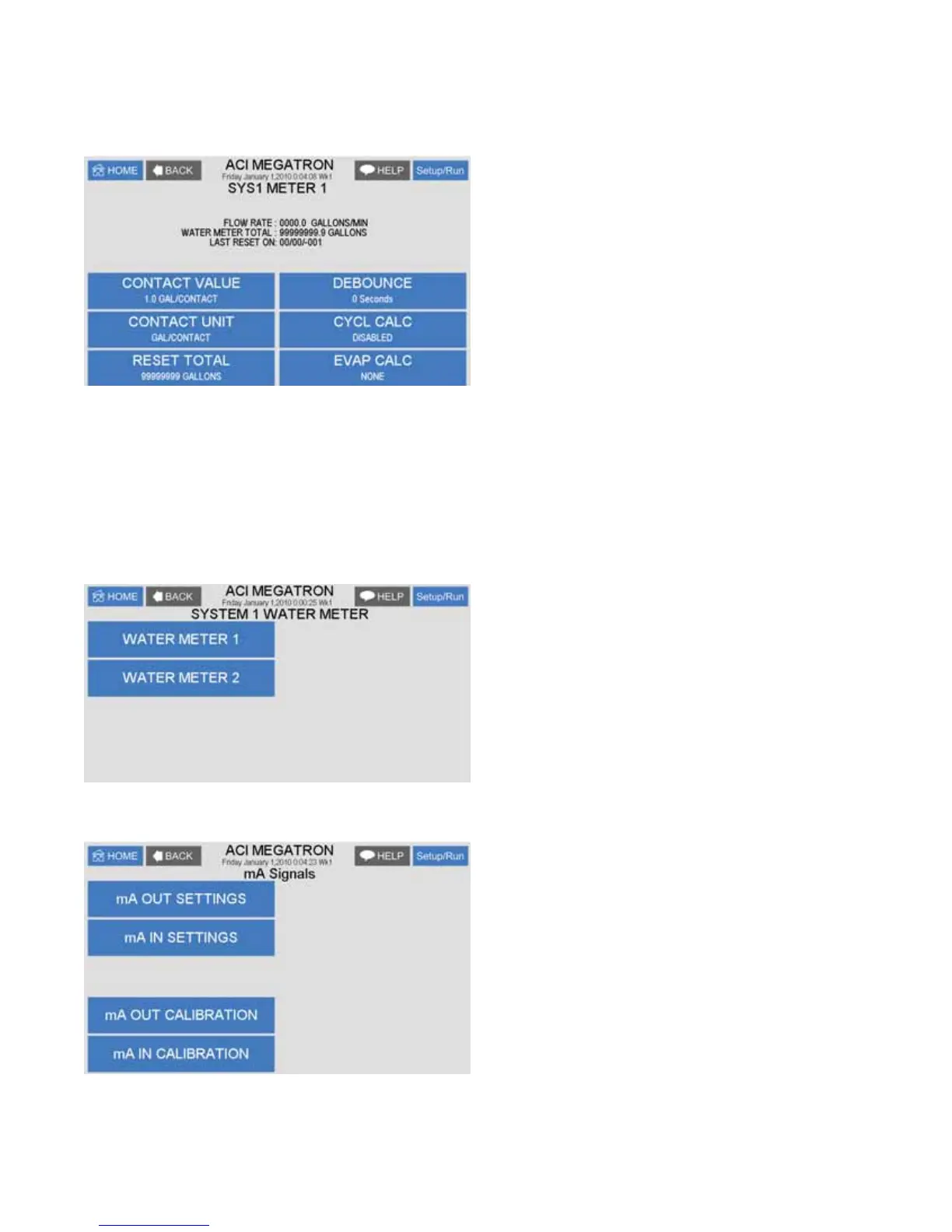
Each system with a timer on it will have 2 water meter inputs. Each of these can have the incoming contact
GH¿QHGDOORZLQJWKHFRQWUROOHUWRNHHSWUDFNRIZDWHUXVDJH,IGHVLUHGWKHFRQWUROOHUFDQFDOFXODWHHYDSRUDWLRQ
loss by subtracting the deference between a systems 2 water meter inputs.
CONTACT VALUE'H¿QHVWKHQXPHULFDOYDOXHIRUD
contact; i.e. 10.
CONTACT UNIT'H¿QHVWKHXQLWVRIPHDVXUHPHQW
for a contact; i.e. Gallons / Contact
RESET TOTAL - Resets the totalizer count.
EVAP CALC'H¿QHVZKLFKZD\WRVXEWUDFWWKH
water meter inputs for an evaporation value.
DEBOUNCE - An additional amount of time the input
will wait before accepting another water meter contact
to reduce false contacts from a chattering read switch.
2.9.a. Option W Totalizers
0HJD7URQ07FRQWUROOHUVZLWK³:´RSWLRQPD\KDYHWRDX[LOLDU\ÀRZPHWHULQSXWV7KHVHDGGLWLRQDOLQSXWV
DUH IRUWUDFNLQJ YDULRXV ÀRZPHWHU GHYLFHV DGGLWLRQDOZDWHU PHWHUV RUÀRZPHWHUV LQ DPHWHULQJ SXPS¶V
GLVFKDUJHWXELQJ7KH\FDQDOVREHOLQNHGWRDV\VWHP¶VZDWHUPHWHULQSXWIRUDGGLWLRQDOWUDFNLQJDQGDODUP
FDSDELOLWLHVLQFOXGLQJEOHHGÀRZQRÀRZH[FHHGLQJWRRPXFKÀRZLQDRUKRXUSHULRG8QLWVZLWK
Auxiliary Flow meter inputs have a Home menu selection for Totalizers. The Totalizer menu has selections
for each of the System Water Meters plus one named Aux Meters.
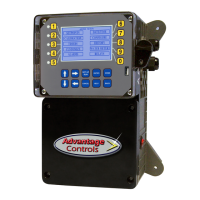
Select the system water meter to set-up
RUJRWR$X[0HWHUVWRVHWXSWKHDX[LOLDU\ÀRZPHWHUV
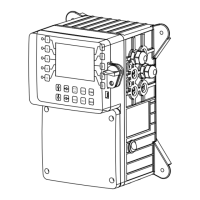
3. mA Signals



 To Next Page