19 ARK-1123 User Manual
Chapter 2 Hardware Installation
2.4.8 HDD LED Indicator
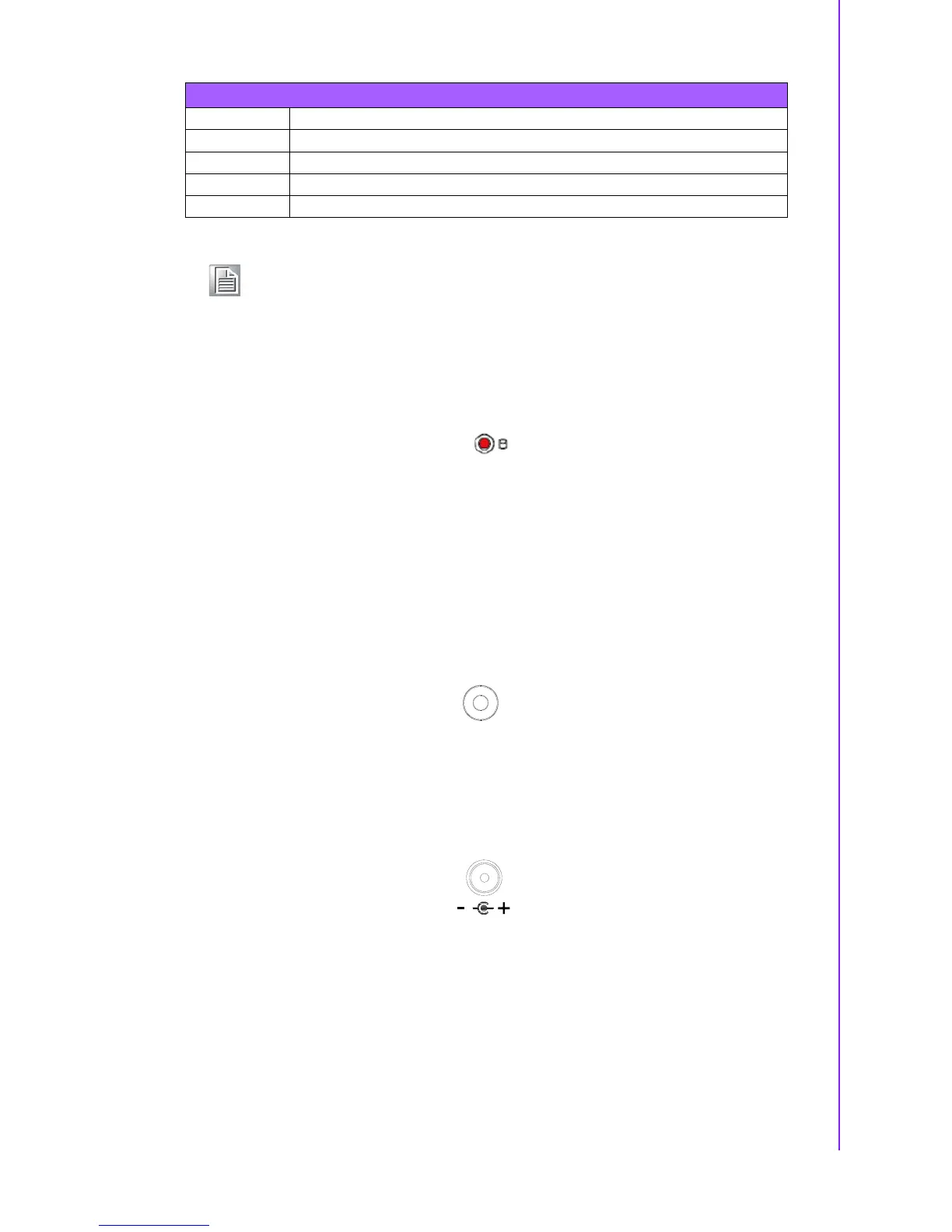
HDD LED indicator on ARK-1123C front metal face plate for indicating system status:
HDD LED is for HDD flash disk status.
2.5 ARK-1123L External I/O Connectors
2.5.1 Power ON/OFF Button
ARK-1123L comes with a Power On/Off button with LED indicators on the front side
to show its On status (Green LED) and Off/Suspend status (Orange LED). Dual func-
tions of Soft Power -On/Off (Instant off or Delay 4 Seconds), and Suspend are sup-
ported.
Figure 2.21 Power ON/OFF Button
2.5.2 Power Input Connector
ARK-1123L comes with a DC-Jack header that carries 12 V
DC
external power input.
Figure 2.22 Power Input Connector
5 GND GND GND
6 DSR NC NC
7 RTS NC NC
8 CTS NC NC
9 RI NC NC
Note! NC means “No Connection”.
Table 2.12: COM Connector Pin Assignments














 To Next Page