UTC-318 User Manual 8
2.1 Quick Tour
Before setting up UTC-318, take a moment to familiarize yourself with the location
and functions of the controls, drives, connectors, and ports.
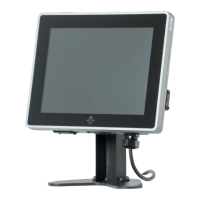
When the UTC-318 is upright, the front panel should appear as shown in Figure 2.1.
Figure 2.1 UTC-318 Front View
Located at the rear of UTC-318 is the I/O section, as shown in Figure 2.2.
(The I/O section comprises serial, Ethernet, USB, HDMI, Line-Out/Mic-In, RJ11, and
DC-In ports, as well as a power button.)
Figure 2.2 UTC-318 Rear View











 To Next Page