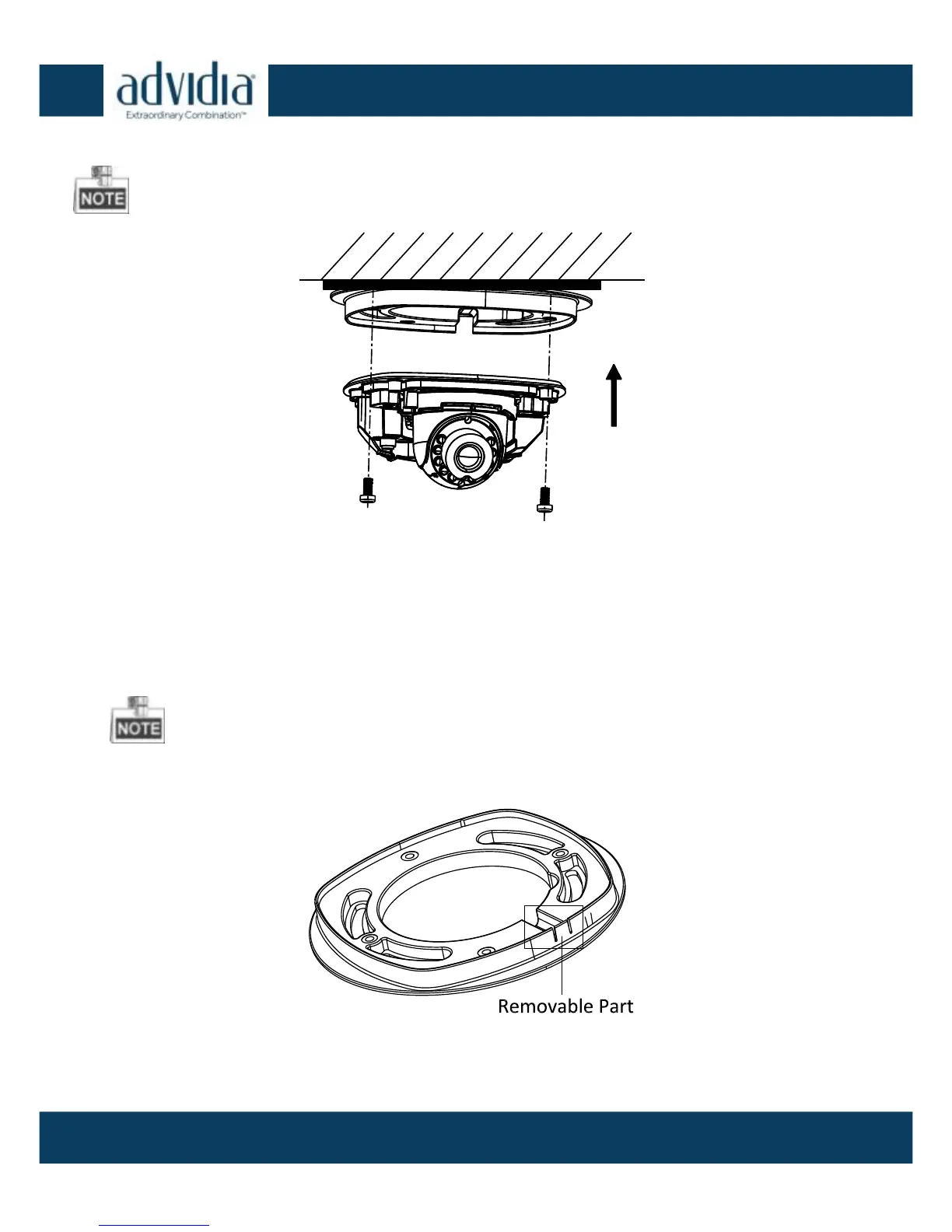
4. Attach the camera housing with the supplied screws.
Attach the camera body Figure 2-4
5. Connect the power cable (if not using PoE), and network cable,
Use pliers to remove the removable tab and route the cables via
side outlet (as shown in Figure 2-3) if no cable hole is drilled in
step 1, and connect the corresponding cables.
Remove the Removable Part Figure 2-5



 To Next Page