6. View the image via the web browser.
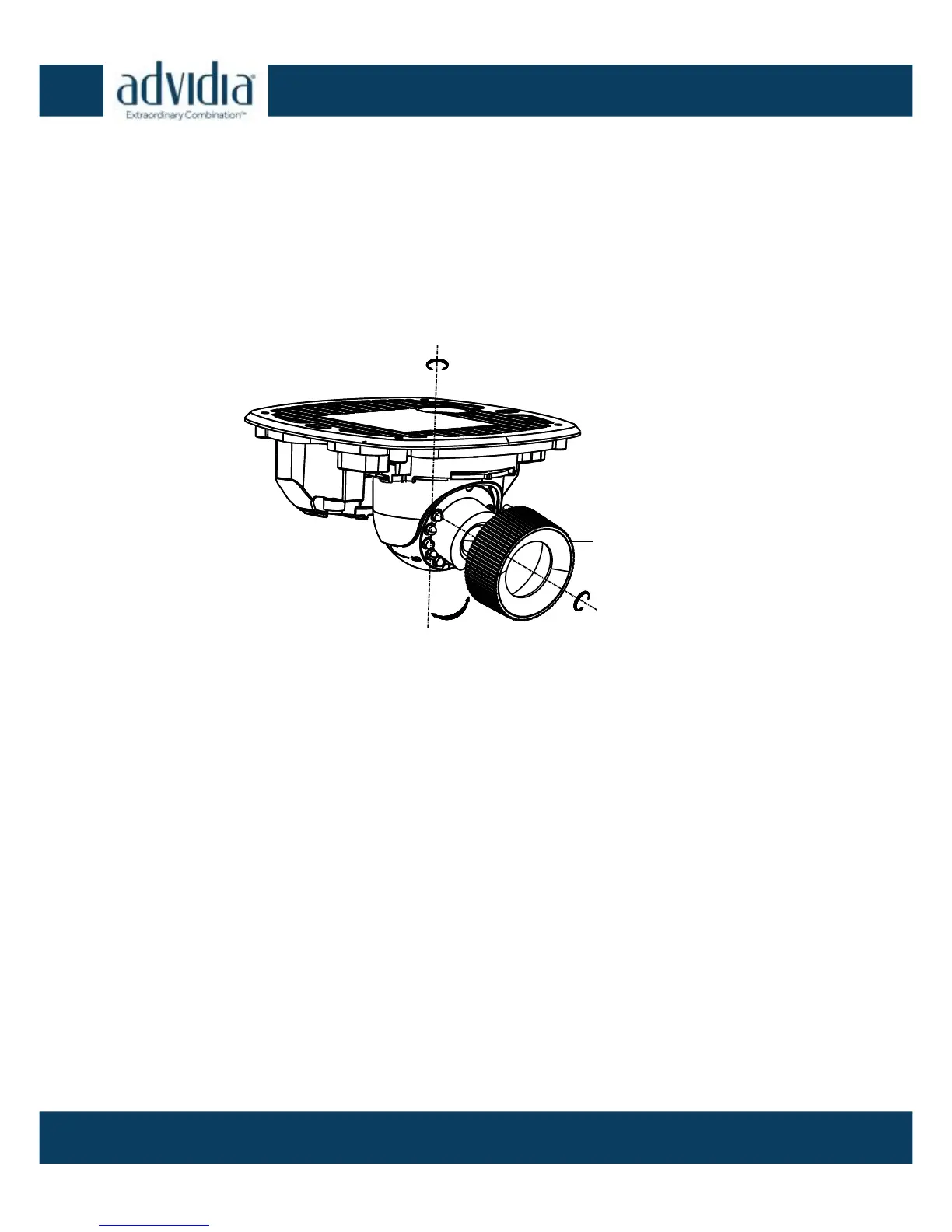
7. Slightly loosen the hex screw beside the RESET button to adjust
the surveillance angle.
8. Use the supplied adjusting tool to adjust the pan [±30°], tilt
[0~80°], and rotation direction [0~360°].
3-Axis Adjustment Figure 2-6
9. Tighten the hex screw after final adjustments have been made.
10. Place the camera housing over the camera body and tighten the
set screws on the front cover.



 To Next Page