EasyManua.ls Logo

AEC ACM Series - User Manual

AEC ACM Series
72 pages
Print Icon
To Next Page IconTo Next Page
Loading...
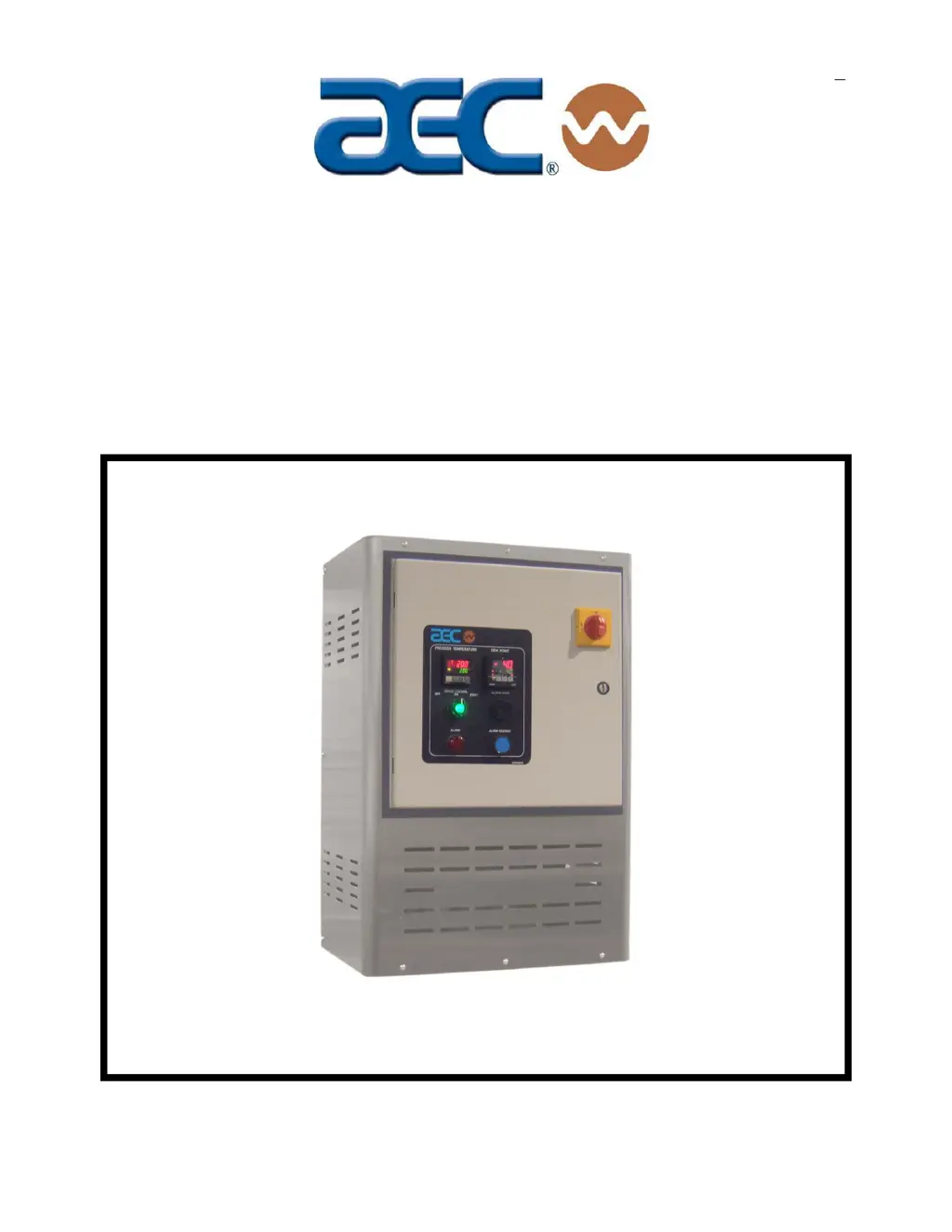
Operation and Installation Manual
ACM Series
Dehumidifying Dryers
Important! Read Carefully Before Attempting to Install or Operate Equipment
Part No. A0570044 Revision NEW Bulletin No. WH1-620
$30
00

Table of Contents

Questions and Answers

  • T
    Tracy MccoyAug 13, 2025
    What to do if material in AEC ACM cakes or melts down?
    • J
      Joel HillAug 13, 2025
      If the material in the AEC Dryer's drying hopper cakes or melts down, it could be due to several reasons. The process temperature might be set too high, so check the resin manufacturer's data sheet for the correct drying temperature and ensure plant personnel know the correct set point. Also, the high-temperature alarm might not be set correctly, so reset it. The process set point could be out of the acceptable range; if so, restore the temperature controller to factory pre-sets. Ensure the function is set correctly for Celsius or Fahrenheit. Finally, check that the process thermocouple is properly installed in the inlet tube.
  • M
    michaelpinedaAug 16, 2025
    Why is the AEC ACM Dryer dew point performance poor?
    • M
      Matthew KellyAug 16, 2025
      If you experience poor dew point performance with your AEC Dryer, several factors could be responsible. A regeneration heater might be burned out, requiring repair or replacement. Check for leaking process air hoses and repair or replace them as needed. Ensure the dryer isn't operating beyond its capacity by verifying the dryer and drying hopper sizing. A bad dew point sensor can cause this issue, so consider replacing it. The dew point sensor manifold might be fouled, so clear any obstructions to ensure free airflow through the sensor. Additionally, check if the coalescing filter is saturated and replace it with a new element, or if the large particle filter is dirty, remove and clean it. Finally, the membrane may be contaminated, necessitating replacement.
  • N
    Nichole AnthonyAug 20, 2025
    Why is there a loss or reduction of process air temperature in my AEC ACM?
    • M
      Matthew FreemanAug 20, 2025
      If you notice a loss or reduction in process air temperature in your AEC Dryer, there are a few potential causes. The process heaters might be faulty; check them for open heaters and replace them if necessary. A faulty solid-state temperature controller could also be the issue, in which case you should replace it. Also, ensure that plant personnel are aware of the proper temperature set point, and consider posting a sign next to the controller, in case the process temperature was adjusted in error.
  • A
    Anthony ClarkAug 25, 2025
    Why is there a loss or reduction in drying capacity in my AEC ACM Dryer?
    • P
      Phillip McmillanAug 25, 2025
      If your AEC Dryer experiences a loss or reduction in drying capacity, it could be due to several reasons. The process heaters might be faulty, requiring replacement. The material being dried might differ from what was specified at the time of purchase, which could mean it needs a longer residence time or a different drying temperature. Also, inspect the flex hose to/from the drying hopper for air leaks and replace it if needed.
  • T
    tgonzalesAug 27, 2025
    What to do if nothing displays when the AEC ACM controller is turned on?
    • M
      Monique CastroAug 27, 2025
      If nothing displays when you turn on the controller for your AEC Dryer, it could be due to a few reasons. The internal mechanism might not be properly inserted into the housing, so ensure it is. The power supply might not be connected to its terminals correctly, so check the connections. There might be no power supplied, or the supplied power might not be within the specified range, so ensure you're supplying a voltage of 85 to 125 VAC to the power supply terminals. Also, check the control power fuse for continuity and ensure the disconnect switch and control power switch are ON.
  • B
    blaketiffanyAug 31, 2025
    Why are PLC Regeneration Bed LED indicators both off on my AEC Dryer?
    • M
      Melissa CrawfordAug 31, 2025
      If both PLC Regeneration Bed LED indicators are off on your AEC Dryer, it could be due to insufficient power to the PLC. Check the power supply and power wiring to the PLC. Alternatively, the PLC might be faulty. If the PLC power light is on, but the run light is off, and/or the error light is on, replace the PLC.
  • G
    Gloria RuizSep 3, 2025
    How to unlock temperature controller settings on AEC ACM?
    • U
      uhuertaSep 4, 2025
      If you cannot change settings on the temperature controller of your AEC Dryer, it might be because the key protection switch is set to ON. To resolve this, set the key protection switch to OFF.

Summary

Safety Considerations

General Safe Practices

Lists safe practices to avoid injury and equipment damage during operation and maintenance.

General Information

Safety

Safety Work Rules and Installation Preparations

Outlines essential work rules, tools, and mechanical installation guidelines for safe operation.

Safety Considerations and Responsibilities

Explains safety terms, general, operator, and maintenance responsibilities for safe equipment handling.

Detailed Safety Procedures and Lock-Outs

Covers fail-safe operation, safety device lock-outs, and procedures for ensuring maintenance safety.

Installation

Controls

Process Air Temperature Controller Settings

Explains the microprocessor-based PID temperature controller, its indicators, keys, and setting adjustments.

Dew Point and Safety Controller Settings

Details the dew point display, high dew point alarm setting, and redundant safety controller functions.

Control Operation

Startup, Shutdown, and Operation

Pre-Startup Checks and Dryer Startup

Outlines essential checks before startup and the step-by-step procedure for starting the dryer.

Maintenance

Troubleshooting

Common Dryer Problems and Solutions

Lists common problems like temperature loss, drying capacity reduction, and indicator issues with their causes and corrective actions.

Advanced Troubleshooting and Sensor Error Determination

Addresses issues like material caking, poor dew point performance, display errors, and setting problems.

Spare Parts

Technical Assistance

AEC ACM Series Specifications

General IconGeneral
BrandAEC
ModelACM Series
CategoryDryer
LanguageEnglish

Related product manuals