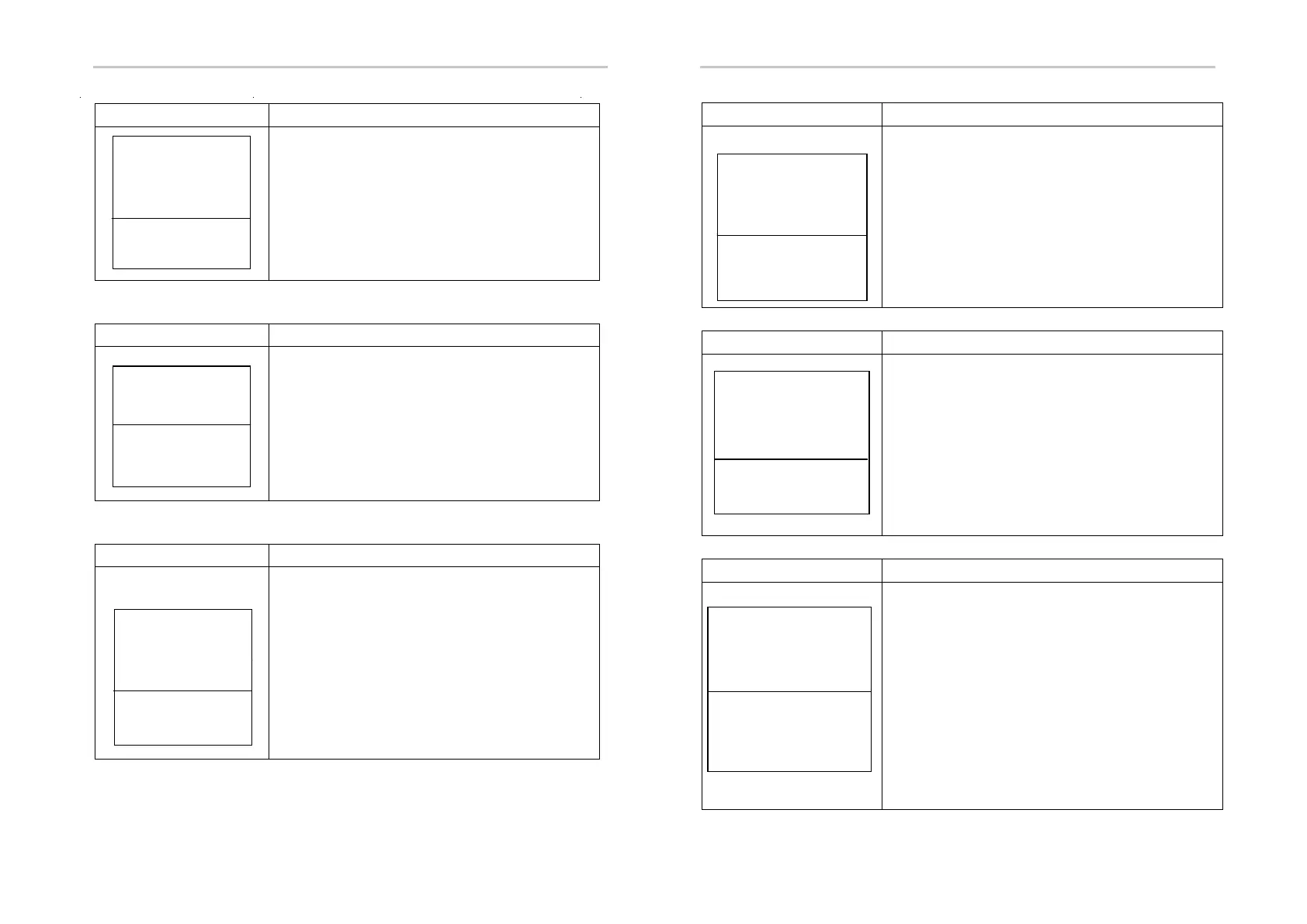
Setting Setting
58
59
② Grid-connected power
Interface Description
Press UP/DOWN button to adjust the input
figure;
Press ENTER button to confirm or ESC
button to cancel the input and return to
operation parameters interface;
The input value should range between 0
and 100.
③ Discharge power
Interface Description
Press UP/DOWN button to adjust the input
figure;
Press ENTER button to confirm or ESC
button to cancel the input and return to
operation parameters interface;
The input value should range between 0 and 100.
④ Low grid voltage
Interface Description
Grid Low Voltage Protection Point .
Press UP/DOWN to adjust the input figure;
Press Enter to confirm the input and enter
restart interface (refer to 8.4);
Press ESC button to cancel the input and
return to operation parameters interface;
The value should range between 150V and
220V, which varies with different standards.
-GRID PERCENT-
INPUT: 100%
Value range
(0~100)
-DISC PERCENT-
INPUT: 050%
Value range
(0~100)
-GRID VOLT LOW-
INPUT:
UNIT: V
Value range
(150~200V)
⑤ High grid voltage
Interface Description
Grid Over Voltage Protection Point
Press UP/DOWN to adjust the input figure;
Press Enter to confirm the input and enter
restart interface (refer to 8.4);
Press ESC to cancel the input and return to
operation parameters interface;
The value should range between 240V and
280V, which varies with different standards.
⑥ Low grid frequency
Interface Description
Grid Low Frequency Protection Point
Press UP/DOWN to adjust the input figure;
Press Enter to confirm the input and enter
restart interface (refer to 8.4);
Press ESC to cancel the input and return to
operation parameters interface;
The value ranges between 45 and 49.8,
which varies with different standards.
⑦ High grid frequency
Interface Description
Grid Over Frequency Protection Point
Press UP/DOWN to adjust the input
number;
Press ENTER to confirm the input and
enter restart interface;
Press ESC to cancel the input and return to
operational parameters interface(refer to
8.4);
The value ranges between 50.5 and 55,
which varies with different standards.
-GRID VOLT HIGH-
INPUT:
UNIT: V
Value range
(240~280V)
--GRID FREQ LOW--
INPUT:
UNIT: Hz
Valu e rang e
(45~49 .8 )
--GRID FREQ HIGH--
INPUT: 52.0
UNIT : Hz
Valu e rang e
(50.5 ~55 )



 To Next Page