13
aee.com
DE
EN
ES
PT
IT
EL
FR
NL
PL
CS
HU
SV
FI
NO
RU
DA
Photo Modes
1. Basic Operations of Photo Shooting
a. Turn on S50+ to enter recording standby mode;
b. Cast the lens to the subject and preview it on the display;
c. Pressthe"Shutter"keyoncetoswitchtheworkingmodeto"photomodes";
d. Pressthe"Shutter"keyagaintoshootonephoto.
- The system generates will click to indicate completion and the system will return to photo
shooting standby mode;
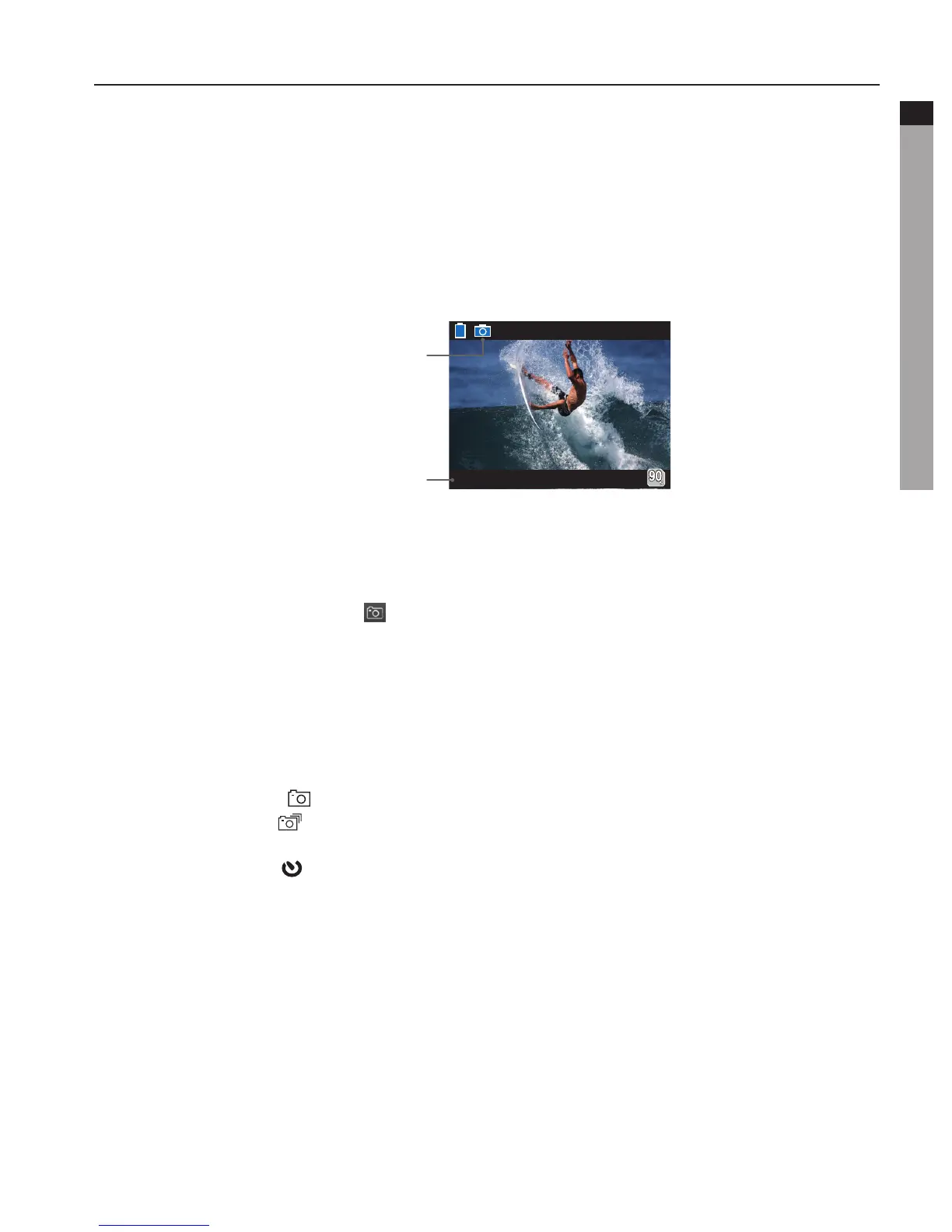
- TFT display under photo shooting mode is shown as below:
Working mode
(photo shooting)
Resolution for photo shooting
2. Parameter Settings for Photo Shooting
Performthefollowingstepstosettheparametersforphotoshooting:
a. Press"M"keytoenterthesettingmenu;
b. Press"<"/">"keytoselect" ";
c. Press"-"/"+"keytomovebluecursortothesub-menuyouwanttoconfigure,Press"OK"
key to enter the sub-menu;
d. Press"<"/">"keytoselecttheparametersyouwant;
e. Press"OK"keytoconfirm;
f. Press"M"keyagaintoexitthesettingmenu.
• Capture Mode
- SingleShotMode( ): Take one photo when the photo shooting key is pressed;
- FastShotMode( ): S50+ takes several photos within one second. three modes are
available: 3 p/s, 6 p/s and 10 p/s (photo/second);
- SelfTimerMode( ): When the "Shutter" key is pressed once under recording standby
mode, S50+ will start countdown and take a photo at the set time. The available modes
options are 3s, 5s, 10s.
• Photo Resolution
Selecttherequiredresolutionforshooting.Youcansetthisparameterto"8M","5M"or
"3M".
• Display Time
You can choose to display or not display the photo shooting time at the bottom right
corner of the photo.
b. Press"+"/"-"keytoselect" ";
c. Press"<"/">"keytomovebluecursortothesub-menuyouwanttoconfigure,Press
: Single shot mode
:ContinuousShootingMode
: Fast shot mode
: Self Timer mode



 To Next Page