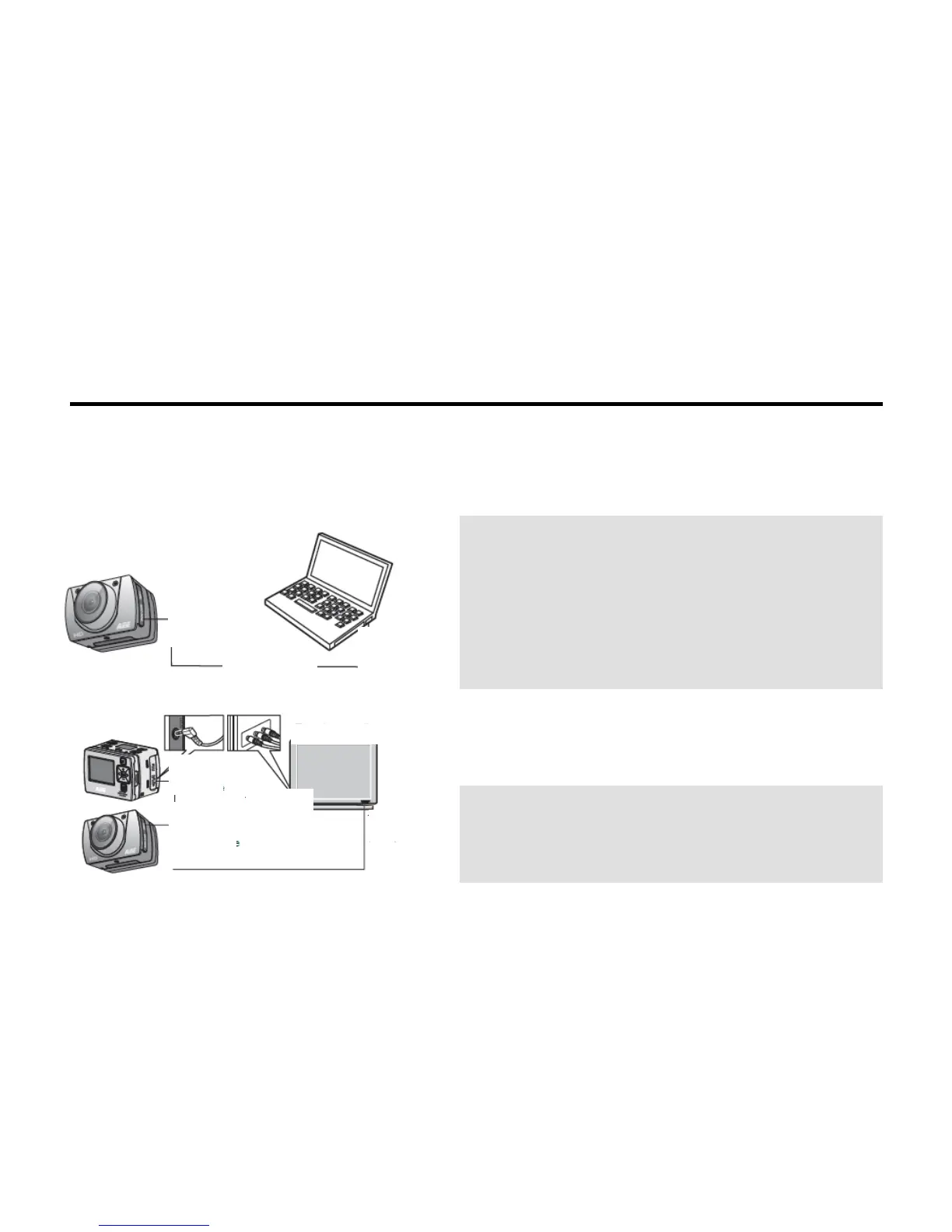
Storage and Play of a File
1. Connecting a USB Data Cable
You can copy the recorded files to a computer for playing by using a USB data cable. You can also remove
the Micro SD card and access the data using a card reader. Software like Media Player is preferred for
playing the recorded files.
Note:
1. Before removing the USB data cable, power off the
SD21 video camera.
2. When the power switch is at OFF, you can recharge
the battery in the camera. At this time, the red indicator
blinks slowly.
3. When the power switch is at ON, you can copy the
recorded files from the SD21 video camera to a
computer.
2. Connecting with an HDMI Cable or an AV Cable
You can play recorded files on a TV set or a monitor that
has a HD port, using an HDMI cable to connect the
SD21 video camera to the TV set or monitor.
Note:
1. After connecting to a monitor by HDMI cable, select
the proper input source for the SD21 video camera to
play files.
2. When using an AV cable, connect the terminals of the



 To Next Page