Installation and Use of a Backup Battery (D23)
1. Installing a Battery
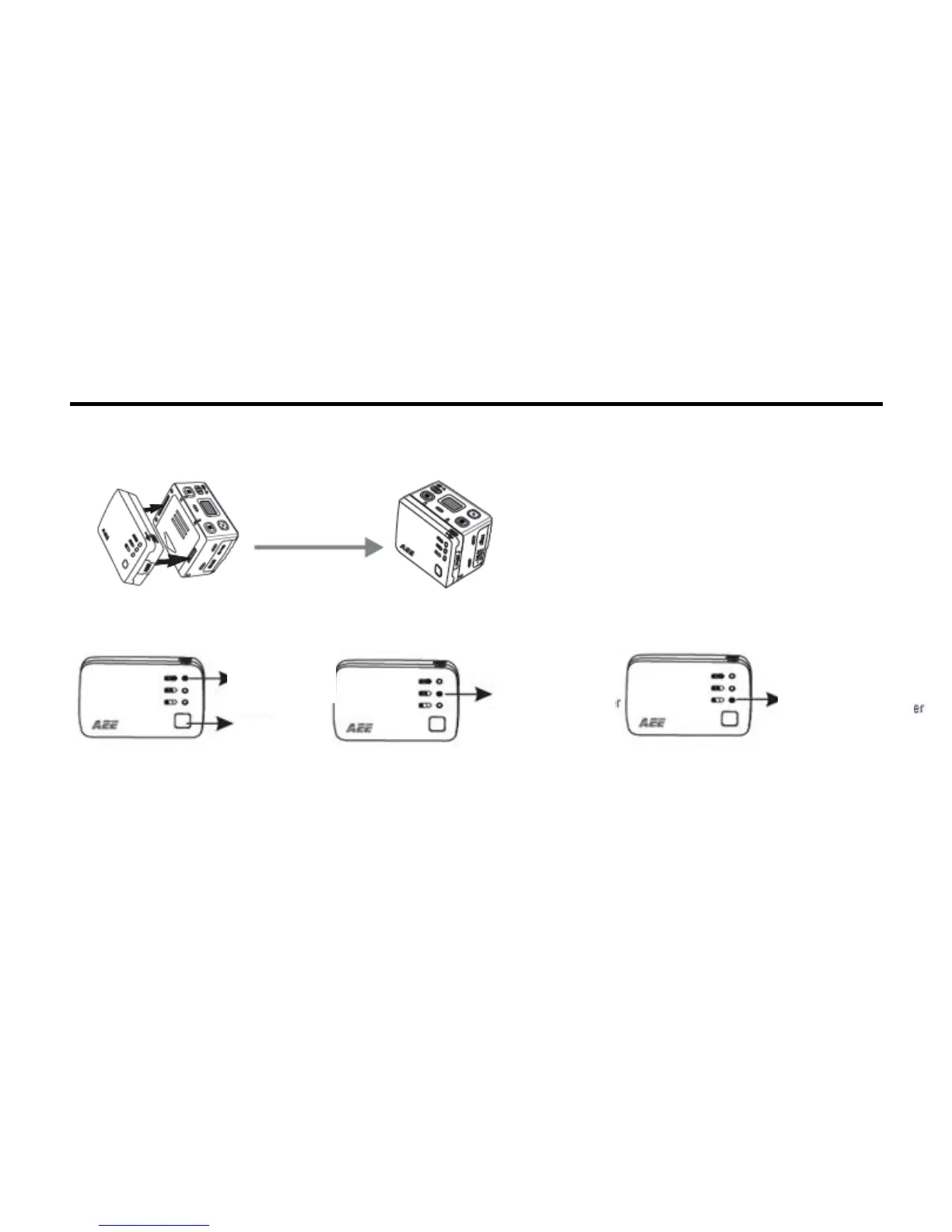
You can install the D23 battery onto the SD21 video camera for power supply, without setting any parameters,
as shown in the following figure:
2. Checking the Battery Power
You can gently press the Power key to check the power level of the backup battery. The LED indicator on the
battery blinks for three seconds in different colors to show the current power.
3. Recharging the Battery
Use a USB cable to connect the power unit of the SD21 video camera to the USB port of the D23 battery to
recharge it; or connect a PC to the D23 battery using a USB cable for recharging, as shown in the following
figure. This backup battery has automatic protection against overcharging and short circuit. The red indicator
light keeps flashing when charging the battery and the green indicator light is on when the battery is fully
charged. (The battery can be charged for 500 times.)



 To Next Page