12
on and start to flash, indicating AEE SELFLY is on.
Off: Press power button for 3s and the blue LED will be turned off, indicating AEE
SELFLY is off.
8. Connect AEE SELFLY to Smartphone
Turn on AEE SELFLY
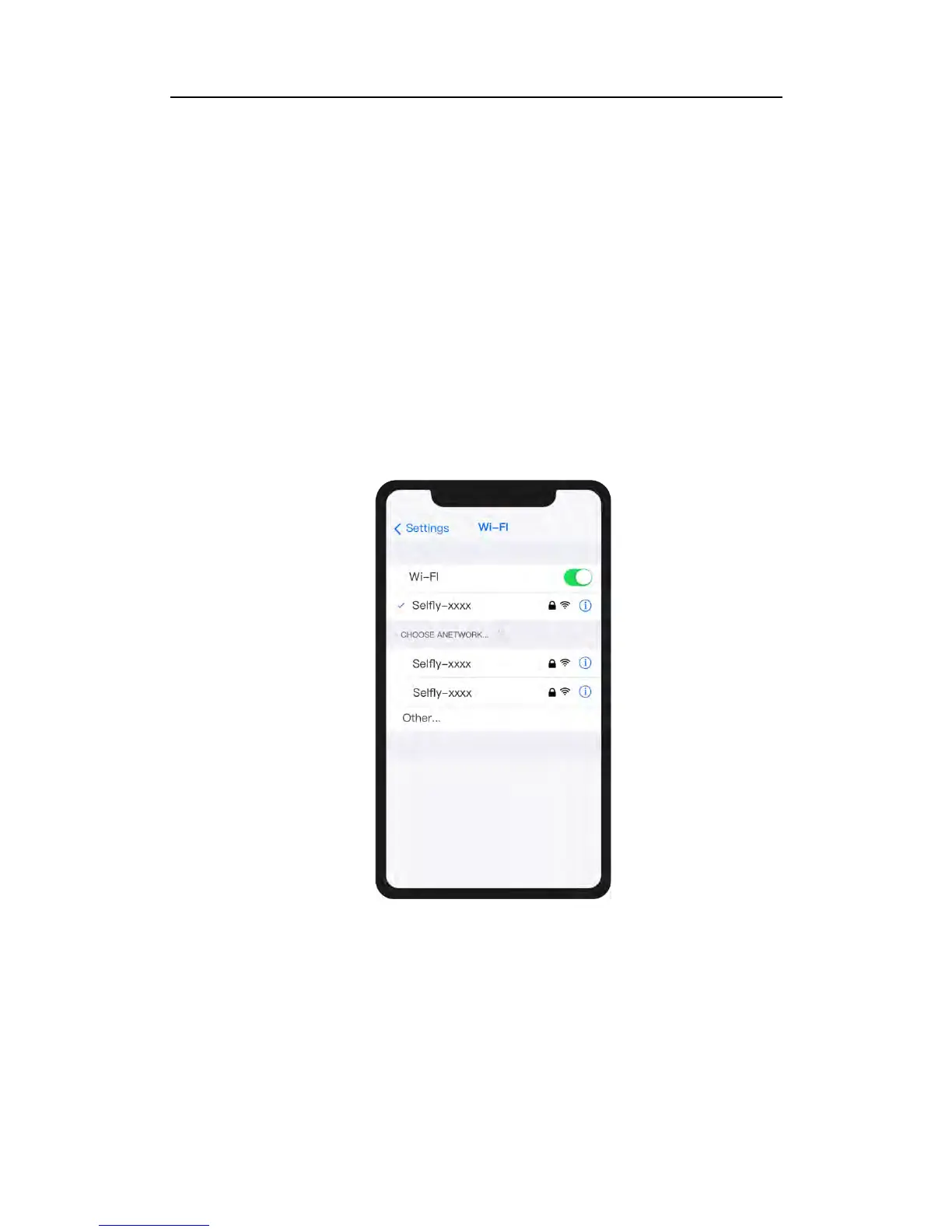
① Open phone’s Wi-Fi interface.
② Select WLAN “SELFLY-xxxx” and enter the password “00000000” to connect.
After the phone is connected to AEE SELFLY, there will be a message informing that
there is no internet connection via Wi-Fi, which of course is normal and does not
indicate of any problem.



 To Next Page