19
10.5 Fly by Picture Mode
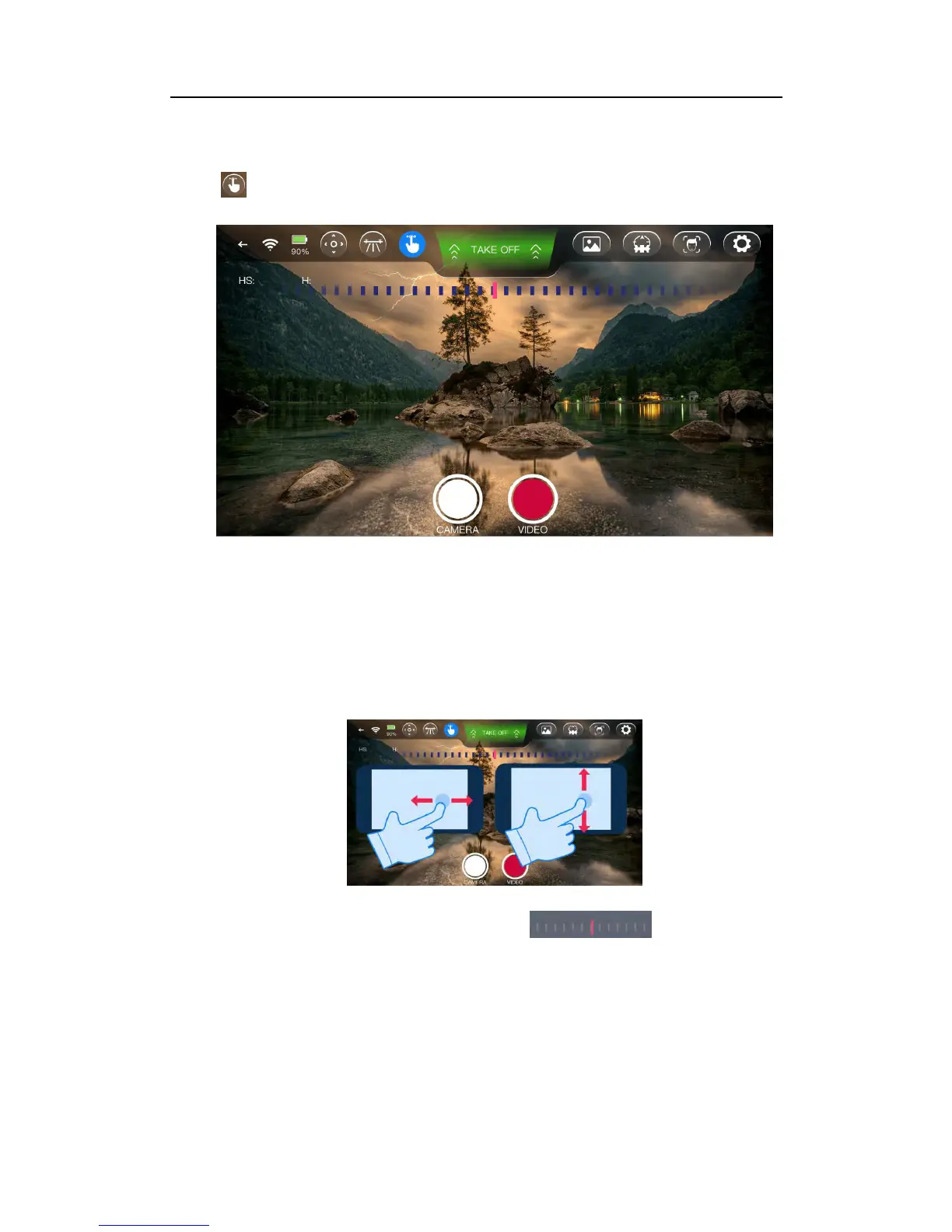
Click to enter Fly by Picture Mode.
In this flight mode you manipulate the image on the screen the way you want it to be,
the APP will translate this into flight orders.
Fly Up/Down/Left/Right: Slide your finger on the screen up/down/left/right and AEE
SELFLY will fly up/down/left/right accordingly.
Rotate Left/Right:Slide your finger on the scale left/ right, AEE
SELFLY will rotate left/right accordingly.
Forward: By zooming in with two fingers on the screen, AEE SELFLY will fly
forward accordingly, so the image seen will be zoomed in.



 To Next Page