21
10.8 Video & Photo
Video
Click to start/stop taking video.
Photo
Click to start/stop taking photo.
Face Detection & Gesture Control
Take Off by Face:
When AEE SELFLY is connected to the mobile device, enter its APP main interface
and put AEE SELFLY on your hand in relatively horizontal position. Make sure AEE
SELFLY’s Camera faces you and press the power button twice continuously to trigger
face unlock function. If AEE SELFLY detects a face, the blue LED will flash 3 times
repeatedly for 3s, then AEE SELFLY will take off automatically and track the face.
AEE SELFLY will adjust its position to keep the face in the center of image.
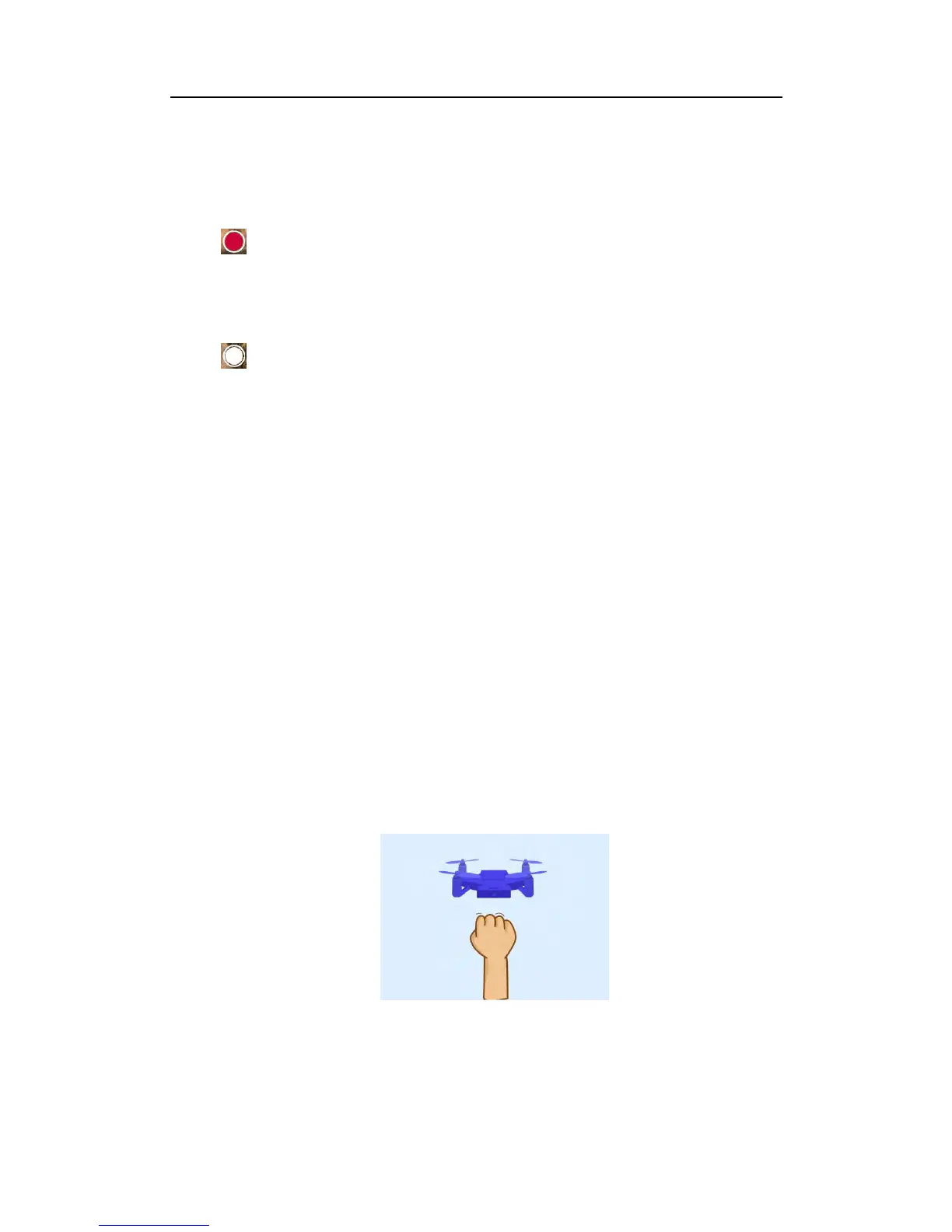
Gesture Control:
One Fist Next to the Face: AEE SELFLY will take a photo. Blue LED will flash 2s.
Two Hands Open: AEE SELFLY will recognize and land automatically. Blue LED



 To Next Page