8
Charge:5V/2A
Discharge:5V/2A
Charging time:
Charge Power Bank:>3hours
Charge Battery:About 45 minutes
4.2 Power Bank Capacity LED Indicator
Press power button for 1s to check the Power Bank capacity
Blue LEDs indicates the capacity level. (Press power button for 3s to start charging.)
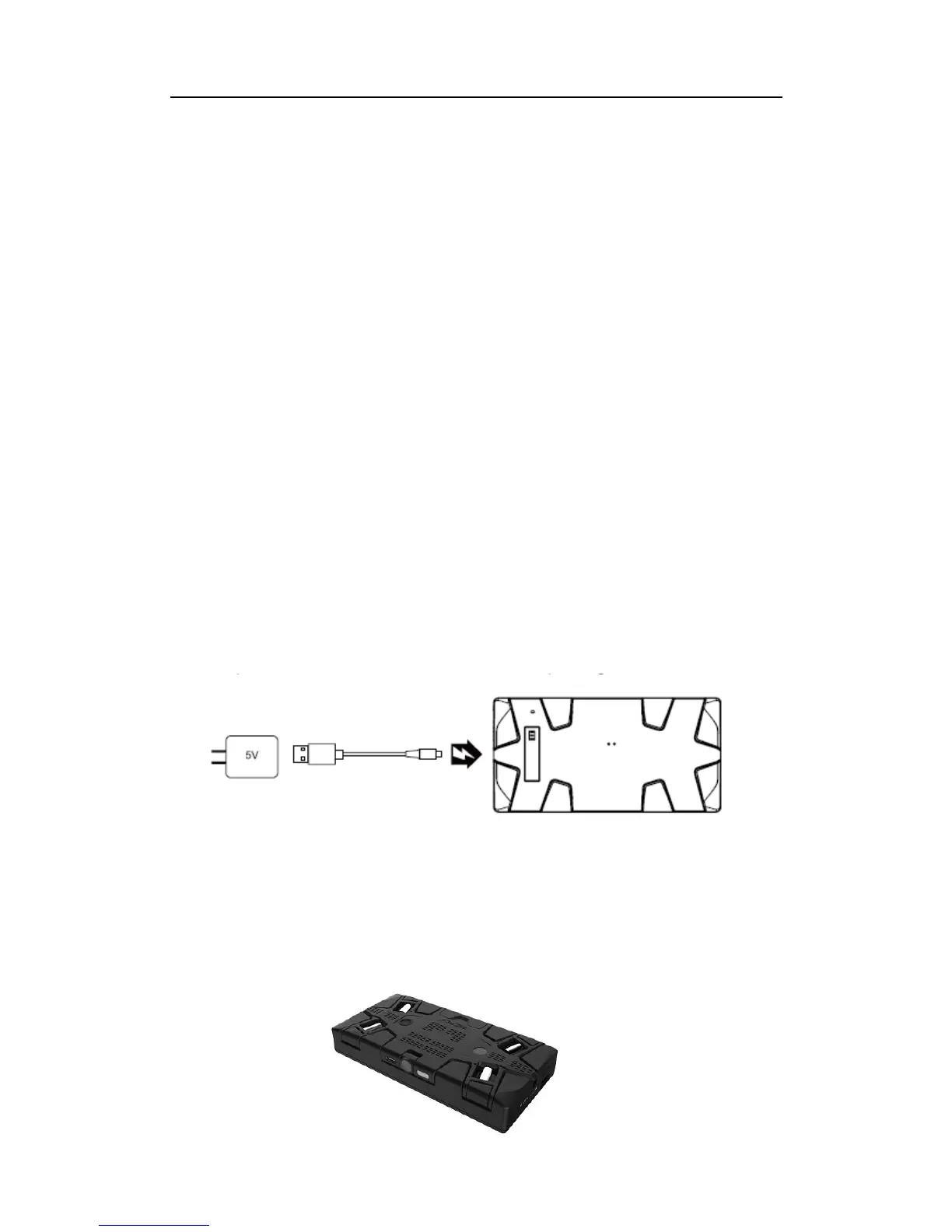
4.2 Charge Power Bank
Insert USB Type C cable micro port into Power Bank and USB2.0 port into an
assigned 5V adapter. The four blue LED indicators will display charging status.
Fold AEE SELFLY into Power Bank and press power button for 3s to start charging.
Solid red LED of AEE SELFLY means charging and red LED will be off when fully
charged.



 To Next Page