20
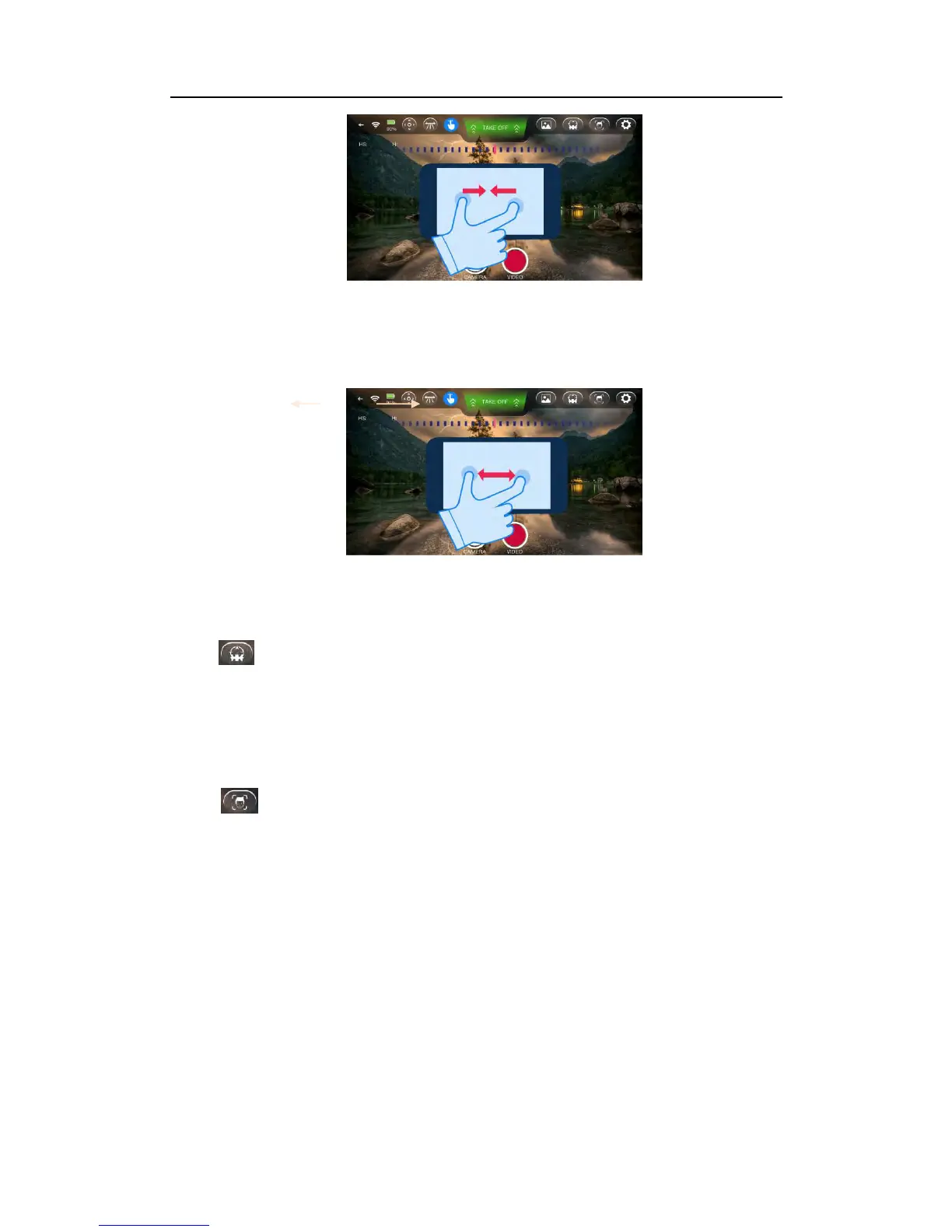
Backward: By zooming out with two fingers on the screen, AEE SELFLY will fly
backward accordingly.
10.6 Headless Mode
Click to enter Headless Mode, in which AEE SELFLY will keep the original
take-off orientation no matter which direction it’s facing.
10.7 Face Tracking Mode
Click to enter Face Tracking Mode when a face detected, the blue LED will
flash 3 times and it will start tracking this face. AEE SELFLY will adjust its position
to keep the face in the center of image. In case of back light, this feature will not be
effective.



 To Next Page