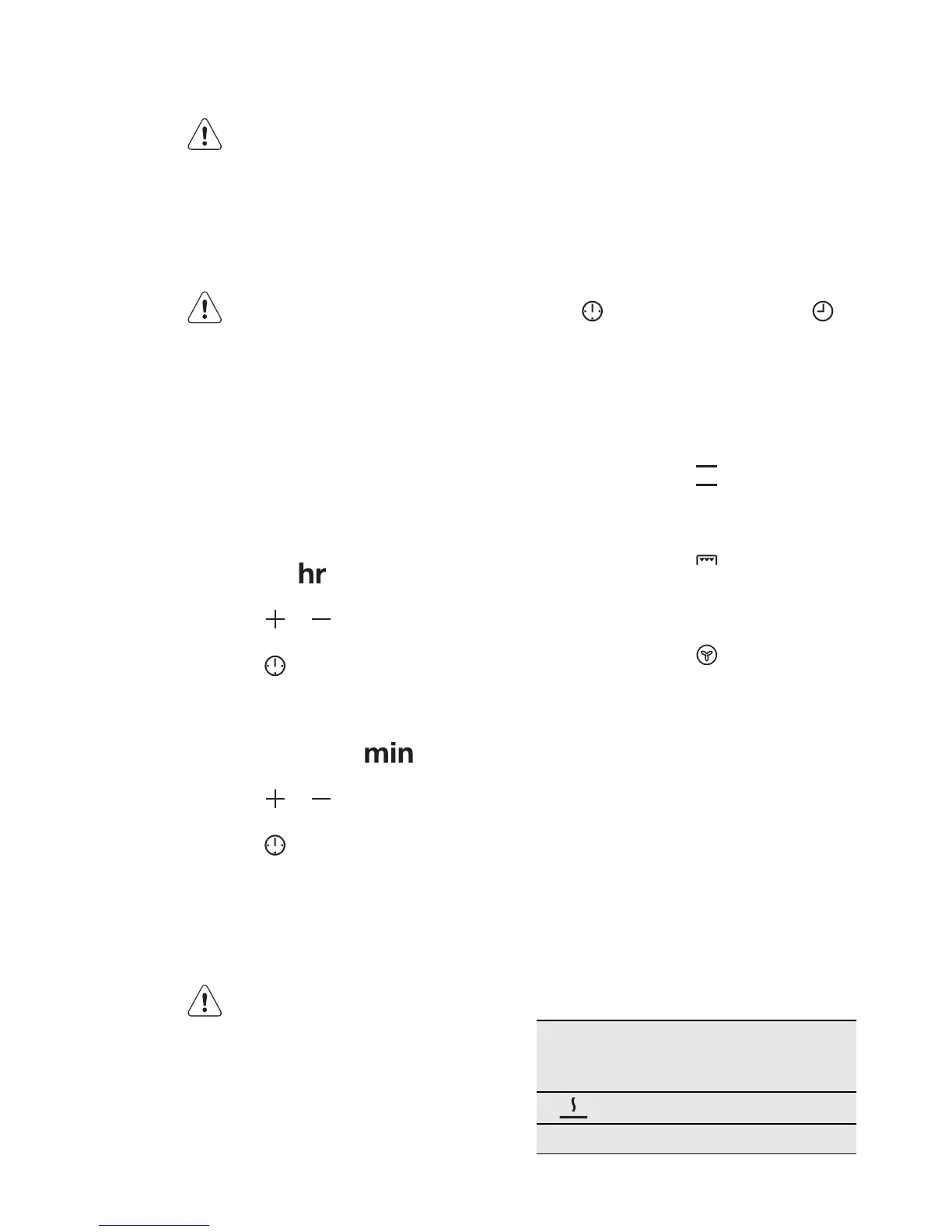
4. BEFORE FIRST USE
WARNING!
Refer to the Safety chapters.
4.1 Initial Cleaning
• Remove all accessories and removable
shelf supports (if applicable).
• Clean the appliance before first use.
Refer to the chapter "Care and
cleaning".
To use the appliance, push the knob.
The knob comes out.
4.2 Setting the time
After the first connection to the mains,
all symbols in the display are on for
some seconds. For the subsequent few
seconds the display shows the software
version.
After the software version goes off, the
display shows
and "12:00". "12"
flashes.
1.
Press or to set the current
hour.
2.
Press to confirm (necessary only
for the first setting. Later the new
time will be saved automatically after
5 seconds).
The display shows
and the set
hour. "00" flashes.
3.
Press or to set the current mi-
nutes.
4.
Press to confirm (necessary only
for the first setting. Later the new
time will be saved automatically after
5 seconds) .
The Temperature/Time display
shows the new time.
Changing the time of day
You can change the time of day only if
the oven is off.
Press
. The set time and symbol
flash in the display. To set a new time,
use the procedure "Setting the time".
4.3 Preheating
Preheat the empty appliance to burn off
the remaining grease.
1.
Set the function and the maxi-
mum temperature.
2.
Let the appliance operate for one
hour.
3.
Set the function and the maxi-
mum temperature.
4.
Let the appliance operate for ten mi-
nutes.
5.
Set the function and the maxi-
mum temperature.
6.
Let the appliance operate for ten mi-
nutes.
Accessories can become hotter than
usually. The appliance can emit an odour
and smoke. This is normal. Make sure
that the airflow is sufficient.
5. HOB - DAILY USE
WARNING!
Refer to the Safety chapters.
5.1 Heat setting
Con-
trol
knob
Function
Keep Warm
0 Off position
ENGLISH 9






 To Next Page