How to change timer settings
Step 1
Press: .
Step 2 Set the timer value.
Step 3
Press: .
You can change the set time during cooking at any time.
8. HOW TO USE: ACCESSORIES
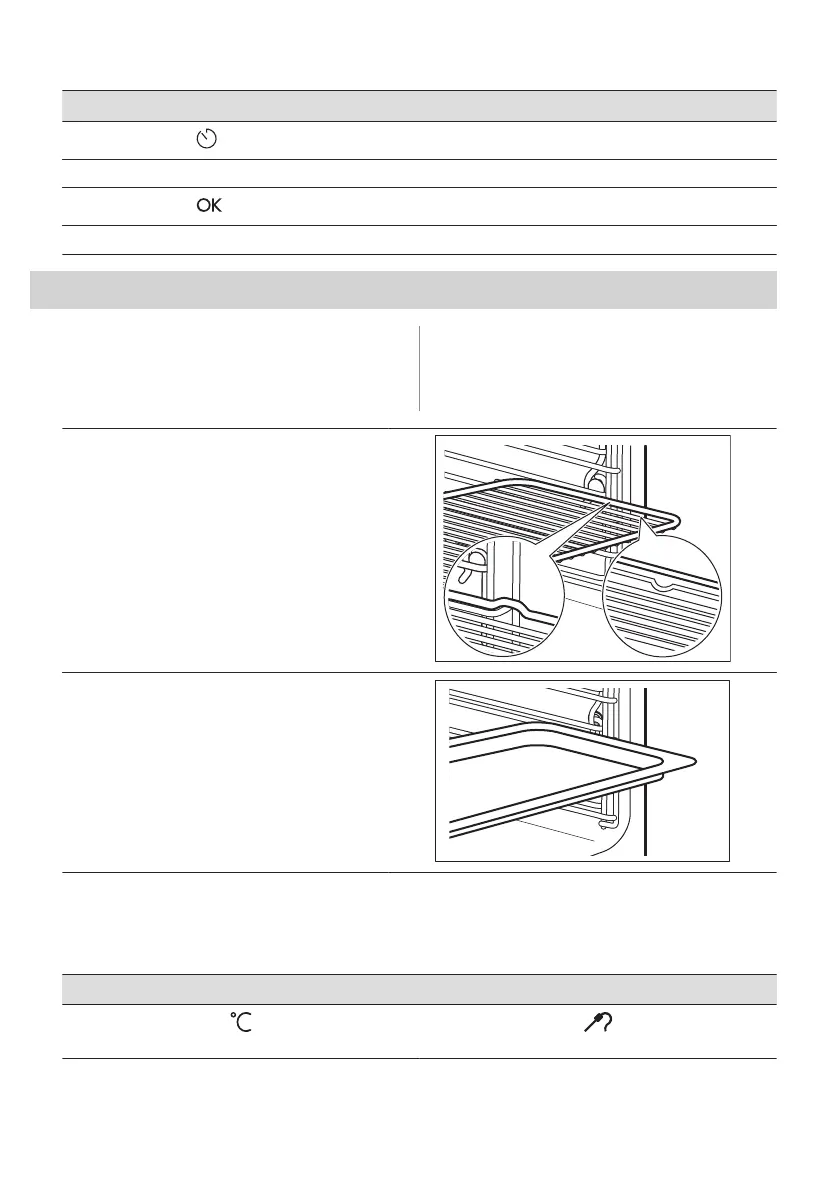
8.1 Inserting accessories
A small indentation at the top increases
safety. The indentations are also anti-tip
devices. The high rim around the shelf
prevents cookware from slipping of the shelf.
Wire shelf:
Push the shelf between the guide bars of the shelf
support.
Baking tray / Deep pan:
Push the tray between the guide bars of the shelf
support.
8.2 Food Sensor
Food Sensor - measures the temperature inside the food. You can use it with every heating
function.
There are two temperatures to be set:
The oven temperature: minimum 120 °C.
The core temperature.
220 ENGLISH


 To Next Page
 Loading...