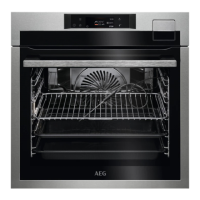
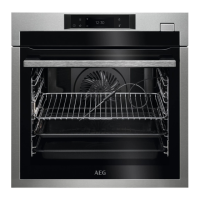
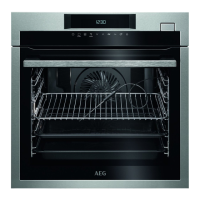
Step 9 Remove Food Sensor plug from the socket and remove the dish from the oven.
WARNING!
There is a risk of burns as Food Sensor becomes hot. Be careful when you
unplug it and remove it from the food.
9. ADDITIONAL FUNCTIONS
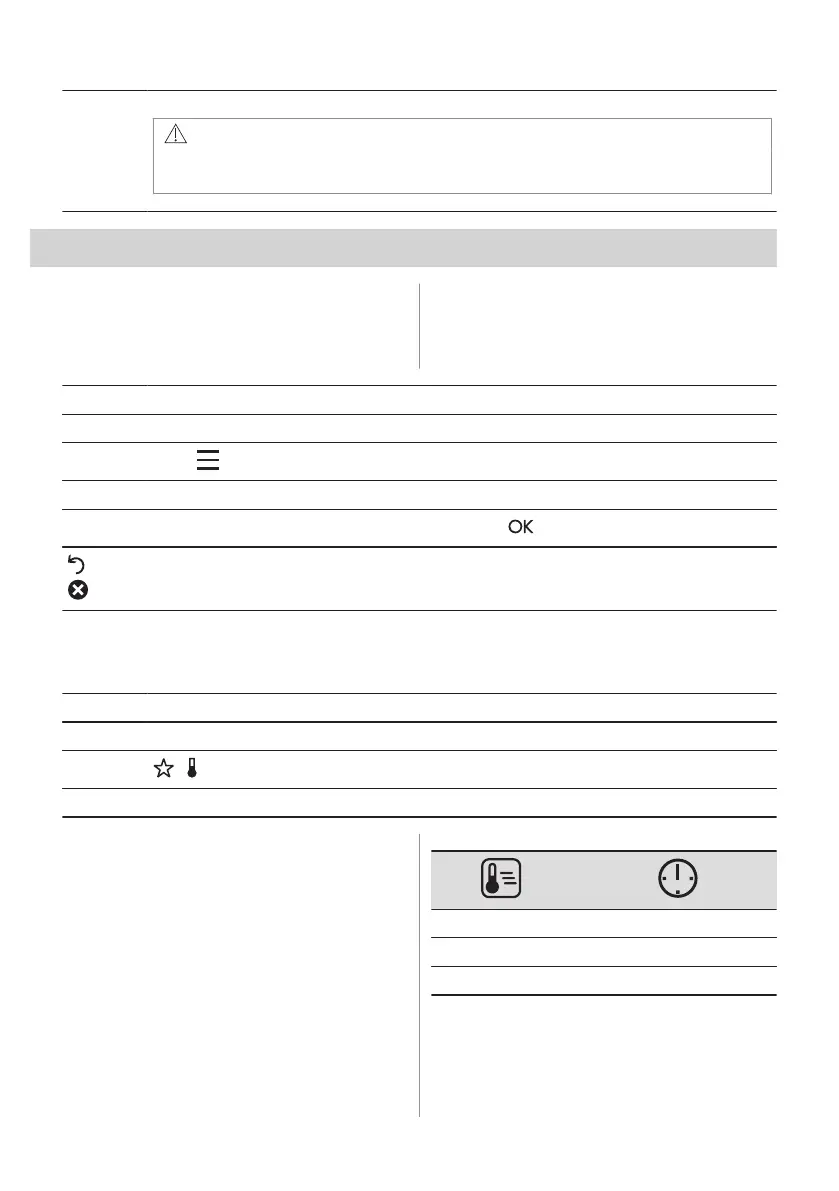
9.1 How to save: Favourites
You can save your favourite settings, such as
the heating function, the cooking time, the
temperature or the cleaning function. You can
save 3 favourite settings.
Step 1 Turn on the appliance.
Step 2 Select the preferred setting.
Step 3
Press: . Select: Favourites.
Step 4 Select: Save current settings.
Step 5
Press + to add the setting to the list of: Favourites. Press .
- press to reset the setting.
- press to cancel the setting.
9.2 Function lock
This function prevents an accidental change of the heating function.
Step 1 Turn on the appliance.
Step 2 Set a heating function.
Step 3
, - press at the same time to turn on the function.
To turn off the function repeat step 3.
9.3 Automatic switch-off
For safety reasons the appliance turns off
after some time, if a heating function works
and you do not change any settings.
(°C) (h)
30 - 115 12.5
120 - 195 8.5
200 - 230 5.5
The Automatic switch-off does not work with
the functions: Light, Food sensor, End time,
Slow Cooking.
222 ENGLISH


 To Next Page
 Loading...