• In both cases AUTO will be activated next
time you switch on the hob.
Boost
The function activates the hood fan at its
maximum speed level.
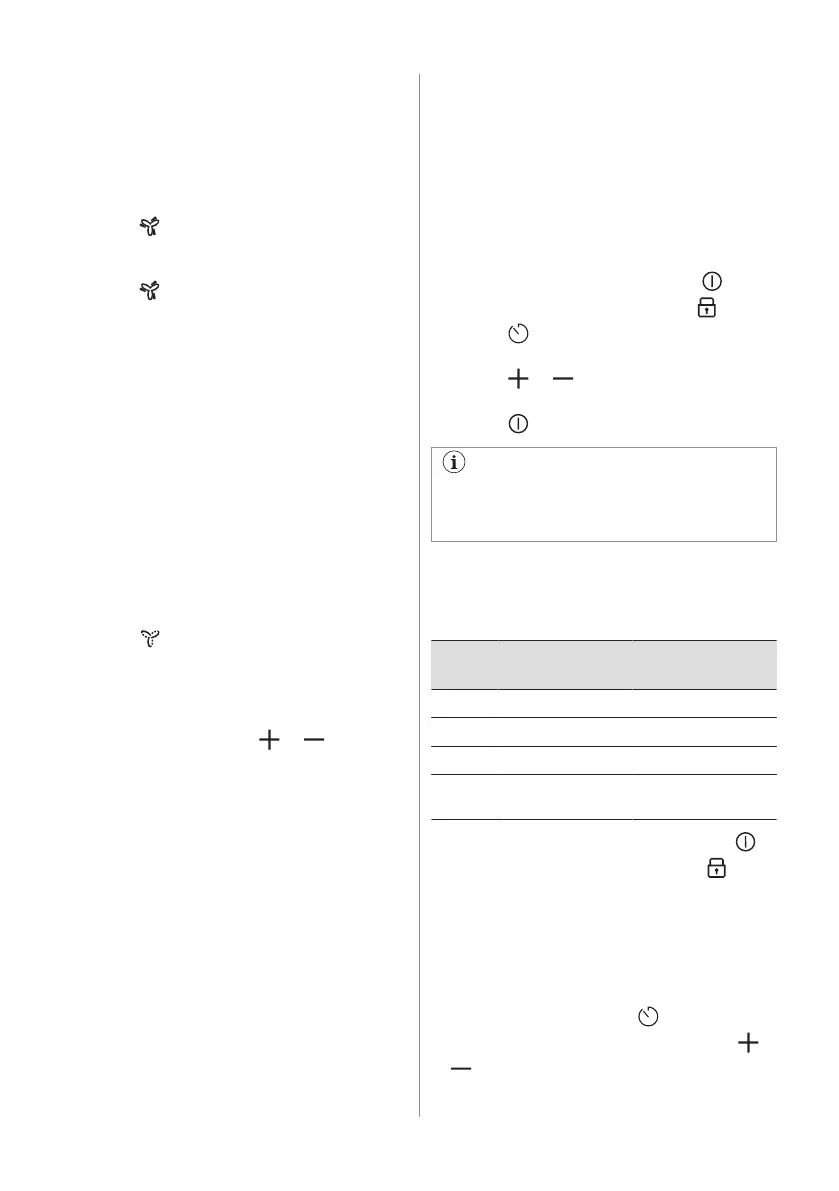
1. Press to activate the function.
A signal sounds and an indicator above the
symbol appears.
2. Press
again to deactivate the function,
if needed.
The function can operate uninterrupted for a
maximum of 10 minutes. After that time the
fan speed setting automatically changes to 3.
You can activate the function again, if
needed.
Breeze
The function sets the hood fan to an extra low
speed. The fan starts running at a minimum
noise level immediately after the function is
activated. Use the function after cooking to
remove any lingering smells.
To activate the function when the hob is
off:
1. Press .
A signal sounds and an indicator above the
symbol appears. A timer set to 60 minutes
appears on the display next to the hood
control bar.
2. Adjust the timer using or , if
needed.
After the timer finishes counting down, the
hood deactivates automatically.
Auto Breeze
The function automatically sets the hood fan
to continue running after you finish cooking
and switch off the hob. The fan runs at a
minimum speed level for maximum 20
minutes. The function removes any lingering
smells after cooking.
When you use the hob for the first time, the
function is activated by default.
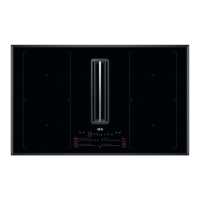
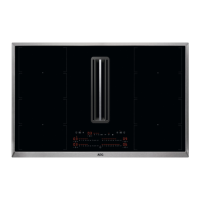
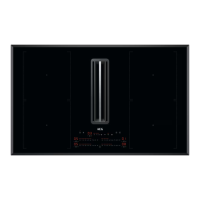
When the function operates, the indicator
above AUTO appears. The remaining runtime
is visible on the hood timer display. It is not
possible to adjust the set time. Once the
cycle is over, the fan switches off
automatically.
To deactivate the function while it is
running:
Press AUTO or 0 on the hood control bar.
The hood fan deactivates.
To disable the function completely:
1. Enter the menu: press and hold for 3
seconds. Then, press and hold
.
2. Press on the front timer until dF
appears on the display.
3. Press or on the front timer until Off
(--) appears.
4. Press to exit.
It is recommended not to disable the
function and to let it run uninterrupted for
the full duration of the cycle.
5.10 Menu structure
The table shows the basic menu structure.
User settings
Sym‐
bol
Setting Possible options
b Sound On / Off (--)
H Hood mode 1 - 4
dF Auto Breeze On / Off (--)
E Alarm / error histo‐
ry
The list of recent
alarms / errors.
To enter user settings: press and hold
for 3 seconds. Then, press and hold . The
settings appear on the timer of the left
cooking zones.
Navigating the menu: the menu consists of
the setting symbol and a value. The symbol
appears on the rear timer and the value
appears on the front timer. To navigate
between the settings press on the front
timer. To change the setting value press
or on the front timer.
16 ENGLISH



 To Next Page