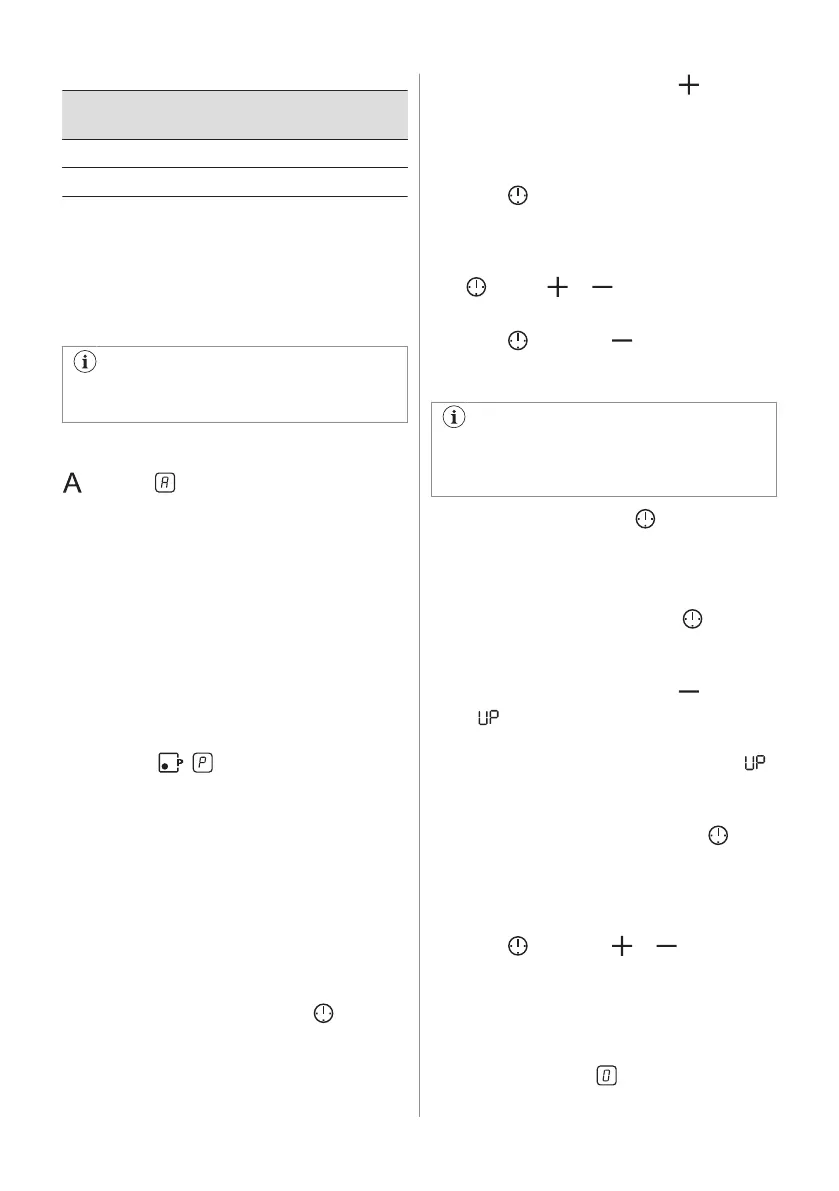
Heat setting The hob deactivates
after
5 4 hours
6 - 9 1.5 hour
6.6 Automatic heat up
If you activate this function you can get a
necessary heat setting faster. The function
sets the highest heat setting for some time
and then decreases to the correct heat
setting.
To activate the function a cooking zone
must be cold.
To activate the function for a cooking
zone: turn the knob for a cooking zone to the
position. shows on the display.
Immediately set the correct heat setting.
To deactivate the function: turn the knob to
the off position.
6.7 PowerBoost
This function makes more power available to
the induction cooking zones. The function can
be activated for the induction cooking zone
only for a limited period of time. After this time
the induction cooking zone automatically sets
back to the highest heat setting.
To activate the function for a cooking
zone: touch . comes on.
To deactivate the function: change the heat
setting.
6.8 Timer
Count down timer
You can use this function to set how long the
cooking zone should operate for a single
cooking session.
First set the heat setting for the cooking zone
then set the function.
To set the cooking zone: touch again
and again until the indicator of a necessary
cooking zone comes on.
To activate the function: touch of the
timer to set the time (00 - 99 minutes). When
the indicator of the cooking zone starts to
flash slowly the time counts down.
To see the remaining time: set the cooking
zone with . The indicator of the cooking
zone starts to flash quickly. The display
shows the remaining time.
To change the time: set the cooking zone
with
. Touch or .
To deactivate the function: set the cooking
zone with and touch . The remaining
time counts back to 00. The indicator of the
cooking zone goes out.
When the time comes to an end, the
sound operates and 00 flashes. The
cooking zone deactivates.
To stop the sound: touch .
Count up timer
You can use this function to monitor how long
the cooking zone operates.
To set the cooking zone: touch
again
and again until the indicator of a necessary
cooking zone comes on.
To activate the function: touch of the
timer. comes on. When the indicator of the
cooking zone starts to flash slowly the time
counts up. The display switches between
and counted time (minutes).
To see how long the cooking zone
operates: set the cooking zone with
. The
indicator of the cooking zone starts to flash
quickly. The display shows how long the zone
operates.
To deactivate the function: set the cooking
zone with and touch or . The
indicator of the cooking zone goes out.
Minute minder
You can use this function as a Minute
minder when the hob is activated and the
cooking zones do not operate. The heat
setting display shows .
ENGLISH 13


 To Next Page