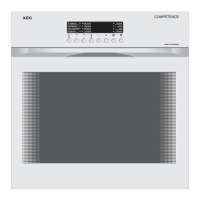
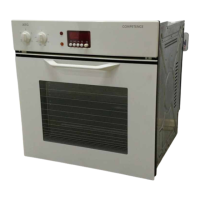
Operating Instructions
16
Before using for the first time
Setting/Changing the Time
Following the connection of mains power the TIME function indicator
and the temperature/time display flash.
You must then first set the time. The time can be set with the appliance
either switched on or off.
3
If the time has not been set, the oven cannot be switched on.
Setting the Time
0 1. Press the + or - button and set the time as required.
Each time the + or - button is pressed the time moves forward or
back one minute respectively.
2. Press the clock W button or wait approx. 5 seconds.
The time displayed in the temperature/time display ceases to flash and
is displayed continuously. The time is now set.
3
By pressing the + or - button for more than 2 seconds, the minutes
will start to run forwards or backwards until the button is released
again. By this means you can reach the required setting quicker.
3
If the appliance has been isolated from the mains, e.g. due to a fuse
being removed, the temperature/time display will flash again.
In this case reset the time again, as described above.


 To Next Page
 Loading...