6.2 Notes on: Moist Fan Baking
This function was used to comply with the
energy efficiency class and ecodesign
requirements (according to EU 65/2014 and
EU 66/2014). Tests according to: IEC/EN
60350-1.
The oven door should be closed during
cooking so that the function is not interrupted
and the oven operates with the highest
energy efficiency possible.
For the cooking instructions refer to "Hints
and tips" chapter, Moist Fan Baking. For
general energy saving recommendations
refer to "Energy Efficiency" chapter, Energy
saving tips.
6.3 Setting: Heating functions
1. Turn the knob for the heating functions to
select a heating function.
2. Turn the control knob to set the
temperature.
Fast Heat Up - press and hold to shorten
the heating time. It is available for some
heating functions. Fan may turn on
automatically.
6.4 Entering: Menu
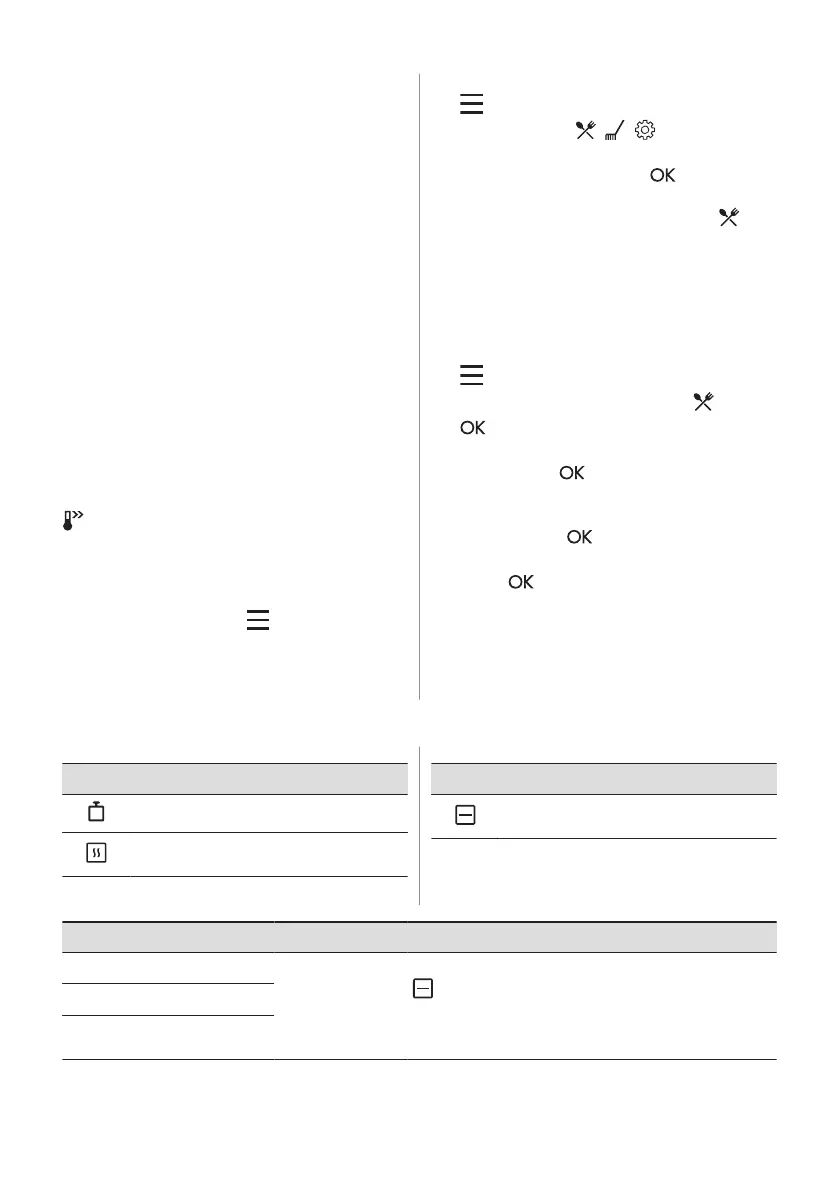
Open the Menu to access Assisted Cooking
dishes and settings.
1. Turn the knob for the heating functions to
.
The display shows , , .
2. Turn the control knob and select the icon
to enter submenu. Press .
6.5 Setting: Assisted Cooking
Assisted Cooking submenu consists of
programmes that are designed for dedicated
dishes. Programmes start with a suitable
setting. You can adjust the time and the
temperature during cooking.
1. Turn the knob for the heating functions to
.
2. Turn the control knob to select . Press
.
3. Turn the control knob to select a dish (P1
- P...). Press .
4. Turn the control knob to adjust the
weight. Option is available for selected
dishes. Press .
5. Place the food inside the appliance.
Press .
6. When the function ends, check if the food
is ready. Extend the cooking time, if
needed.
Submenu: Assisted Cooking
Legend
Weight adjustment available.
Preheat the appliance before you start
cooking.
Legend
Shelf level. Refer to "Product description"
chapter.
The display shows P and a number of the
dish that you can check in the table.
Dish Weight Shelf level / Accessory
P1
Roast Beef, rare
1 - 1.5 kg; 4 - 5 cm
thick pieces
2; baking tray
Fry the meat for a few minutes in a hot pan. Insert to the
appliance.
P2
Roast Beef, medium
P3
Roast Beef, well
done
ENGLISH 11


 To Next Page