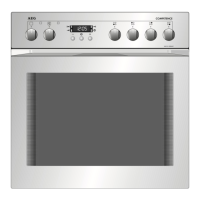
4. CONTROL PANEL
4.1 Turning the appliance on and off
To turn on the appliance:
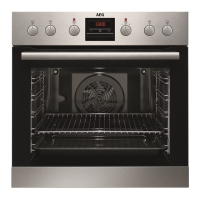
1. Press the knobs. The knobs come out.
2. Turn the knob for the heating functions to
select a function.
3. Turn the control knob to adjust settings.
To turn off the appliance: turn the knob for the
heating functions to the off position .
4.2 Knobs for the cooking zones
WARNING!
Refer to Safety chapters in the hob user
manual.
You can operate the hob with the knobs for
the cooking zones.
4.3 Heat settings
Knob indication Function
0 Off position
1 - 9 Heat settings
1. Turn the knob to a necessary heat
setting.
2. To complete the cooking process, turn
the knob to the off position.
4.4 Using the double zone (if
applicable)
In case the hob has its own user
interface with sensor fields the function is
controlled by the hob. Refer to Daily Use
chapters in the hob user manual.
1. To activate the double zone, turn the
knob clockwise 9. Do not turn it through
the stop position.
2. Turn the knob slowly until you can hear a
click. The two cooking zones are on.
3. To set the necessary heat setting refer to
"Heat settings".
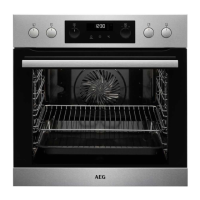
4.5 Control panel overview
Press to set timer functions.
Press and hold to set the function:
Fast Heat Up.
Press to turn the appliance lamp on
and off.
Press and hold to set the function:
Lock.
Press to confirm your selection.
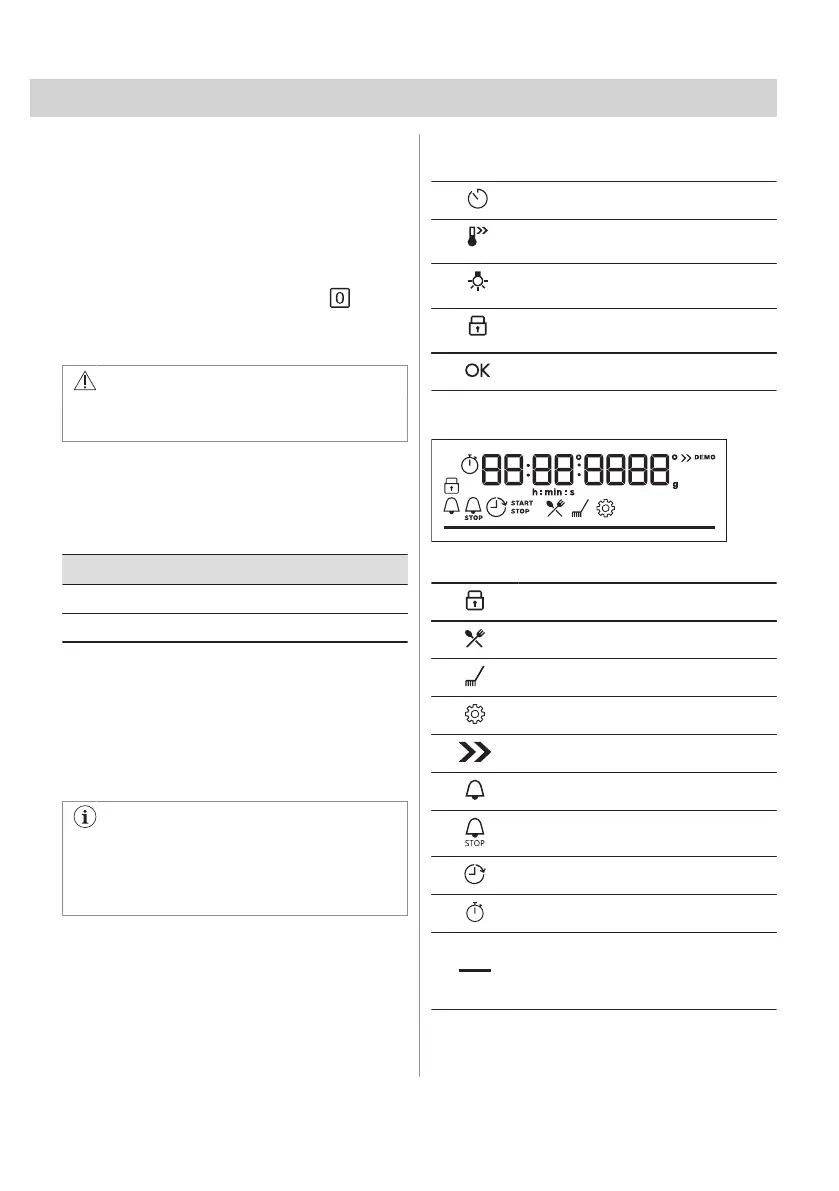
4.6 Display indicators
Display with key functions.
The appliance is locked.
Submenu: Assisted Cooking.
Submenu: Cleaning.
Submenu: Settings
Fast Heat Up is activated.
Minute minder is activated.
Cooking time is activated.
Time Delayed Start is activated.
Uptimer is activated.
Progress bar - visually indicates when
the appliance reaches the set tempera‐
ture or when the cooking time comes to
an end.
ENGLISH 9


 To Next Page