5. Press to confirm.
You can press to go directly to menu:
Favourite Programme. You can also use it
when the oven is off.
10.2 Using the Child Lock
When this function is on, the appliance
cannot be turned on.
1. - press to turn on the appliance.
2. , - press at the same time until the
display shows a message .
Repeat step 2 to turn off this function.
If the Pyrolysis function works, the door locks
automatically. A message comes on in the
display when you press any symbol.
10.3 Function Lock
This function prevents an unintended change
of the heating function.
1. Turn on the appliance.
2. Set a heating function or setting.
3. - press repeatedly until the display
shows: Function Lock.
4. Press .
If the Pyrolysis function works, the door is
locked and the symbol of a key comes on in
the display.
To turn off the function, press . The display
shows a message. - press repeatedly.
- press to confirm. When you turn off the
appliance, the function also turns off.
10.4 Set + Go
The function lets you to set a heating function
or a programme and turn it on later with one
press of any sensor field.
You can turn on or turn off this function in the
menu: Basic Settings.
1. Turn on the appliance.
2. Set a heating function.
3. press repeatedly until the display
shows: Duration.
4. Set the time.
5. press repeatedly until the display
shows: Set + Go.
6. Press .
7. Press any symbol to start the function:
Set + Go. The set heating function starts.
Function Lock is on during the heating
function works.
When the heating function ends, a signal
sounds.
10.5 Automatic switch-off
For safety reasons, if the heating function is
active and no settings are changed, the
appliance will turn off automatically after a
certain period of time.
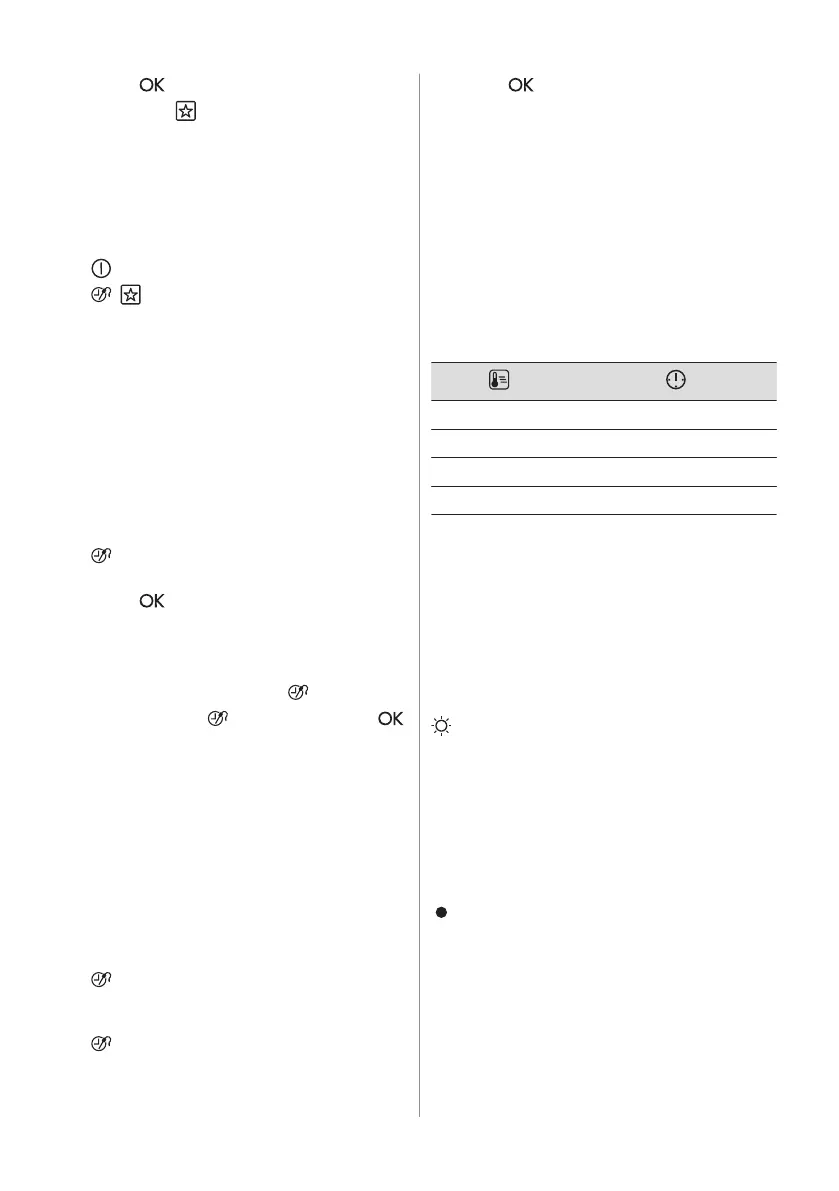
(°C) (h)
30 - 115 12.5
120 - 195 8.5
200 - 245 5.5
250 - maximum 3
If you intend to run a heating function for a
duration exceeding the automatic switch-off
time, set the cooking time. Refer to the 'Clock
functions' chapter.
The Automatic switch-off does not work with
the functions: Light, Food Sensor, Duration,
End Time.
10.6 Brightness of the display
Day brightness:
• It is on when the appliance is turned on.
• It is on for 10 sec when you press any
sensor field during the night brightness
mode.
• It is on when the appliance is turned off
and you set the function: Minute Minder.
When the function ends, the display goes
back to the night brightness.
Night brightness:
• When the appliance is turned off, the
display is in night brightness mode
between 10 PM and 6 AM.
10.7 Cooling fan
When the appliance operates, the cooling fan
turns on automatically to keep the surfaces of
ENGLISH 19



 To Next Page