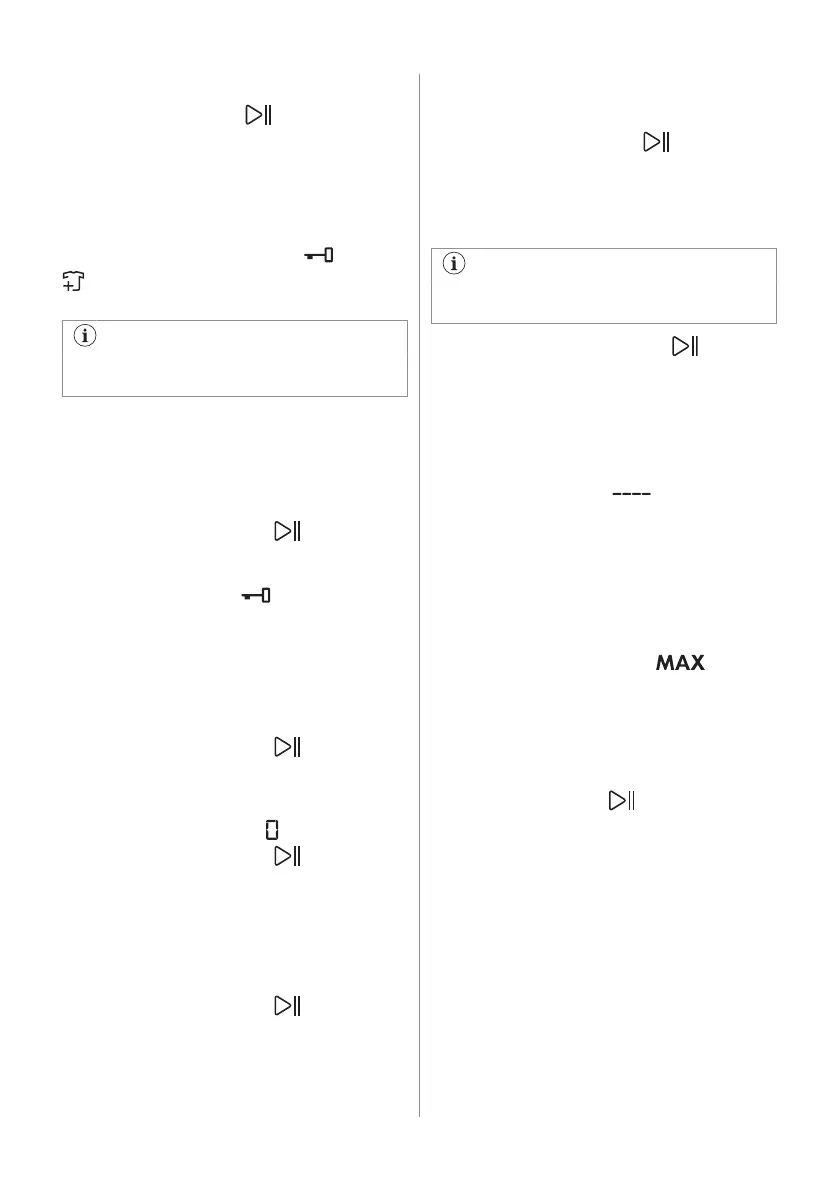
12.6 Starting a programme
Touch the Start / Pause button to start
the programme. It is not possible to start the
programme when the indicator of the button
is off and doesn't flash (e.g. the door is open).
The related indicator stops flashing and stays
on.
The programme starts, the door is locked.
The display shows the indicator and the
indicator appears to indicate that it is still
possible to stop the cycle and add garments.
The drain pump can operate shortly
before the appliance fills water.
12.7 Starting a programme with the
delay start
1. Touch the Delay Start button repeatedly
until the display shows the desired delay
time. The related indicator comes on.
2. Touch the Start / Pause button. The
appliance door locks and starts the
countdown of the delay start. The display
shows the indicator
.
When the countdown is completed, the
programme starts automatically.
Cancelling the delay start after the
countdown has started
To cancel the delay start:
1. Touch the Start / Pause button to
pause the appliance. The related
indicator flashes.
2. Touch the Delay Start button repeatedly
until the display shows .
3. Touch the Start / Pause button again
to start the programme immediately.
Changing the delay start after the
countdown has started
To change the delay start:
1. Touch the Start / Pause button to
pause the appliance. The related
indicator flashes.
2. Touch the Delay Start button repeatedly
until the display shows the desired delay
time.
3. Touch the Start / Pause button again
to start the new countdown.
12.8 The ProSense Technology load
detection
The programme duration in the display is
referred to a medium/high load.
After touching the Start / Pause button,
the maximum declared load indicator goes
off, the ProSense Technology starts the
laundry load detection:
1. The appliance detects the load in the first
30 seconds. In the programmes where
Time Save is available, during this phase
the Time Save bars placed below
the time digits play a simple animation.
The drum rotates shortly.
2. The programme duration could be
adjusted accordingly and could increase
or decrease. After further 30 seconds, the
water filling starts.
At the end of the load detection, in case of
drum overload, the indicator
is
flashing in the display:
In this case, for 30 seconds, it is possible to
pause the appliance and remove the
exceeding garments.
Once removed the exceeding garments,
touch the Start / Pause button to start the
programme again. The ProSense phase can
be repeated up to three times (see point 1).
Important! If the laundry amount will not be
reduced, the washing programme starts
anyway, despite the overload. In this case, it
will be not possible to guarantee the best
washing results.
ENGLISH 39



 To Next Page