149
English
Settings
Set Current Time
Turn the device o.
Press and hold MEM/CLK-ADJ (13), until the display shows the
time format (24H or 12H).
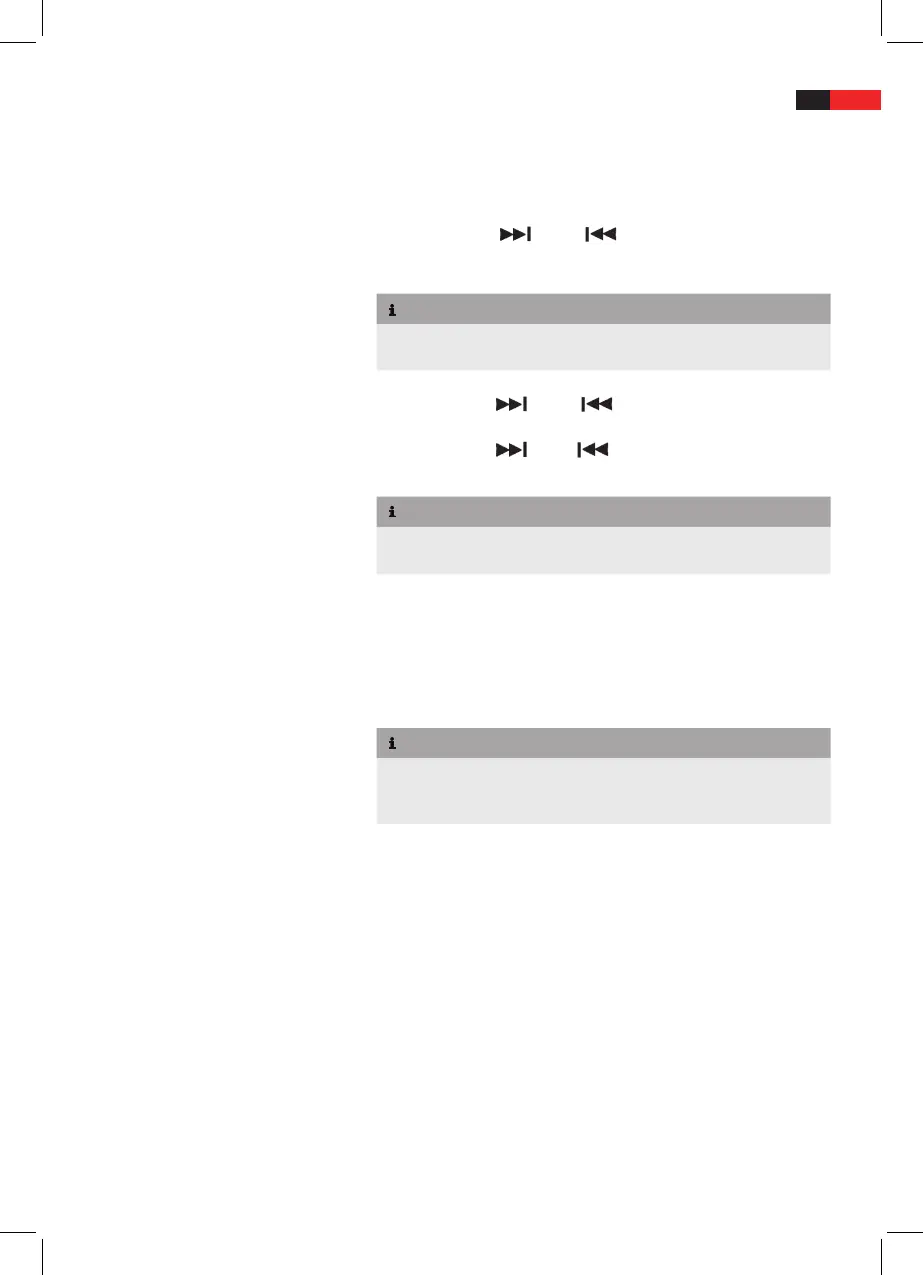
Press
TUNE+/ (15) or /TUNE- (21) to toggle between
24-hour (24H) and 12-hour display format (12H). Press MEM/CLK-
ADJ (13), the hour display ashes.
NOTE
For 12-hour display format the current time is displayed with
► AM
or PM.
Press
TUNE+/ (15) or /TUNE- (21) to set the hours.
Press MEM/CLK-ADJ (13) to conrm; the minute display ashes.
Press
TUNE+/ (15) or /TUNE- (21) to set the minutes.
Press MEM/CLK-ADJ (13) to save the current time.
NOTE
Power failure or disconnecting the device from mains power sup-
►
ply resets the current time to 00:00.
Set Volume
Press
VOL + (10) or VOL - (4) to set the desired volume.
Range: 0 (sound muted) to 30 (max. volume).
Set Alarm
NOTE
If you press no button for 10 seconds during alarm setting, then
►
the alarm is activated with the current settings and the device
returns to the previous mode.
You can set 2 dierent alarm times.
ALARM 1:
■ At the set time the device turns on and starts playback
of the selected source at the selected volume level. If the corre-
sponding source is not inserted or connected the buzzer sounds.
ALARM 2:
■ At the set time the device sounds the buzzer with
volume level 20.


 To Next Page