150
English
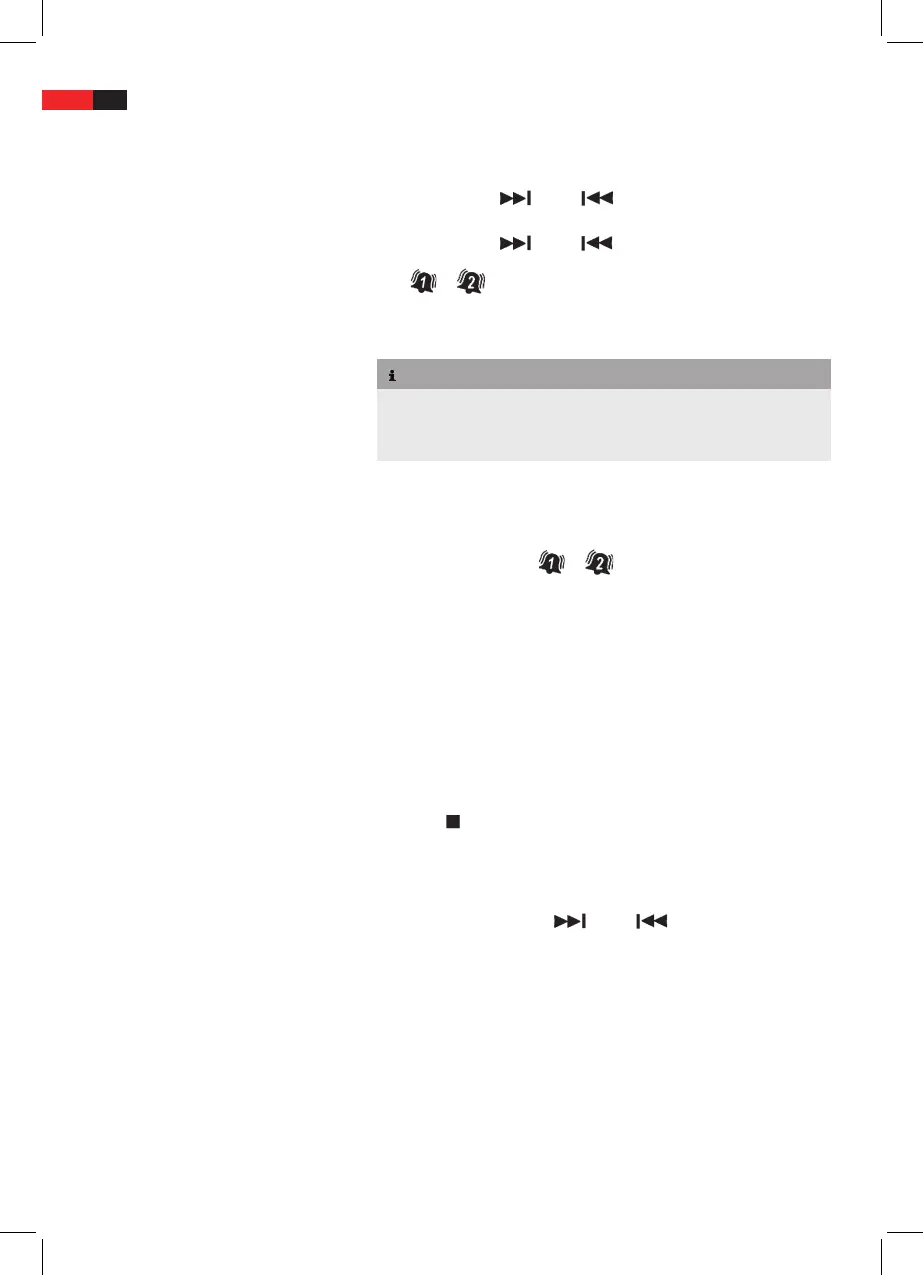
Press ALARM 1 (3) or ALARM 2 (2). The hour display ashes. For
ALARM 1, playback source and volume level are displayed in addi-
tion.
Press
TUNE+/ (15) or /TUNE- (21) to set the hours.
Press ALARM 1 or ALARM 2, the minute display ashes.
Press
TUNE+/ (15) or /TUNE- (21) to set the minutes.
Press ALARM 1 (3) or ALARM 2 (2), the corresponding alarm icon
or is displayed.
Only for ALARM 1:
NOTE
Set playback source and volume level while hour and minute displays
are ashing.
Press
FUNCTION (6) to set the playback source.
Press
VOL + (10) or VOL - (4) to set the volume level.
To deactivate the alarm press ALARM 1 (3) or ALARM 2 (2) again. The
corresponding alarm icon
or turns o.
Select Sound Scenario
Press
PRESET EQ (9) to select EQ presets between FLAT, CLASSIC,
ROCK, POP and JAZZ.
Radio Functions (TUNER)
Set TUNER mode
Repeatedly press
FUNCTION (6), until TUNER is displayed.
Select Frequency Band
Press
/BAND to toggle between FM and AM. The selected fre-
quency band is displayed.
Auto Search
Press and hold
TUNE+/ (15) or /TUNE- (21) to start auto
search. The search is stopped after a station is found.


 To Next Page