153
English
Repeat/Random Playback
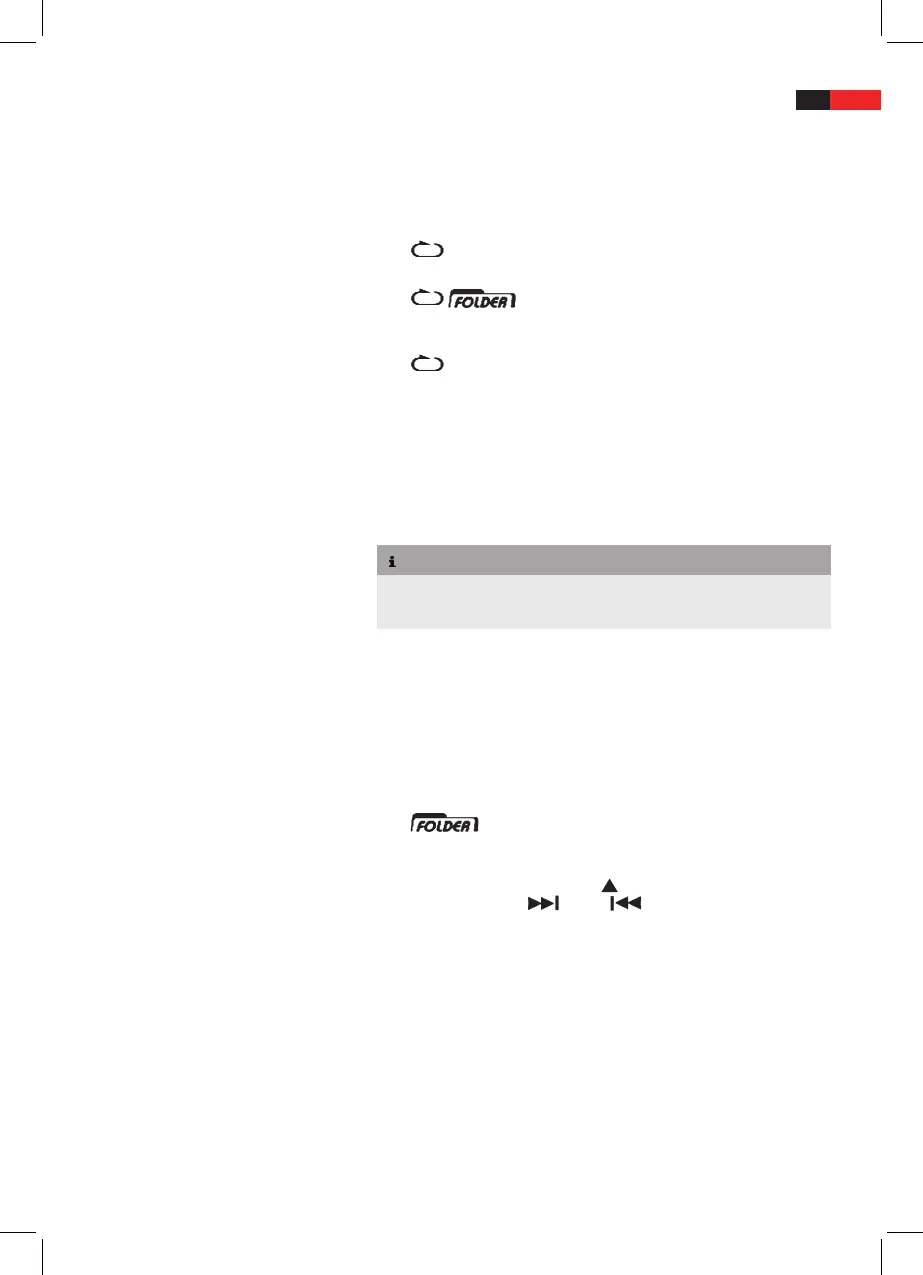
Repeatedly press
PLAY MODE (20) to select the desired playback
mode between the following settings:
No icon on display Normal playback
(icon ashes)
The current track is repeated
continuously
All tracks in the current album
are repeated continuously (MP3/
WMA CDs only)
The entire CD is repeated con-
tinuously
RAN All tracks are played in random
order
For MP3/WMA CDs: Random
playback for all albums
Play List
NOTE
Program the playlist in stop mode only.
►
Program up to 20 tracks in your desired order. ►
Press MEM/CLK-ADJ (13), the display shows the following read-
outs:
MEM Program play list activated
001 (ashes) Current track number in rst
album
001 (ashes) +
is displayed
Album number (MP3/WMA CDs
only)
P01 Location on the play list
Repeatedly press
FOLDER/PRE (14) to select the desired album,
then press TUNE+/
(15) or /TUNE- (21) to select the
track.
Press
MEM/CLK-ADJ (13) to save. The next location on the play list
is displayed.
Repeat these steps until your play list is programmed.


 To Next Page