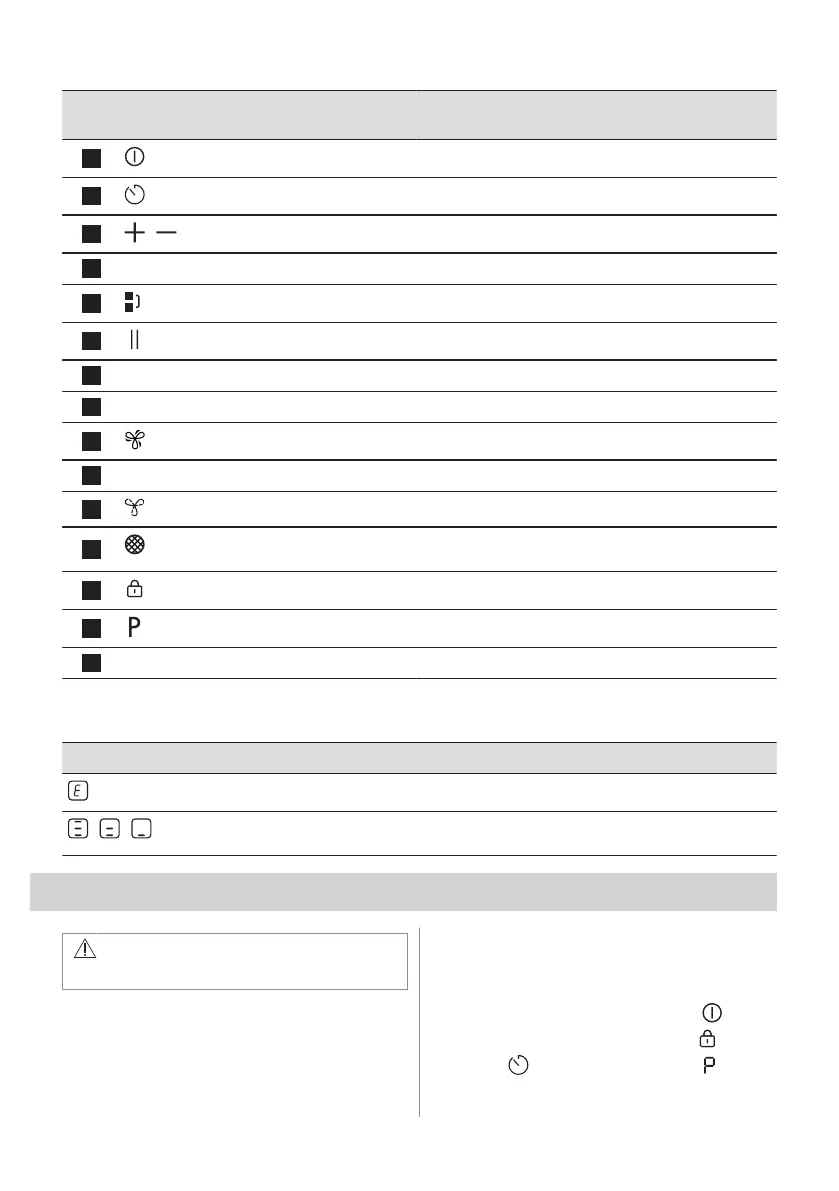
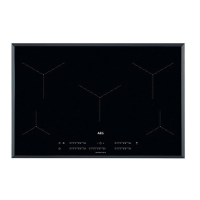
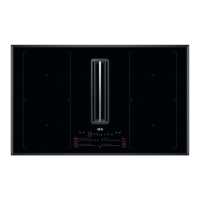
Sensor
field
Function Description
1
On / Off To activate and deactivate the appliance.
2
Timer To set the function.
3
/
- To increase or decrease the time.
4
- Timer display To show the time in minutes.
5
Bridge To activate and deactivate the function.
6
Pause To activate and deactivate the function.
7
- Hood timer display To show the time in minutes.
8
- Hood control bar To set a fan speed.
9
Boost To activate and deactivate the function.
10
AUTO Automatic mode of the hood To activate and deactivate the function.
11
Breeze To activate and deactivate the function.
12
Hood filter indicator To indicate and remind that hood filter needs regenerat‐
ing.
13
Lock / Child Safety Device To lock / unlock the control panel.
14
PowerBoost To activate the function.
15
- Hob control bar To set a heat setting.
4.4 Display indicators
Indicator Description
+ digit
There is a malfunction.
/ /
OptiHeat Control (3 step Residual heat indicator): continue cooking / keep warm / resid‐
ual heat.
5. BEFORE FIRST USE
WARNING!
Refer to Safety chapters.
5.1 Power limitation
Power limitation defines how much power is
used by the hob in total, within the limits of
the house installation fuses.
The hob is set to its highest possible power
level by default.
To decrease or increase the power level:
1. Enter the menu: press and hold for 3
seconds. Then, press and hold
.
2. Press on the front timer until
appears.
ENGLISH 11


 To Next Page