The timer finishes counting down, a signal
sounds and 00 blinks. Press any symbol to
stop the signal and blinking.
To deactivate the function: press
and
. The remaining time counts back to 00.
6.8 Power management
If multiple zones are active and the
consumed power exceeds the limitation of the
power supply, this function divides the
available power between all cooking zones
(connected to the same phase). The hob
controls heat settings to protect the fuses of
the house installation.
• Cooking zones are grouped according to
the location and number of the phases in
the hob. Each phase has a maximum
electricity loading. If the hob reaches the
limit of maximum available power within
one phase, the power of the cooking
zones will be automatically reduced.
• The heat setting of the cooking zone
selected first is always prioritised. The
remaining power will be divided between
the other cooking zones according to the
order of selection.
• For cooking zones that have a reduced
power, the control bar blinks and shows
the maximum possible heat settings.
• Wait until the display stops flashing or
reduce the heat setting of the cooking
zone selected last. The cooking zones will
continue operating with the reduced heat
setting. Change the heat settings of the
cooking zones manually, if necessary.
• The hood extractor is always available as
an electrical load.
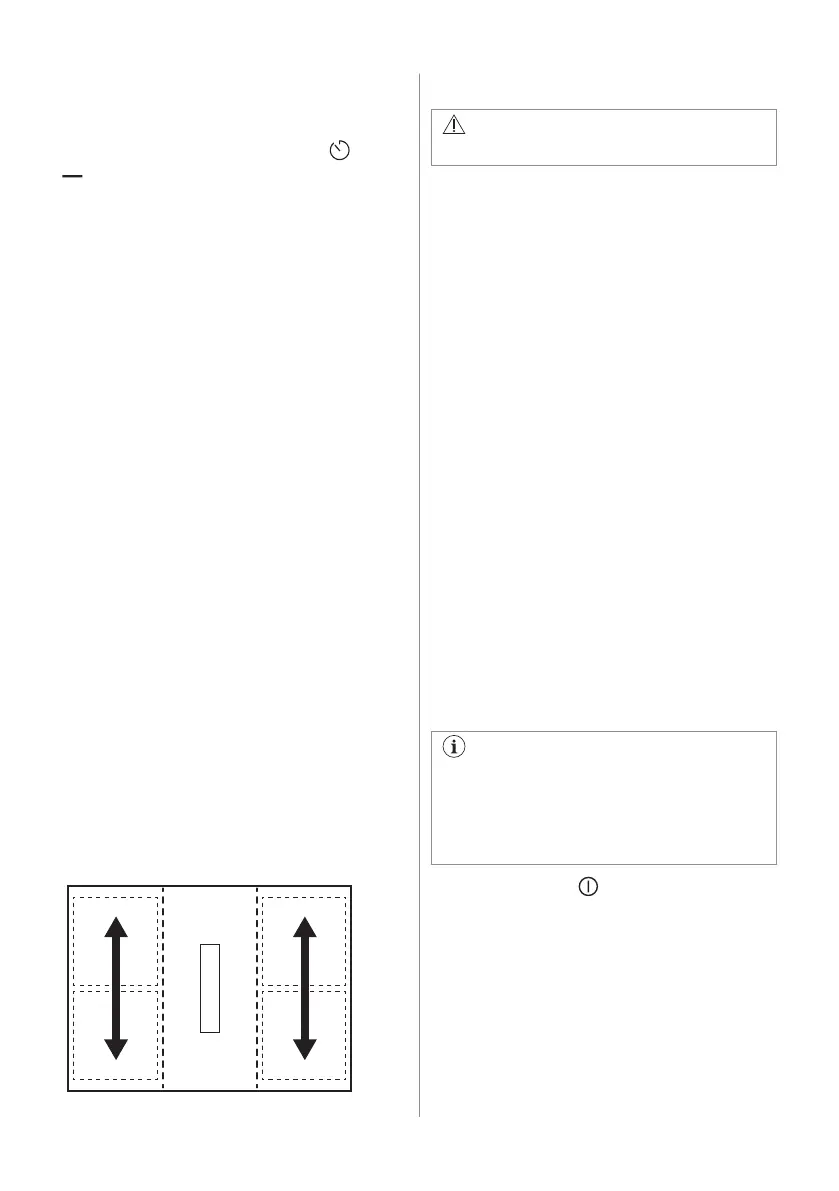
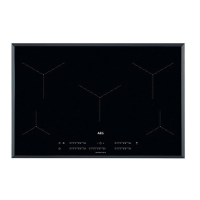
Refer to the illustration for possible
combinations in which power can be
distributed among the cooking zones.
6.9 Hood functions
WARNING!
Refer to Safety chapters.
Activating and deactivating the hood
The hood can operate alongside the hob
during the cooking session, as well as while
the hob is switched off.
1. Press one of the fan speed levels (1-3) on
the hood control bar to activate the hood.
A signal sounds and indicators above the
hood control bar appear.
2. Adjust the fan speed setting as needed
by pressing either of the available levels
on the hood control bar.
3. To deactivate the hood, press 0 on the
hood control bar.
The indicators above the hood control bar
disappear.
AUTO
The function automatically adjusts the fan
speed level based on the selected heat
setting level of the hob.
When you use the hob for the first time, the
function is usually activated by default.
You can activate the function while the hob is
on and none of the cooking zones are active,
or at any point during the cooking session.
If you activate the function while the hob
is off, none of the cooking zones operate
and there is no residual heat visible on
the control panel, the function will switch
off by itself after a few seconds.
1. Press and hold to activate the hob.
2. Press AUTO to activate the function.
A signal sounds and an indicator above the
symbol appears.
3. Place cookware on the hob and select a
heat setting level. Increase or decrease
the heat setting level as needed.
The hood will react to the heat setting level,
increasing or decreasing the fan speed level
accordingly. The indicators above the hood
control bar appear.
14 ENGLISH


 To Next Page