Sensor
Field
Function Description
11
MINUTE MINDER To set the Minute Minder.
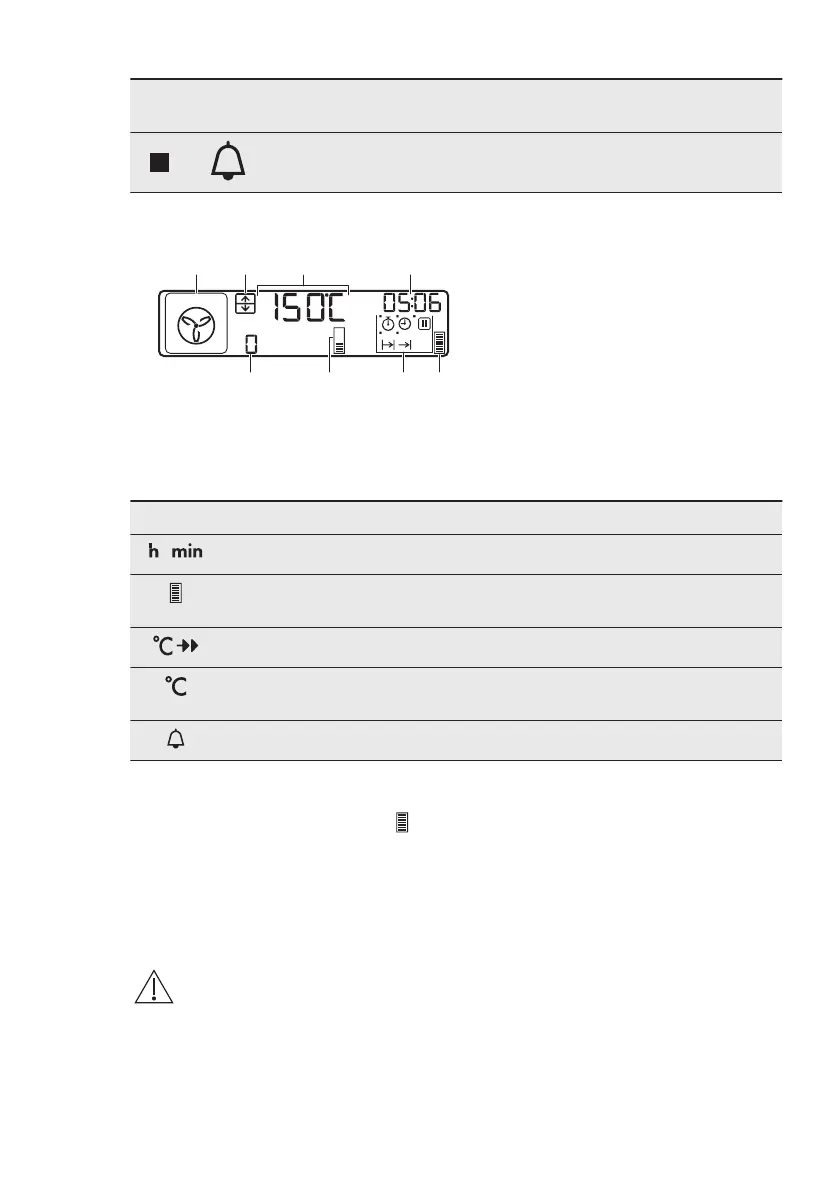
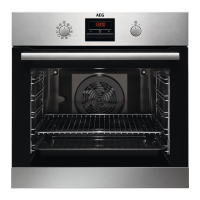
4.2 Display
A. Oven function symbol
B. Top / Main oven indicator
C. Temperature / time of day display
D. Clock / Residual heat display /
Minute Minder
E. Residual heat indicator
F. Indicators for the clock functions
G. Heat-up indicator / Fast Heat Up
indicator
H. Number of the oven function /
programme
Other indicators of the display:
Symbol Name Description
/
h / min A clock function operates.
Heat-up / residual heat indica‐
tor
Shows the temperature level in the appli‐
ance.
Temperature / fast heat up The function operates.
Temperature You can examine or change the tempera‐
ture.
Minute minder The minute minder function operates.
4.3 Heat up indicator
If you turn on the heating function,
appears. The bars show that the
temperature in the oven increases or
decreases.
When the oven is at the set temperature,
the bars go off the display.
5. BEFORE FIRST USE
WARNING!
Refer to Safety chapters.
5.1 Initial Cleaning
Remove all accessories and removable
shelf supports from the oven.
Refer to "Care and cleaning" chapter.
Clean the oven and the accessories
before the first use.
Put the accessories and the removable
shelf supports back to their initial
position.
ENGLISH 9









 To Next Page