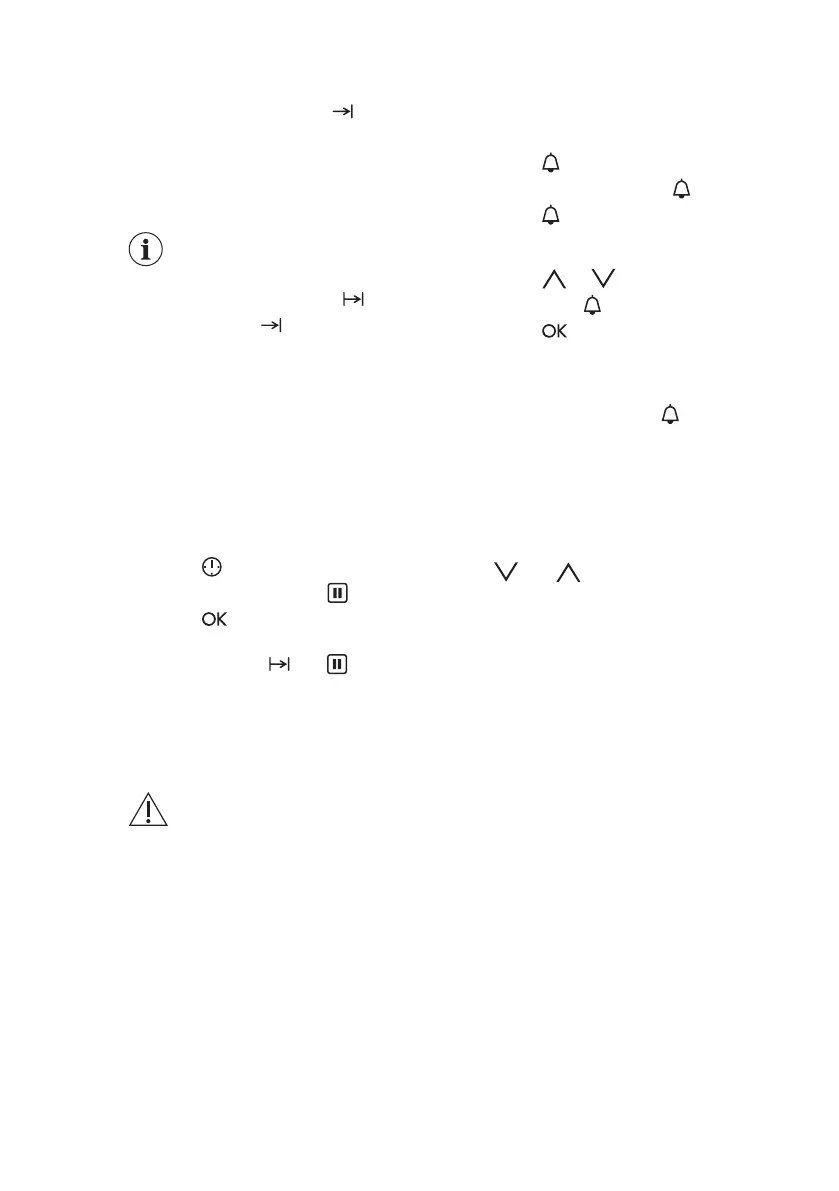
the set End Time. When the set time
ends, the signal sounds for 2 minutes.
The display shows flashing and the
time setting . The oven turns off
automatically.
8. Press a sensor field to stop the
signal.
9. Turn off the oven.
When the Time Delay
function is turned on, the
display shows a symbol of
the heating function, with
a dot and . The dot shows
which clock function is on in
the Clock / residual heat
display.
7.6 How to set: Set + Go
You can use the Set + Go function only
when the Duration is set.
1. Set a heating function and
temperature.
2. Set the Duration.
3. Press again and again until the
display shows flashing .
4. Press
to set the Set + Go
function.
The display shows and with an
indicator. This indicator shows which
clock function is activated.
5. Press a sensor field (apart from ON /
OFF) to start the Set + Go function.
7.7 How to set: Minute Minder
1. Press .
The display shows flashing
and "00".
2. Press to switch between options.
First you set the seconds, then the
minutes and the hours.
3. Press or to set the Minute
Minder and to confirm.
4. Press
or the Minute Minder starts
automatically after 5 seconds.
When the set time ends, the signal
sounds for 2 minutes and the display
shows flashing 00:00 and
.
5. Press a sensor field to stop the
signal.
7.8 How to set: Count Up
Timer
1. To reset the Count Up Timer press:
and at the same time .
2. When the display shows "00:00" the
Count Up Timer starts to count up
again.
8. USING THE ACCESSORIES
WARNING!
Refer to Safety chapters.
8.1 Inserting accessories
A small indentation at the top increases
safety. The indentations are also anti-tip
devices. The high rim around the shelf
prevents cookware from slipping of the
shelf.
www.aeg.com14









 To Next Page