9.3 Turning on the appliance
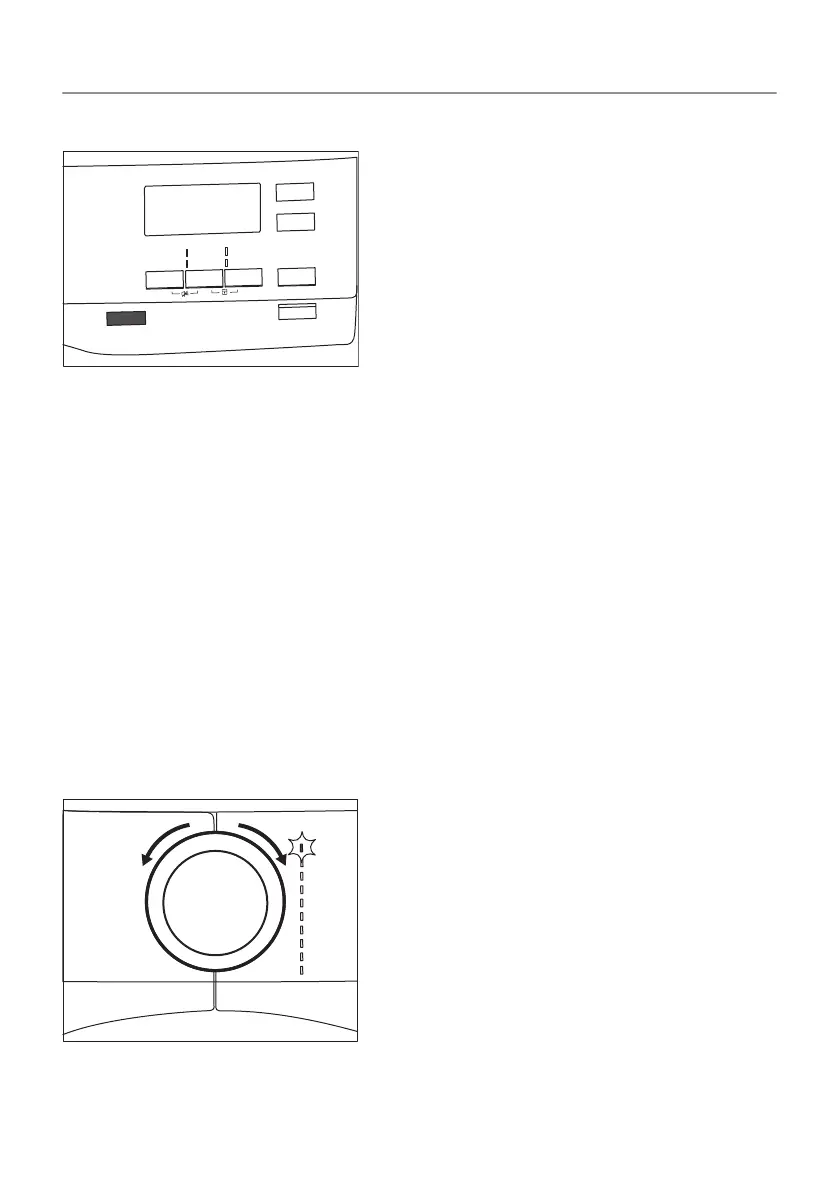
To turn on the appliance:
Push the On/Off button.
If the appliance is on, some indicators appear on the display.
9.4 Auto Off function
To decrease the energy consumption, the Auto Off function turns
the appliance off automatically:
• if the Start/Pause touch button is not touched within 5 minutes.
• 5 minutes after a cycle ends.
Push the On/Off button to turn on the appliance.
If the appliance is on, some indications appear on the display.
9.5 Setting a programme
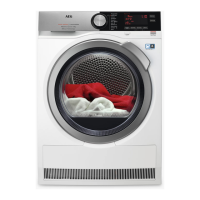
Use the programme dial to set the programme.
The approximate programme duration appears on the display.
34/64
DAILY USE


 To Next Page