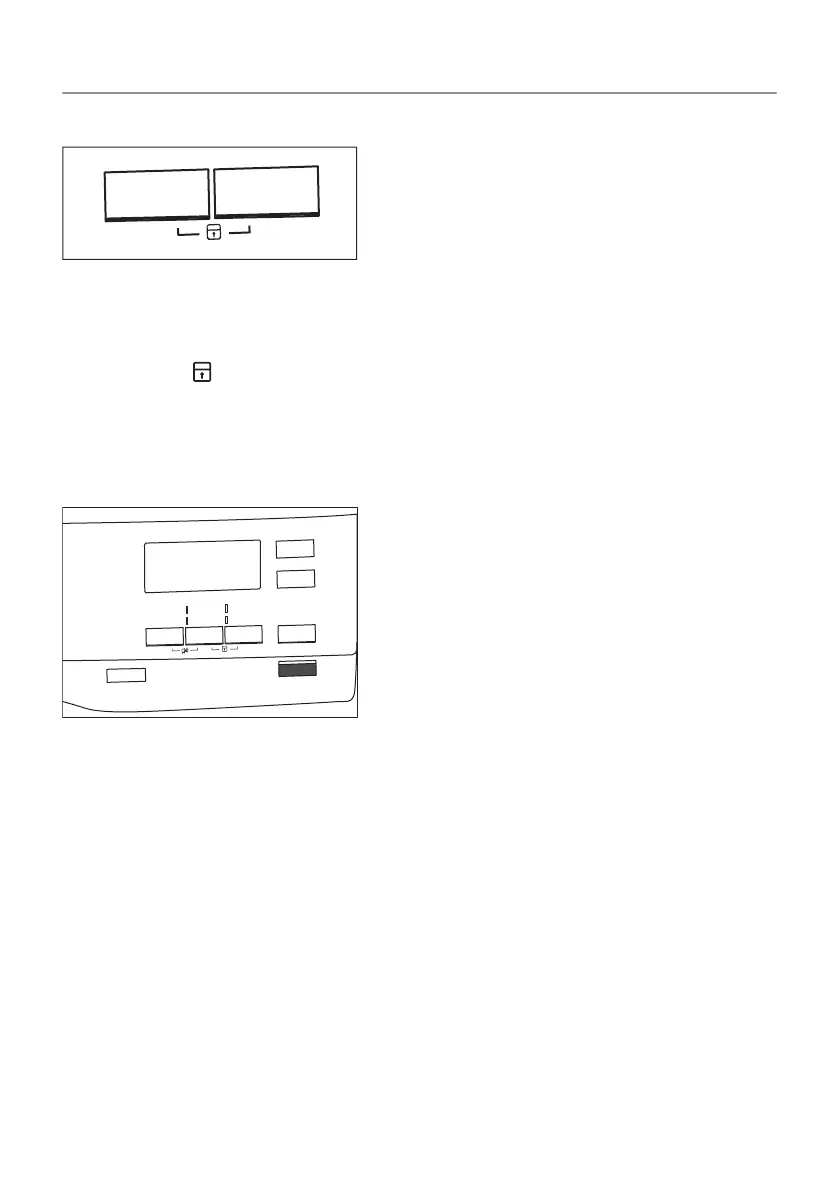
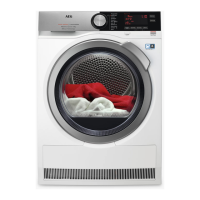
Child lock option activation:
1. Turn the dryer on.
2. Select 1 of the available programs.
3. Touch and hold down 2 buttons at the same time.
The symbol appears on the display.
4. To deactivate the child lock, touch the above buttons again until
the symbol disappears.
9.8 Starting a program
To start the program:
Touch the Start/Pause button.
The appliance starts and the LED above the button stops flashing
and stays on.
9.9 Program change
To change a program:
1. Push the On/Off button to turn the appliance off.
2. Push the On/Off button again to turn on the appliance.
3. Set a new program.
36/64
DAILY USE


 To Next Page