47
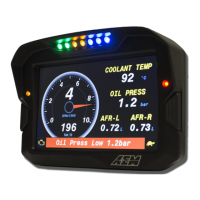
Alarm Page
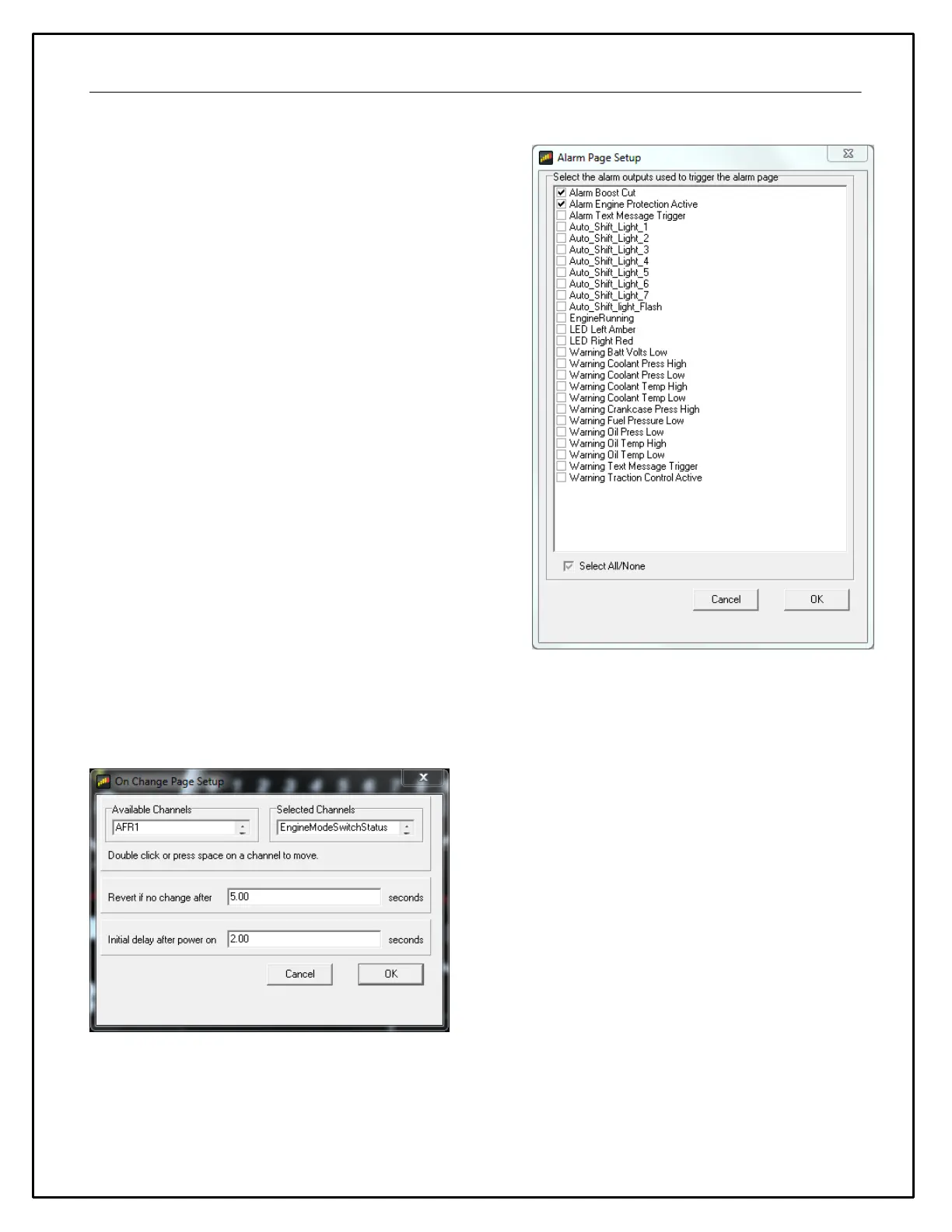
AEM setups will come pre-configured with many optional
Alarm outputs. Choose the ones you want to trigger the Alarm
Page.
On Change Page
The On Change Page allows you to setup a custom page that will be displayed when any changes are detected on
selected channels. The list of available channels will be displayed at the left. Double click or press the space bar to
move them to the right Selected Channels list.
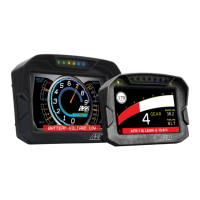
The example below shows one version of an AEM supplied On Change Page. Different operating modes and/or
multi-map selections can be displayed using this page. Other useful items are boost target and traction controls set
points.


 To Next Page