29-1-2019 TriSensor user guide. : Aeotec
https://aeotec.freshdesk.com/support/solutions/articles/6000195459-trisensor-user-guide- 6/18
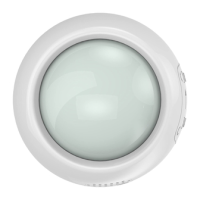
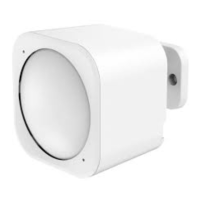
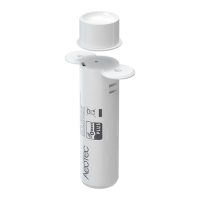
To install your TriSensor with the Back-Mount Plate;
1. You can affix the Back-Mount Arm by Double-Sided Tape or using the provided KA2.5×20 mm screws.
Tips: We suggest you choose the second method (using screws to affix the Back-Mount Arm) which would be more
stable.
2. After you have completed the affixing of Back-Mount Arm, you will need to lock TriSensor to the Back-Mount Arm by
screwing TriSensor in.
3. The Back-Mount Arm may be locked at various angles by turning the Friction Lock clockwise and counter-clockwise
to respectively tighten or loosen the angle of the arm. You can rotate the Friction Lock to change the measurement area
of sensor.






 To Next Page