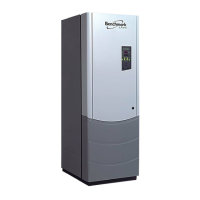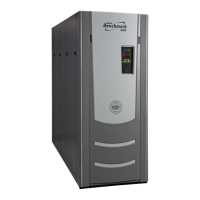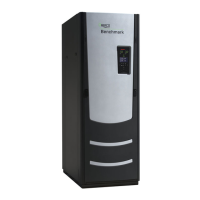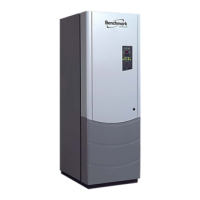
EasyManua.ls Logo

Aerco BMK 2500 - User Manual

Aerco BMK 2500
204 pages
Print Icon
To Next Page IconTo Next Page
Loading...
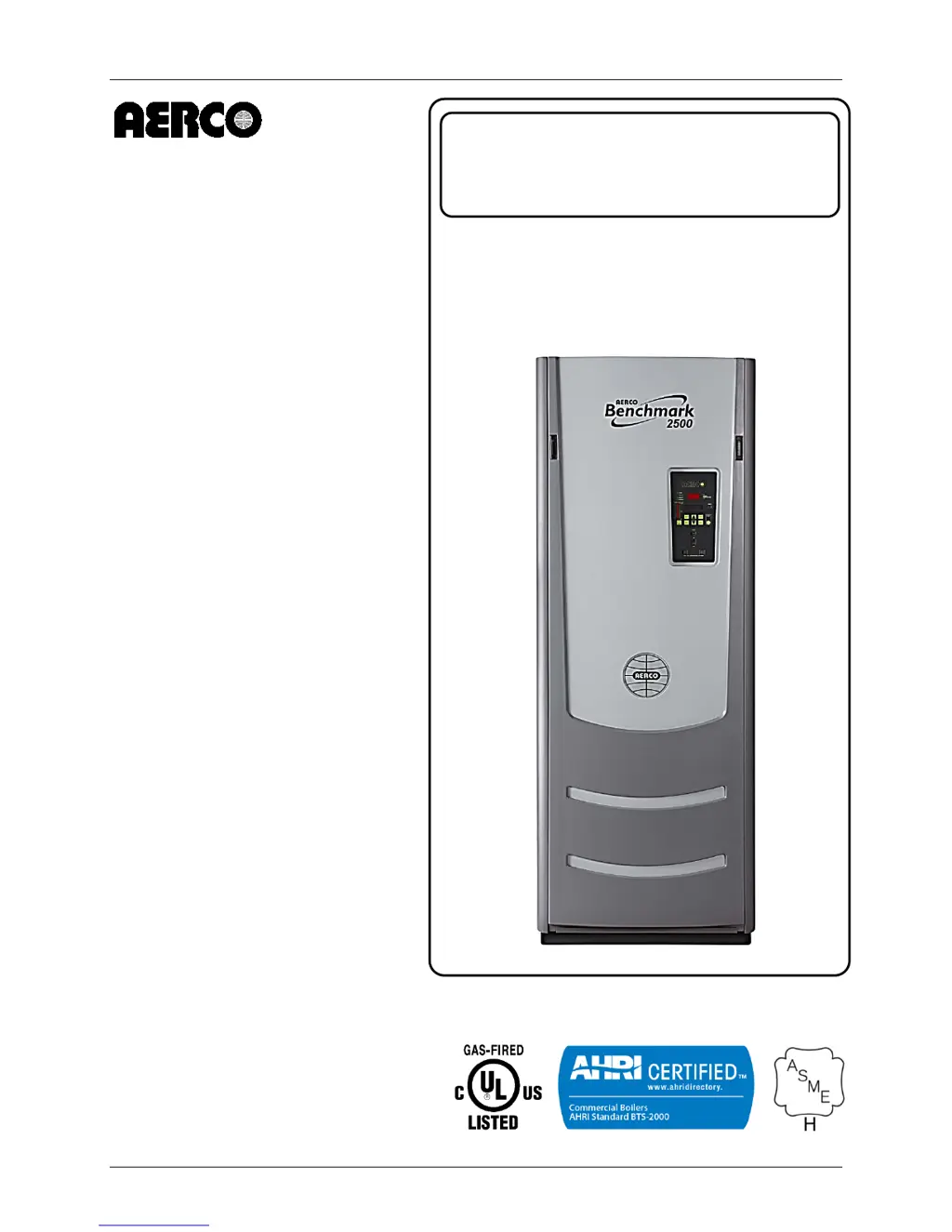
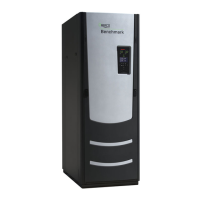
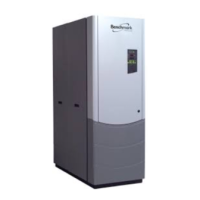
Benchmark 2500 - 3000 Boilers
Installation, Operation & Maintenance Manual (IOMM)
OMM-0094_0E AERCO International, Inc. 100 Oritani Dr. Blauvelt, NY 10913 Page 1 of 204
GF-137 Ph.: 800-526-0288 03/20/2014
USER MANUAL
Installation, Operation and Maintenance
BENCHMARK
2500 / 3000
Gas-Fired Boilers
Natural Gas Modulating
& Condensing Hot Water
Boiler Models:
BMK 2500
BMK 3000
Applicable to Serial Numbers:
G-14-0304 and Above
Latest Update: 03/20/2014

Table of Contents

Questions and Answers

  • E
    Erin VegaSep 8, 2025
    What to do if Aerco BMK 2500 shows Residual Flame?
    • B
      Brenda FoleySep 8, 2025
      Replace Flame Detector. Check open/close indicator window of Safety Shut-Off Valve (SSOV) and ensure that the SSOV is fully closed. If not fully closed, replace the valve and or actuator. Close the 2” Gas Shut-Off Valve downstream of SSOV (Figure 2-7). Install a manometer or gauge at the leak detection port between the SSOV and Gas Shut Off Valve. If a gas pressure reading is observed replace the SSOV Valve and/or Actuator.
  • D
    Darlene RamirezAug 25, 2025
    What to do if Aerco BMK 2500 displays Flame Loss During Ignition?
    • S
      Samuel WilliamsonAug 25, 2025
      If your Aerco Boiler is showing a 'FLAME LOSS DURING IGN' error, remove and inspect the flame detector for signs of wear and replace if necessary. Close the internal gas valve in the unit and install and arc a spark igniter outside the unit. If there is no spark, check for 120VAC at the primary side to the ignition transformer during the ignition cycle.
  • U
    ukingAug 25, 2025
    What does Delayed Interlock Open mean on Aerco Boiler?
    • S
      Shane GillAug 26, 2025
      If your Aerco Boiler displays a 'DELAYED INTERLOCK OPEN' error, check to ensure the jumper is properly installed across the delayed interlock terminals in the I/O Box. If there are two external wires on these terminals, check to see if an end switch for a proving device is tied to these interlocks. Ensure that the device and/or its end switch is functional. A jumper may be temporarily installed to test the interlock.
  • B
    Brian WagnerSep 18, 2025
    How to troubleshoot low gas pressure on Aerco BMK 2500?
    • B
      Brandy GarciaSep 18, 2025
      If your Aerco Boiler displays a low gas pressure error, measure the gas pressure upstream of the SSOV Actuator(s) with the unit firing. Also, measure gas pressure at the Low Gas Pressure switch and measure continuity across the switch.
  • F
    Frederick WilsonSep 13, 2025
    What to do if Aerco BMK 2500 Boiler shows PRG SWTCH CLOSED DURING IGNITION?
    • C
      Chelsea HunterSep 13, 2025
      If your Aerco Boiler is showing a PRG SWTCH CLOSED DURING IGNITION error, the air/fuel valve may have rotated open to purge but did not rotate to the ignition position. Check the air/fuel valve calibration. If calibration is okay, the problem may be in the air/fuel valve or the control box. If the air/fuel valve does rotate to the ignition position, check the purge switch for continuity between the N.O. and COM terminals. Also, check DS1 & DS2 LEDs on the Power Supply Board and the “Heartbeat” LED DS1 on the IGST Board.
  • R
    Robert ClarkSep 4, 2025
    How do I troubleshoot a Remote Setpt Signal Fault on my Aerco BMK 2500 Boiler?
    • T
      Tiffany GeorgeSep 4, 2025
      If your Aerco Boiler is displaying a 'REMOTE SETPT SIGNAL FAULT', check the I/O Box to ensure the signal is hooked up. If not installed, hook it up. If installed, check the polarity. Measure the signal level and check the continuity of wiring between the source and the unit. If it is a 4 to 20 mA signal, check the signal at the source to ensure it is isolated. Check the DIP switch on the PMC board to ensure it is set correctly for the type of signal being sent. Check the control signal type set in the Configuration Menu.
  • M
    Miguel UnderwoodSep 4, 2025
    How to resolve Line Voltage Out of Phase error on Aerco Boiler?
    • A
      andreadanielSep 4, 2025
      If your Aerco Boiler is showing a 'LINE VOLTAGE OUT OF PHASE' error, check the hot and neutral wires in the AC Power Box to ensure they are not reversed. Also, check the transformer wiring in the AC Power Box against the power box transformer wiring diagram to ensure it is wired correctly.
  • S
    steven79Sep 23, 2025
    What causes residual flame in Aerco BMK 2500?
    • V
      Vanessa AndradeSep 23, 2025
      If your Aerco Boiler shows a residual flame, replace the flame detector. Check the open/close indicator window of the safety shut-off valve and ensure that the SSOV is fully closed. Close the 2” Gas Shut-Off Valve downstream of SSOV. Install a manometer or gauge at the leak detection port between the SSOV and Gas Shut Off Valve. If a gas pressure reading is observed replace the SSOV Valve and/or Actuator.
  • A
    Adam MackAug 29, 2025
    What causes High Water Temp Switch Open error in Aerco Boiler?
    • P
      phamheatherAug 29, 2025
      If your Aerco Boiler displays a 'HIGH WATER TEMP SWITCH OPEN' error, test the water temperature switch to ensure it trips at its actual water temperature setting. Check the PID settings against the default settings and reset them if necessary, after recording the current readings. Measure the resistance of the shell sensor and BTU sensor at a known water temperature using the resistance charts. If the unit is in Manual Mode, switch to Auto Mode. Ensure that the temperature switch setpoint is higher than the unit’s setpoint. If the system is a variable flow system, monitor system flow changes to ensure that the rate of flow change is not faster than what the units can respond to.
  • N
    Nathan SchneiderAug 30, 2025
    How do I troubleshoot an SSOV Switch Open error on my Aerco BMK 2500?
    • V
      Victor JimenezAug 30, 2025
      If your Aerco Boiler is showing a 'SSOV SWITCH OPEN' error, observe the Safety Shut-Off Valve (SSOV) through the indicator on the valve actuator to ensure that the valve is fully closing, not partially. If the SSOV never closes, it may be continuously powered; in this case, close the gas supply and remove power from the unit, then refer the fault to qualified service personnel. Remove the electrical cover from the SSOV and check switch continuity; if the switch does not show continuity with the gas valve closed, adjust or replace the switch or actuator. Finally, ensure that the SSOV Proof of Closure switch is correctly wired.

Summary

Chapter 1: Safety Precautions

Warnings and Cautions

General warnings and cautions for safe operation and installation of the boiler.

Emergency Shutdown

Procedure to shut down the boiler in case of overheating or gas supply failure.

Chapter 2: Installation

Site Preparation

Requirements for the installation site, including power and gas connections.

Gas Supply Piping

Requirements and procedures for installing natural gas supply piping.

AC Electrical Power Wiring

Instructions for connecting AC power wiring to the unit.

Chapter 3: Operation

Control Panel Menus

Description of the menu structure for setting up and configuring the unit.

Setup Menu

Permits entry of password, date, time, and temperature units.

Configuration Menu

Allows adjustment of internal setpoint and other configuration settings.

Combustion Cal Menu

Menu for varying blower speed to optimize combustion efficiency.

Start Sequence

Sequence of events from unit startup to flame proven.

Chapter 4: Initial Start-Up

Initial Start-Up Requirements

Prerequisites for initial unit start-up, including installation and testing.

Tools and Instrumentation for Combustion Calibration

Necessary tools and instrumentation for performing combustion calibration.

Required Tools & Instrumentation

List of essential tools and instruments for combustion calibration.

Natural Gas Combustion Calibration

Procedure for calibrating the boiler's combustion for natural gas.

Over-Temperature Limit Switches

Description of the three types of over-temperature limit switches.

Chapter 5: Mode of Operation

Indoor;Outdoor Reset Mode

Mode based on outside air temperatures to adjust supply header temperature.

Constant Setpoint Mode

Mode used for fixed header temperature applications.

Remote Setpoint Modes

Controlling the unit's setpoint remotely via EMS or BAS.

Direct Drive Modes

Changing air/fuel valve position via a remote signal from EMS or BAS.

Chapter 6: Safety Device Testing

Testing of Safety Devices

Ensuring control system and safety devices operate properly through periodic tests.

Low Gas Pressure Fault Test

Procedure to simulate and test the low gas pressure fault.

High Gas Pressure Test

Procedure to simulate and test the high gas pressure fault.

Low Water Level Fault Test

Procedure to simulate and test the low water level fault condition.

Water Temperature Fault Test

Procedure to simulate and test the high water temperature fault.

Interlock Tests

Tests for Remote and Delayed Interlock circuits.

Flame Fault Tests

Procedure to simulate flame faults during ignition or operation.

Air Flow Fault Tests

Tests for Blower Proof Switch and Blocked Inlet Switch operation.

Blower Proof Switch Test

Procedure to test the blower proof switch functionality.

Blocked Inlet Switch Test

Procedure to test the blocked inlet switch functionality.

SSOV Proof of Closure Switch

Checking the proof of closure switch circuit for the SSOV.

Purge Switch Open During Purge

Testing the purge switch when it opens during the purge cycle.

Ignition Switch Open During Ignition

Testing the ignition switch when it opens during ignition.

Chapter 7: Maintenance

Maintenance Schedule

Routine maintenance procedures and schedules for optimal boiler performance.

Safety Device Testing

Performing systematic tests of operating and safety devices.

Burner Assembly Inspection

Procedures for inspecting and maintaining the burner assembly.

Chapter 8: Troubleshooting Guide

Introduction

Guide for isolating causes of faults in Benchmark boilers.

Chapter 9: RS-232 Communication

Chapter 10: Boiler Sequencing Technology

BST Implementation Instruction

Detailed instructions for implementing various BST options.

Appendix A: Boiler Menu Item Descriptions

Appendix B: Startup, Status & Display Messages

Table B-2: Fault Messages

List and description of fault messages that may be displayed.

Appendix D: Boiler Default Settings

Appendix E: Recommended Periodic Testing

Appendix F: Indoor;Outdoor Reset Ratio Charts

Appendix J: C-More Wiring Diagrams

Aerco BMK 2500 Specifications

General IconGeneral
BrandAerco
ModelBMK 2500
CategoryBoiler
LanguageEnglish

Related product manuals