Note: Because of the preset default settings it may not be necessary for most users to
perform any further basic settings changes - except for Relative Air Pressure (see below).
Changes, however, can be easily made as below.
Pressure
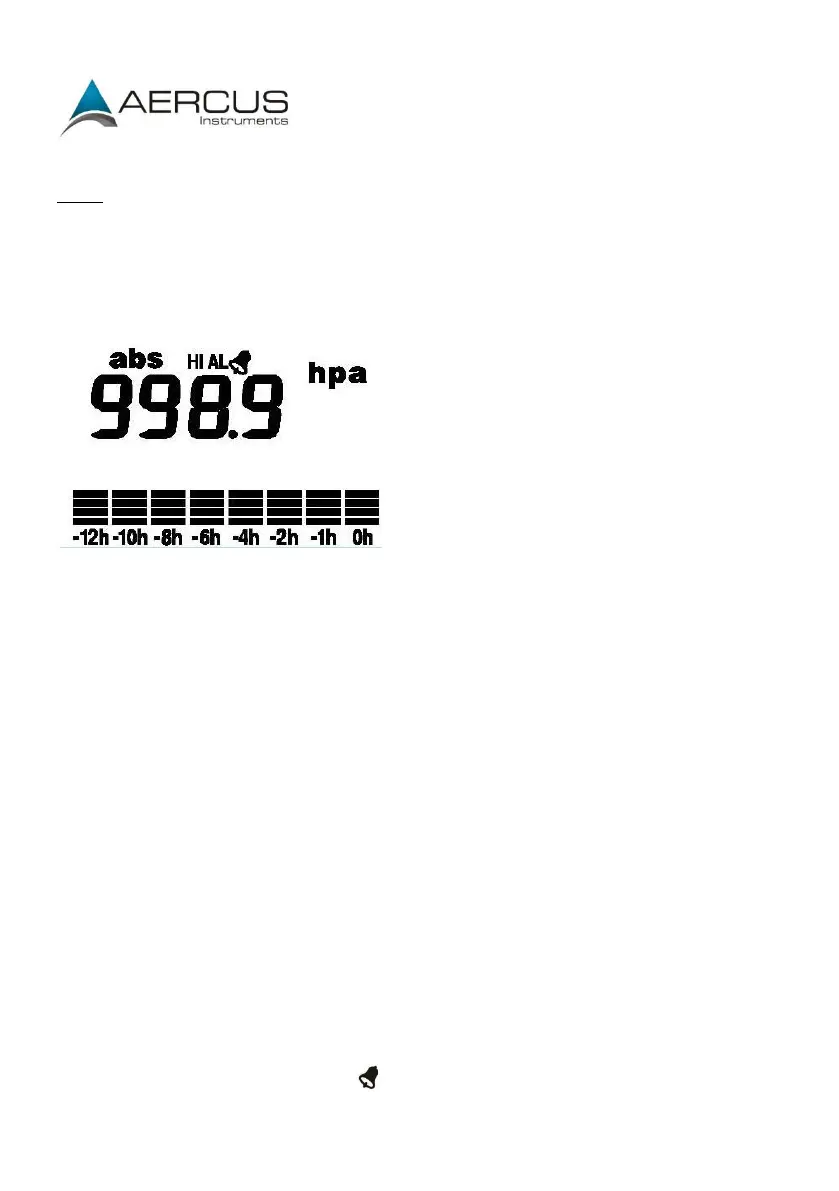
Press the MENU key three times to select the PRESSURE HISTORY section, the PRESSURE
HISTORY section digits will start flashing. Press the UP or DOWN key to select the bar
graph time scale (either 12 hrs or 24 hrs).
Press the MENU key a fourth time to select the PRESSURE section, the PRESSURE section
digits will start flashing. Press the UP or DOWN key to change between Relative and
Absolute air pressure.
Press the ENTER key to select the following modes, then press the UP or DOWN key to
set the value:
Pressure units of measurement - hPa, mmHg or inHg (default hPa).
Relative pressure value - if you are significantly above sea level you will need
to calibrate the air pressure reading to allow for your altitude. To do so make
sure you have selected Relative as above and change the pressure reading to
match with a local benchmark such as the local air pressure provided for your
area on your local meteorological service websites. To change the value for
Relative pressure, press ENTER a second time so that just the pressure value is
flashing and then use the up and down arrows to adjust the values. If
Absolute pressure is selected, skip this step.
Pressure high alarm (press ON/OFF to enable/disable). If the alarm is
enabled, an alarm symbol appears in the display.
Pressure low alarm (press ON/OFF to enable/disable). If the alarm is enabled,


 To Next Page