Country Time Zone
setting
Country Time Zone
setting
New Zealand +11 Atlantic time (N. America) -4
Australia (NSW) +9 Eastern time (N. America) -5
Australia (WA) +7 Central time (N. America) -6
South Africa +1 Mountain time (N.
America)
-7
Eastern Europe +1 Pacific time (N. America) -8
Western/Central Europe 0 Alaska time (N. America) -9
United Kingdom/GMT -1 Hawaii time (N. America) -10
Date
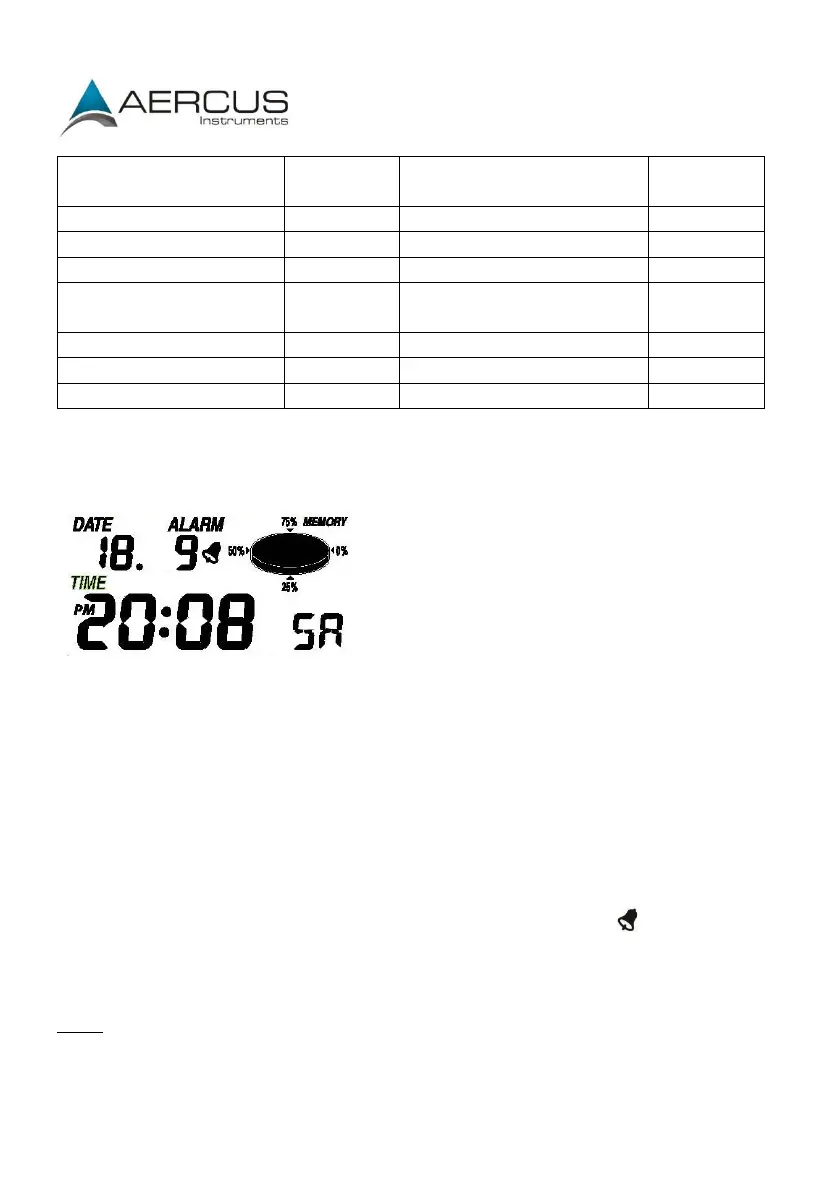
Press the MENU key twice to select the DATE section, the DATE section digits will start
flashing. Press the ENTER key
to shift the display between the following parameters and press
the UP or DOWN key to change the value:
Date Format
Year
Month
Day
Time Alarm
After editing the Time Alarm, it can be enabled or disabled by pressing ON/OFF while
the hour or minute of the Time Alarm is flashing. An alarm symbol appears in the
Time display section indicating the alarm function has been enabled. Note: Press any
key to mute the alarm.
Note: Alarms can also be set for most of the weather variables (see below for
instructions on setting). When a set weather alarm condition has been triggered that
alarm will sound for 120 seconds. The corresponding value, ‘HI AL” or “LO AL” and the
alarm symbol will flash until the weather condition no longer meets the user’s set level.
When the alarm is sounding press any key to mute the alarm.


 To Next Page