77
SERIAL NUMBER (EPIC)
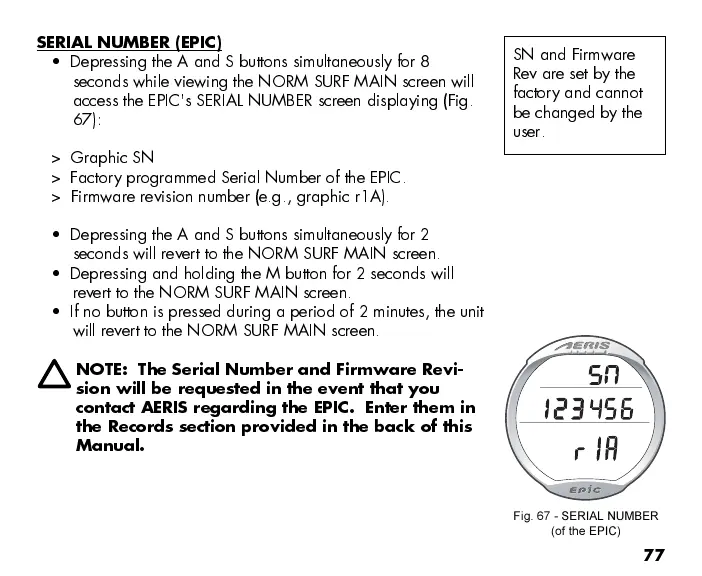
Depressing the A and S buttons simultaneously for 8
seconds while viewing the NORM SURF MAIN screen will
access the EPIC's SERIAL NUMBER screen displaying (Fig.
67):
> Graphic SN
> Factory programmed Serial Number of the EPIC.
> Firmware revision number (e.g., graphic r1A).
Depressing the A and S buttons simultaneously for 2
seconds will revert to the NORM SURF MAIN screen.
Depressing and holding the M button for 2 seconds will
revert to the NORM SURF MAIN screen.
If no button is pressed during a period of 2 minutes, the unit
will revert to the NORM SURF MAIN screen.
NOTE: The Serial Number and Firmware Revi-
sion will be requested in the event that you
contact AERIS regarding the EPIC. Enter them in
the Records section provided in the back of this
Manual.
Fig. 67 - SERIAL NUMBER
(of the EPIC)
SN and Firmware
Rev are set by the
factory and cannot
be changed by the
user.



 To Next Page