89
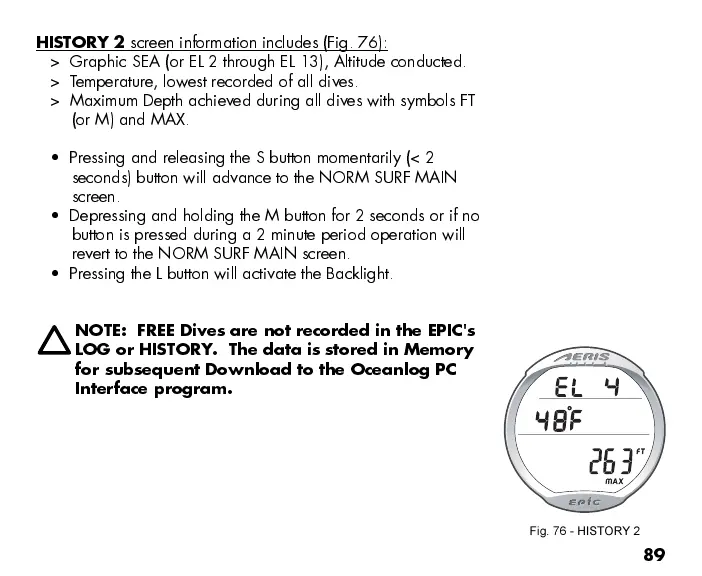
HISTORY 2
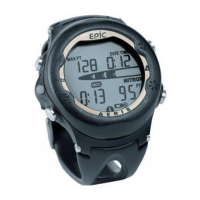
screen information includes (Fig. 76):
> Graphic SEA (or EL 2 through EL 13), Altitude conducted.
> Temperature, lowest recorded of all dives.
> Maximum Depth achieved during all dives with symbols FT
(or M) and MAX.
Pressing and releasing the S button momentarily (< 2
seconds) button will advance to the NORM SURF MAIN
screen.
Depressing and holding the M button for 2 seconds or if no
button is pressed during a 2 minute period operation will
revert to the NORM SURF MAIN screen.
Pressing the L button will activate the Backlight.
NOTE: FREE Dives are not recorded in the EPIC's
LOG or HISTORY. The data is stored in Memory
for subsequent Download to the Oceanlog PC
Interface program.
Fig. 76 - HISTORY 2


 To Next Page